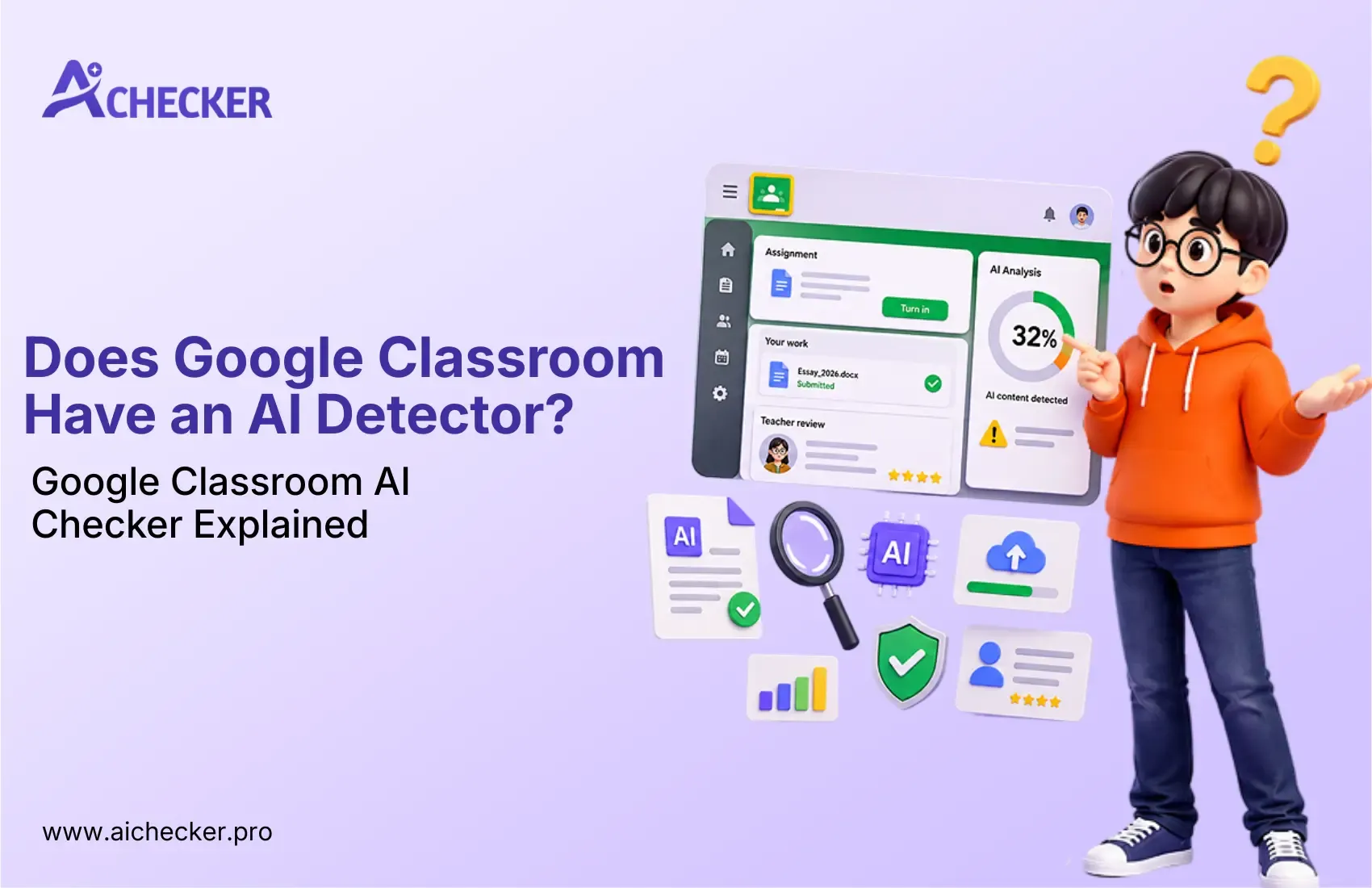
Does Google Classroom Have an AI Detector? Google Classroom AI Checker Explained
TABLE OF CONTENTS
Does Google Classroom Have a Built-In AI Detector?
What Does Google Classroom Actually Check?
Why Is There No Google Classroom AI Checker Yet?
Third-Party Google Classroom AI Detectors: What Teachers Are Using
How Reliable Are AI Detectors for Student Work?
What Should Teachers Do Instead of Relying on a Google Classroom AI Checker?
Should Teachers Ban AI Completely?
Best Practice: Use AI Detection as One Signal
Conclusion
Get an AI summary of this post on:


Weekly, teachers have the same question on their minds: "Was this assignment written by my student, or was it generated by an AI tool?"
Millions of students and educators use Google Classroom around the world for assignments, grading, and classroom communication. However, when it comes to detecting AI-generated writing, Google Classroom does not offer a built-in AI checker. That is why many teachers look for external tools like AI Checker Pro to review student submissions and identify possible AI-written content.
In this article, we will explain whether Google Classroom has an AI detector, what its Originality Reports actually check, and how teachers can use smarter assignment design to handle AI misuse more effectively.
Does Google Classroom Have a Built-In AI Detector?
No. Google Classroom does not have a built-in AI detector as of 2024.
Google Classroom is more or less just that, a classroom in which the main purpose of the program is to enable assignment distribution and management, and to facilitate communications. However, it does not include any function aimed at detecting artificial intelligence usage in students' work.
That might come as a surprise to many teachers who believe Google Classroom already does this in secret. It doesn't, though.
What Does Google Classroom Actually Check?
Google Classroom integrates with Google Assignments, a separate tool built on top of Classroom. This tool includes:
- Originality Reports: powered by plagiarism detection that cross-references student submissions against billions of web pages and a database of previously submitted work.
- Grammar and writing suggestions via Google Docs.
- Rubric-based grading tools for structured feedback.
Originality Reports only look at plagiarism on the internet or other students' papers. They do not show if the student wrote the paper using ChatGPT, Gemini, or any other type of AI generator.
This is a critical difference. A student could run a prompt through an AI, receive a fully original essay that appears nowhere on the internet, and Originality Reports would show zero plagiarism flags. If you want to understand how AI content detectors actually work, the detection logic goes far beyond plagiarism matching.
Why Is There No Google Classroom AI Checker Yet?
Spotting the use of AI-generated writing is not easy, and even the most sophisticated AI detectors have trouble doing it effectively.
AI detectors analyze various aspects of the writing pattern, such as the sentence structure, predictability of word selection, the perplexity of words, and burstiness. These characteristics could suggest the presence of AI, but lack sufficient accuracy to serve as evidence.
A major issue with AI detectors is their tendency to deliver false positives. Research shows they often misidentify writing done by non-native English speakers as AI-produced due to its predictable nature. Labeling a student with academic misconduct for no reason brings a range of legal consequences for educational institutions. You can read more about common AI detection problems that make this a complicated challenge even for dedicated tools.
Google would probably be very careful about using an AI detector for precisely these reasons.
Third-Party Google Classroom AI Detectors: What Teachers Are Using
Since Google Classroom has no native AI checker, many teachers and institutions are turning to third-party tools. Here are the most commonly used options:
1. Turnitin AI Detection
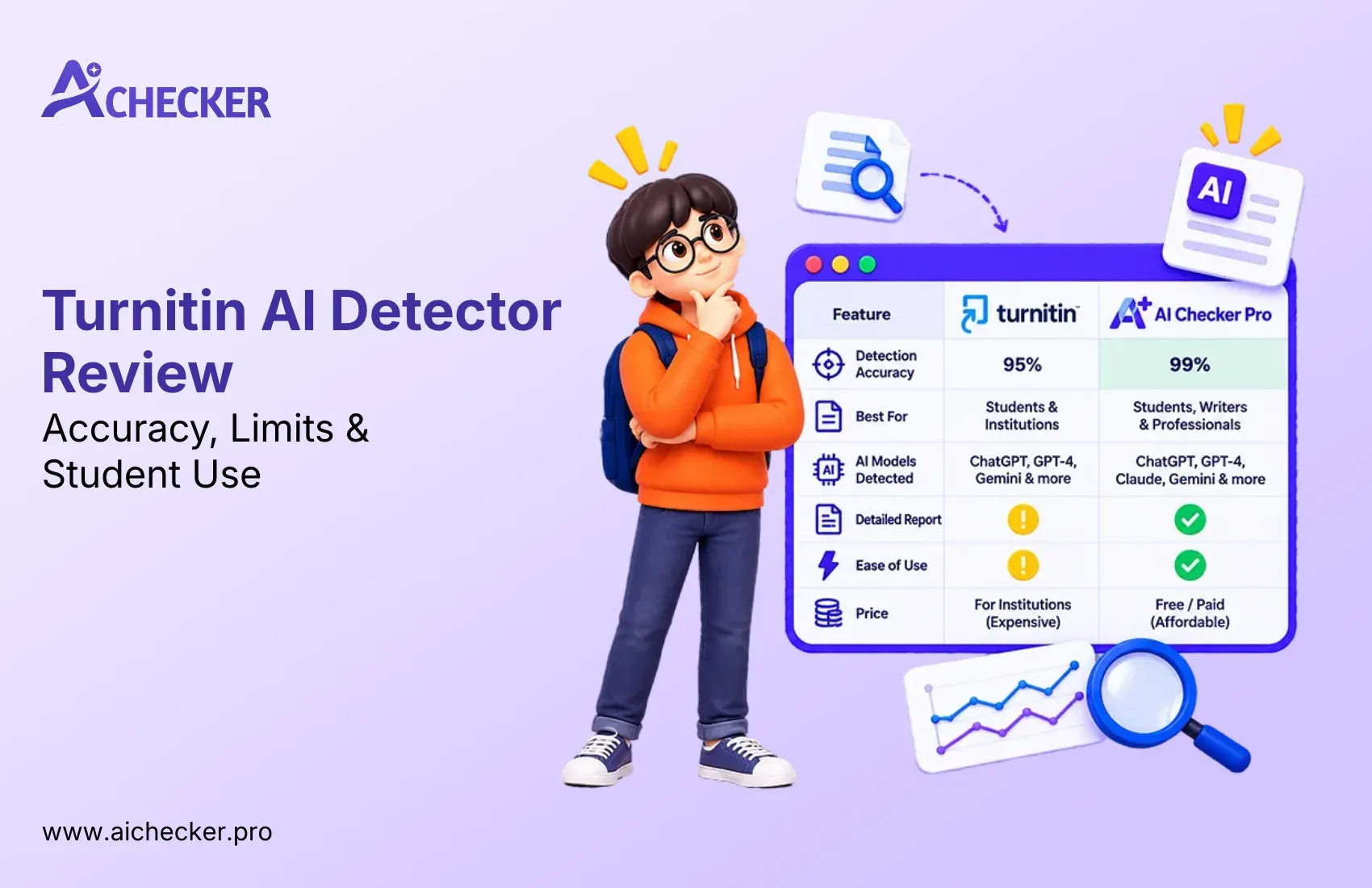
Turnitin is the most popular software in use when it comes to academic integrity in educational institutions. The application has added AI detection features and is capable of detecting texts generated by ChatGPT and similar tools. It has been successfully integrated with LMS systems at many educational institutions. Turnitin does not work directly with Google Classroom, although files can be exported to it manually. If you are curious about what AI detector Turnitin actually uses, the underlying model is worth understanding before you rely on it.
2. GPTZero
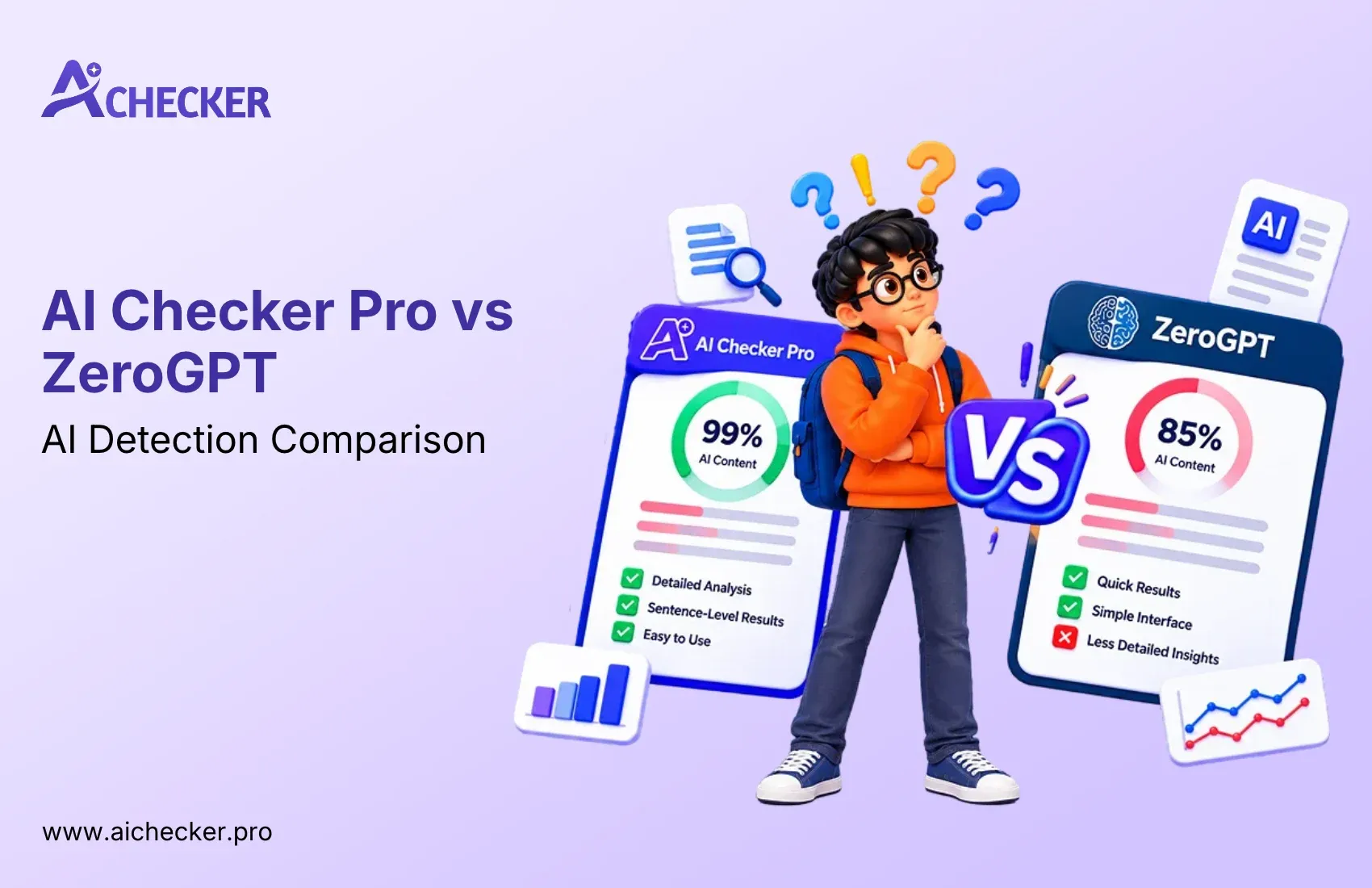
GPTZero is among the most common Google Classroom AI detector substitutes. The user either pastes the student text or uploads a document for analysis. GPTZero provides a score that shows whether the given text was created by AI or a human being.
3. Copyleaks
Copyleaks offers both plagiarism detection and AI content detection. It has an LMS integration layer that some schools use alongside Google Classroom workflows. Teachers looking for a deeper breakdown can check out whether Copyleaks AI detector is actually accurate before committing to it as their primary tool.
4. Originality.ai
A newer tool designed specifically for detecting AI-written content. It provides sentence-level highlighting to show which parts of a submission are likely AI-generated versus human-written.
5. Winston AI
Winston AI focuses on educators and supports document uploads directly, making it easy to check student essays for AI involvement. A full Winston AI review can help teachers decide if it fits their workflow.
How Reliable Are AI Detectors for Student Work?
AI detectors can be useful, but teachers should remember that no AI detection tool is 100% accurate. These tools may sometimes flag human-written work as AI-generated, especially when the writing is short, highly structured, or written by a non-native English speaker.
Another challenge is that students can lightly edit AI-generated content and reduce the chances of detection. This means an AI detector should not be used as final proof of cheating. Instead, teachers should treat it as one helpful signal and review it together with drafts, version history, originality reports, and student explanations. For a broader look at how accurate AI content checkers really are, it helps to compare multiple tools before drawing conclusions.
What Should Teachers Do Instead of Relying on a Google Classroom AI Checker?
Experienced educators are now focusing more on prevention-based strategies instead of depending completely on AI detection tools. The goal is not only to catch AI misuse, but to design assignments in a way that makes misuse difficult from the beginning.
1. Ask for Process-Based Evidence
Teachers can ask students to submit outlines, rough drafts, research notes, and revision comments along with the final assignment. This helps educators understand how the work developed over time. Since AI tools usually generate polished answers instantly, they often fail to show a natural writing and revision process.
2. Use In-Class Writing Activities
In-class writing assessments are one of the most effective ways to reduce AI misuse. When students write during class time, especially in Google Docs, teachers can monitor edit history, timestamps, and writing behavior. This makes it harder for students to submit fully AI-generated content without being noticed.
3. Create Prompts Based on Personal Experience
Assignments that require students to connect the topic with their own life, local community, classroom discussions, or personal opinions are harder for AI tools to answer accurately. Generic AI-generated responses may sound polished, but they often lack real personal details and classroom-specific context.
4. Check Google Docs Version History
Google Classroom allows teachers to review the Google Docs version history when students submit their work through Docs. This can show how the document was created and edited. For example, if a document changes from blank to 800 words within two minutes, it may be a sign that the work needs further review. Teachers who want a structured approach can also explore this complete guide to AI detection tools for educators.
5. Talk to the Student
Sometimes, the simplest method is the most effective. Teachers can ask students to explain their arguments, expand on their ideas, or discuss the sources they used. Students who genuinely worked on the assignment can usually explain their thinking clearly. Students who rely only on AI-generated content may struggle to discuss the work in detail.
Should Teachers Ban AI Completely?
Banning AI completely may sound simple, but it is not always realistic. AI tools are already part of the modern digital environment. Students will likely use them in college, work, and daily life.
Instead of only banning AI, many schools are creating clear AI usage policies. For example, teachers can explain when AI use is allowed and when it is not allowed. AI might be allowed for brainstorming ideas, improving grammar, or generating study questions. But it may not be allowed for writing the final assignment.
Clear rules help students understand expectations. Teachers can also ask students to disclose AI use. For example, if a student uses AI to brainstorm ideas, they can mention it in a short note at the end of the assignment. This approach teaches responsible AI use instead of only focusing on punishment. Understanding the importance of AI content detection in education can help schools build better policies around this.
Best Practice: Use AI Detection as One Signal
Teachers should use AI detection tools as a helpful signal, not as final proof of cheating. A better approach is to review the AI score along with Google Docs version history, drafts, originality reports, and the student's ability to explain their work. When multiple signs point to the same concern, teachers can investigate more fairly and confidently.
Use AI Detection as One Signal
AI detection tools can help teachers identify possible AI-written content, but they should not be used as final proof. These tools can make mistakes, so their results should only be treated as one warning sign in the review process.
Check Originality Reports for Plagiarism
Google Classroom's Originality Reports are useful for finding copied text from websites or other sources. However, they do not confirm whether the content was written by AI. Teachers should use them mainly to check plagiarism, not AI generation.
Review Google Docs Version History
Version history can show how a student created the assignment over time. If the document suddenly changes from blank to a full essay, it may need closer review. A natural writing process usually includes drafts, edits, and gradual improvements.
Ask for Drafts and Revision Notes
Teachers can ask students to submit outlines, rough drafts, research notes, and revision comments with the final work. This makes it easier to see whether the student actually worked on the assignment or simply pasted a finished answer.
Have a Short Student Discussion
A quick conversation can often reveal whether the student understands their own submission. Teachers can ask students to explain their main argument, sources, or writing process. If the student genuinely wrote the work, they should be able to discuss it clearly.
Conclusion
The answer to the question, "Does Google Classroom have an AI detector?" is simple: No, Google Classroom does not have a built-in AI detector. Its Originality Reports are designed to identify copied or plagiarized text, not AI-generated writing.
This creates a real challenge for teachers, especially as AI writing tools become easier for students to access.
For now, the most practical solution is to combine third-party AI detection tools with better assignment design. Instead of depending only on detection, educators can use drafts, in-class writing, version history, personal reflection, and student discussions to better understand whether the work is genuine. Teachers who want a head start can explore the best AI checker tools built specifically for educators to find what fits their classroom best.
AI in education is not going away. The goal should not be to fight students with more technology, but to create learning experiences where real understanding, effort, and critical thinking are visible. When assignments are designed thoughtfully, genuine student work becomes easier to recognize and much harder to fake.
1. Does Google Classroom have an AI detector?
2. What does Google Classroom Originality Reports actually check?
3. Can Google Classroom detect ChatGPT-written assignments?
4. What is the best free AI detector for teachers?
5. Is there a Google Classroom AI checker teachers can use right now?
6. How accurate are AI detectors for student assignments?
7. How can teachers detect AI-written work without an AI checker?
8. Does Turnitin work with Google Classroom for AI detection?
9. Can students avoid AI detection tools easily?
10. Should teachers ban AI tools completely in the classroom?

Harshil Barvaliya
SEO Executive & Content Writer at AI Checker Pro
I’m Harshil Barvaliya, an SEO Executive and Content Writer at AI Checker Pro. I focus on improving the website’s search engine visibility through effective SEO strategies, including keyword research, on-page and off-page optimization, and content development.Get Started Free
Create a free account for advanced AI detection and scan history.
Trusted by thousands worldwide.
Recent Blog's
Discover how AI-powered content creation can elevate your website's reach and engage your audience like never before. Explore the real impact of AI on crafting content that connects.