How Do Professors Check for AI Writing? 7 Ways Colleges Detect AI-Generated Content in 2026
TABLE OF CONTENTS
Quick Answer: How Do Professors Check for AI Writing?
Why Professors Are Paying More Attention in 2026
- AI Detection Software (Turnitin, GPTZero, Originality.ai)
- Writing Style and Voice Inconsistencies
- Comparing New Work to Past Submissions
- Metadata and Document History Checks
- Oral Defense or In-Class Follow-Up Questions
- Google Docs and Word Version History
- Generic or "Too Perfect" Content Patterns
How Accurate Are AI Detectors, Really?
What Happens If AI Writing Is Detected?
How Students Can Avoid False AI Flags
How to Avoid False AI Flags
Conclusion
FAQs
Get an AI summary of this post on:




The appearance of AI writing helpers such as ChatGPT, Claude, and Gemini in the student life routine created an urgent question faced by any professor on any campus: How to detect AI writing in student assignments?
The brief answer: Professors employ different methods including AI detection tools, writing pattern recognition, and just regular classroom experience, to identify how you write.
This guide will provide a detailed explanation of how your professor detects your AI-generated content in 2026 and how not to be caught in 2026.
Quick Answer: How Do Professors Check for AI Writing?
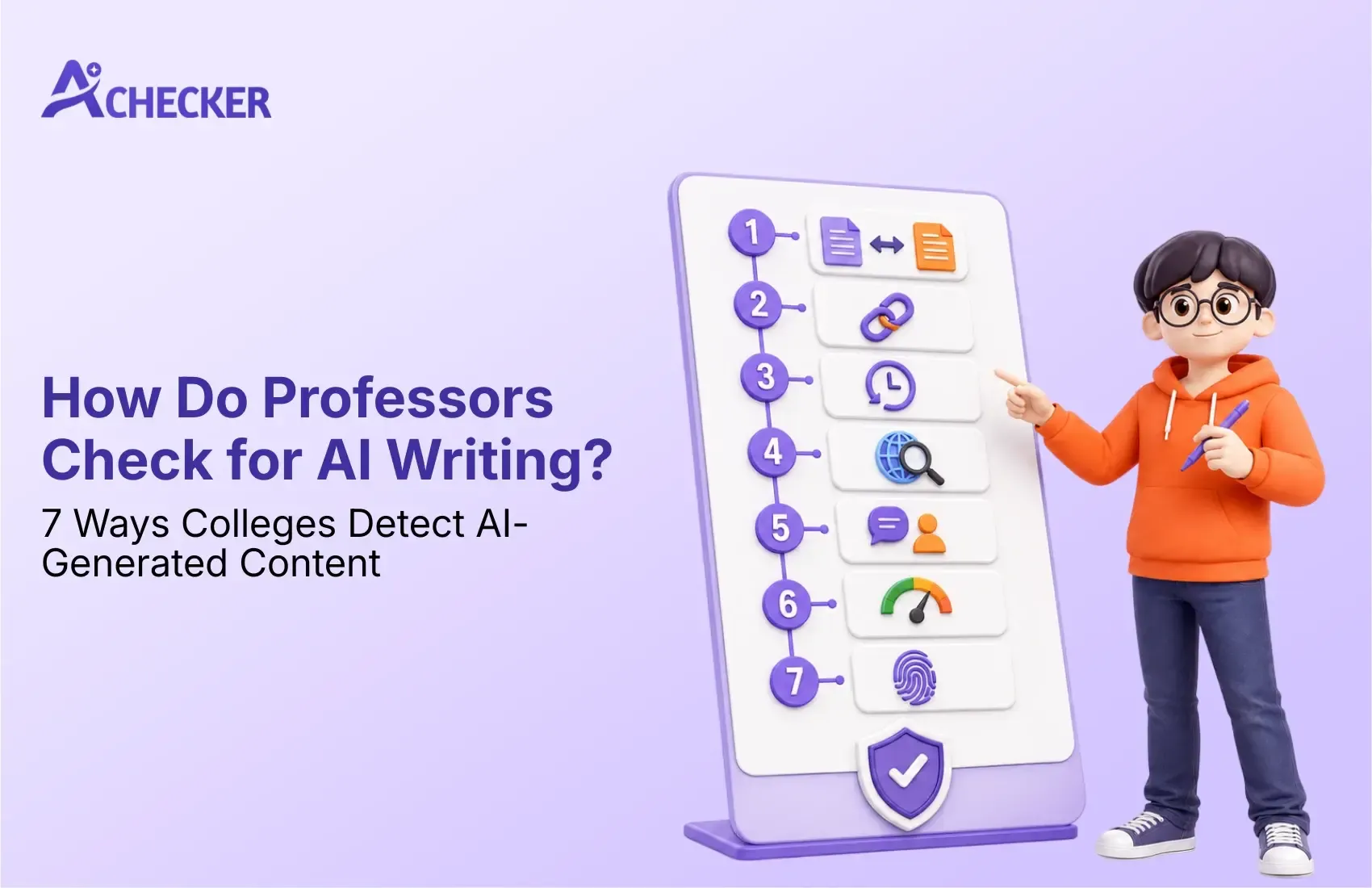
Professors typically detect AI writing using:
- AI detection software (Turnitin, GPTZero, Originality.ai)
- Writing style and voice inconsistencies
- Comparing new work to a student's past submissions
- Metadata and document history checks
- Oral defense or in-class follow-up questions
- Google Docs / Word version history
- Generic or "too perfect" content patterns
We'll cover each of these in detail below.
Why Professors Are Paying More Attention in 2026
The capabilities of AI writing tools saw tremendous improvement from 2023 to 2026.
This is going to be problematic for professors who have to assess student thought processes.
Academic honesty policies at most universities have been revised in this time frame. The new policy demands that professors run submissions through an AI tool during the grading process.
It is no longer an exceptional case where AI detection takes place. It is becoming routine, just like checking for plagiarism used to be 10 years ago.
1. AI Detection Software (Turnitin, GPTZero, Originality.ai)
It is the most frequently used technique by colleges.
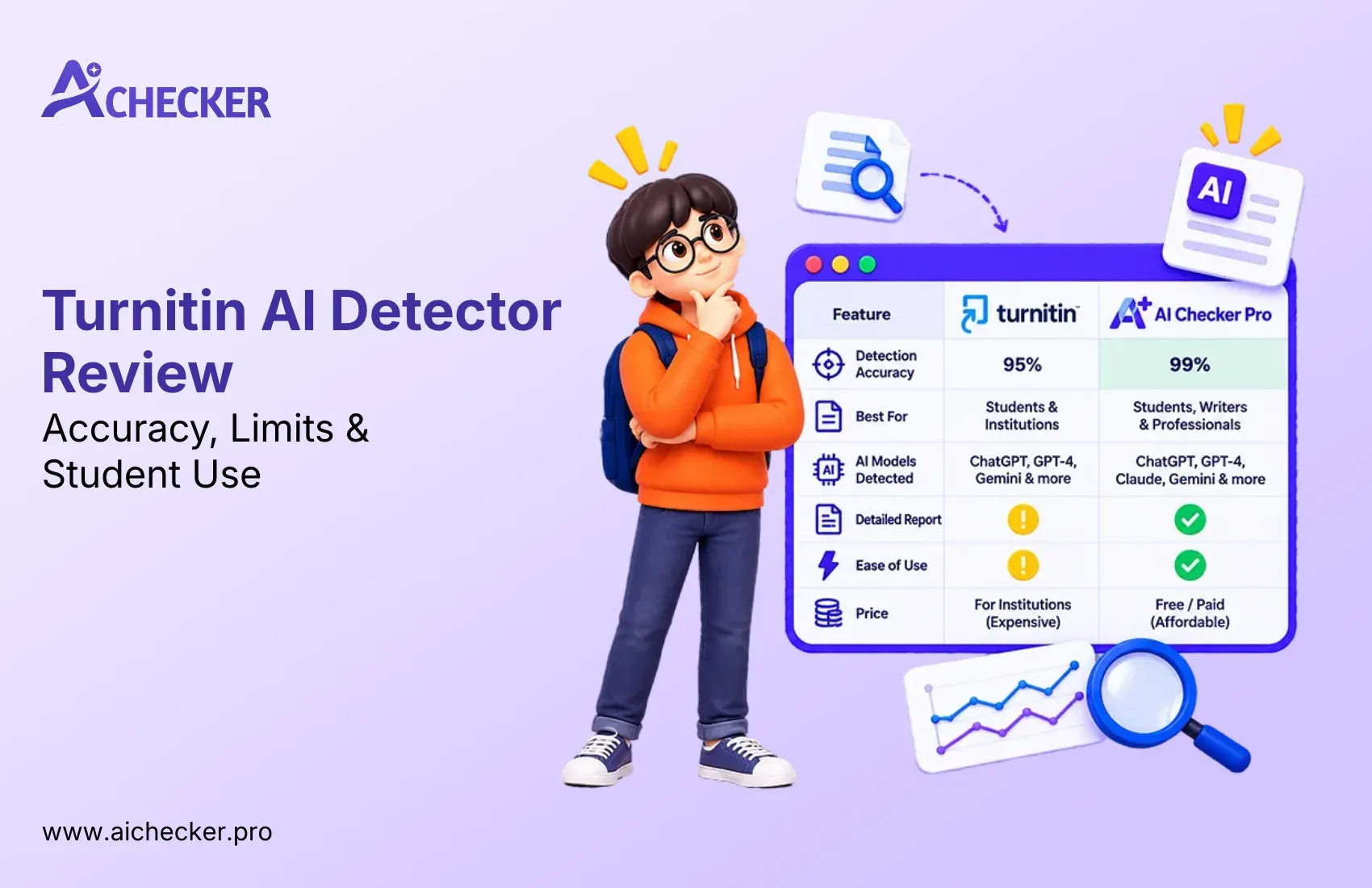
The majority of universities were already using Turnitin to check for plagiarism, and now Turnitin has come up with another feature which detects AI-generated text.
How it works:
- The software analyzes sentence structure, word predictability, and "perplexity" (how surprising or varied word choices are)
- AI text tends to have low perplexity, meaning it's smoother and more predictable than typical human writing
- The tool generates a percentage score estimating how much of the text may be AI-generated
Other tools professors use include:
| Tool | Common Use Case |
|---|---|
| Turnitin AI Detection | Built into most LMS platforms (Canvas, Blackboard) |
| GPTZero | Popular standalone checker, free tier available |
| Originality.ai | Used heavily by writing-heavy departments |
| Copyleaks | Common in K-12 and some university settings |
It's worth knowing: these tools aren't perfect. They can produce false positives, especially for non-native English speakers or students with a naturally clean, formal writing style.
This is actually one of the biggest reasons students use a checker like AI Checker before submitting. Running your own essay through a detector first shows you how it reads to a machine, so you can catch a false flag before your professor does.
2. Writing Style and Voice Inconsistencies
Professors who teach a class for a full semester get used to how each student writes.
They notice things like:
- Vocabulary that suddenly jumps several levels above a student's usual work
- Sentence structures that don't match earlier assignments
- A tone that feels more "corporate" or formal than the student's natural voice
If your discussion post from Week 2 reads nothing like your final paper in Week 14, that's a red flag, even without software. This is one reason many students turn to an AI humanizer to smooth out overly polished sections rather than let a whole paper sound out of character.
3. Comparing New Work to Past Submissions
Many professors keep a simple habit: they skim a student's earlier essays before grading a new one.
This isn't about running anything through software. It's pattern recognition.
If a student who typically writes short, simple sentences suddenly submits a polished essay with varied sentence length and sophisticated transitions, it stands out immediately. Knowing the common mistakes students make with their own writing habits can help you avoid raising this kind of red flag by accident.
4. Metadata and Document History Checks
This one surprises a lot of students.
Word documents and Google Docs store metadata timestamps, edit history, and authorship details. Professors (or teaching assistants) can look at:
- How long the document took to write
- Whether it was pasted in as one large block of text
- Whether there's a natural editing history (typos fixed, sentences rearranged) versus one clean paste
A document created and "finished" in four minutes, with no edit history, raises questions. Running your file through an AI detector for documents before you turn it in can flag the same red flags a professor would notice.

Get Lifetime Access with 60% OFF
Stop paying monthly subscriptions. Enjoy unlimited AI detection and humanizer access forever with future updates included.
- One-time payment
- Unlimited access forever
- All future updates included
5. Oral Defense or In-Class Follow-Up Questions
Another growing trend among teachers is to apply a rather old-school technique that turns out to be highly efficient:
That would include such things as:
- Two-minute talks on your thesis and sources
- Summarizing your argument verbally without having your paper in front of you
- Classroom writing assignments in the beginning of the semester to have a sample of your personal style
The inability to explain one's reasoning process or define some terms mentioned in an essay is a clear indicator of plagiarism regardless of any software. Many instructors now pair this with a written AI detector guide for teachers to back up what they notice in conversation.
6. Google Docs and Word Version History
If your school requires you to write in Google Docs (many now do, specifically for this reason), your professor can open the Version History and watch the entire writing process play back.
They're looking for:
- Gradual building of the document over time vs. one instant paste
- Natural revisions, deletions, and rewording
- Time gaps that match a real writing session
This has become one of the most reliable low-cost detection methods because it requires no special software, just a feature already built into Google Docs. It's part of why a dedicated AI detector for assignments is often paired with version history checks for a fuller picture.
7. Generic or "Too Perfect" Content Patterns
AI-generated writing has some recognizable habits, even in 2026:
- Overuse of transition phrases like "Furthermore", "In conclusion" and "It is important to note"
- Very even paragraph lengths
- A lack of specific, personal examples
- Arguments that are balanced and safe rather than opinionated or original
- Perfect grammar with no natural human inconsistency
Experienced professors start to recognize these patterns just from reading hundreds of essays a semester. If you want to understand the mechanics behind this, it helps to know how AI content detectors work under the hood.
How Accurate Are AI Detectors, Really?
This part, students (and honestly professors) often get wrong: AI detectors are not 100% accurate.
Independent studies have found that detection tools can spit out false positives, like they'll flag genuinely human-written essays as AI generated, especially when the writing is formal or really well structured, or when the author is a non-native English speaker.
That is exactly why some smart students and instructors have started using detection tools as a first check, not as a final verdict, or like, not the whole story. For a deeper look at reliability, this breakdown on AI detector accuracy is worth a read.
What Happens If AI Writing Is Detected?
Consequences vary by school and by how the policy is written, but common outcomes include:
- A zero on the assignment
- A mandatory meeting with an academic integrity office
- A formal note on the student's academic record
- In repeat cases, suspension or expulsion
Some professors also simply require a resubmission with a conversation first, especially for a first offense, but you shouldn't assume that's the norm. Even outside the classroom, similar checks are becoming common, as covered in this piece on whether colleges check for AI in application essays.
How Students Can Avoid False AI Flags
If you wrote your own work but you're worried about a false positive, here's what helps:
- Write in stages, not one sitting; natural version history helps
- Keep your drafts and outline notes as proof of process
- Avoid over-editing with AI tools even for "just grammar", heavy AI-assisted editing can still trigger detectors
- Check your own paper before submitting, using a detector like AI Checker, so you know exactly how it reads before your professor does
- Cite your process if your class allows AI-assisted brainstorming; transparency avoids most integrity issues entirely
Running an essay through the plagiarism detector is not about "getting around" the checker, it is about being aware of what the checker detects before it becomes an issue that needs explaining. This is especially useful for students looking to verify their own writing before submission day.
How to Avoid False AI Flags
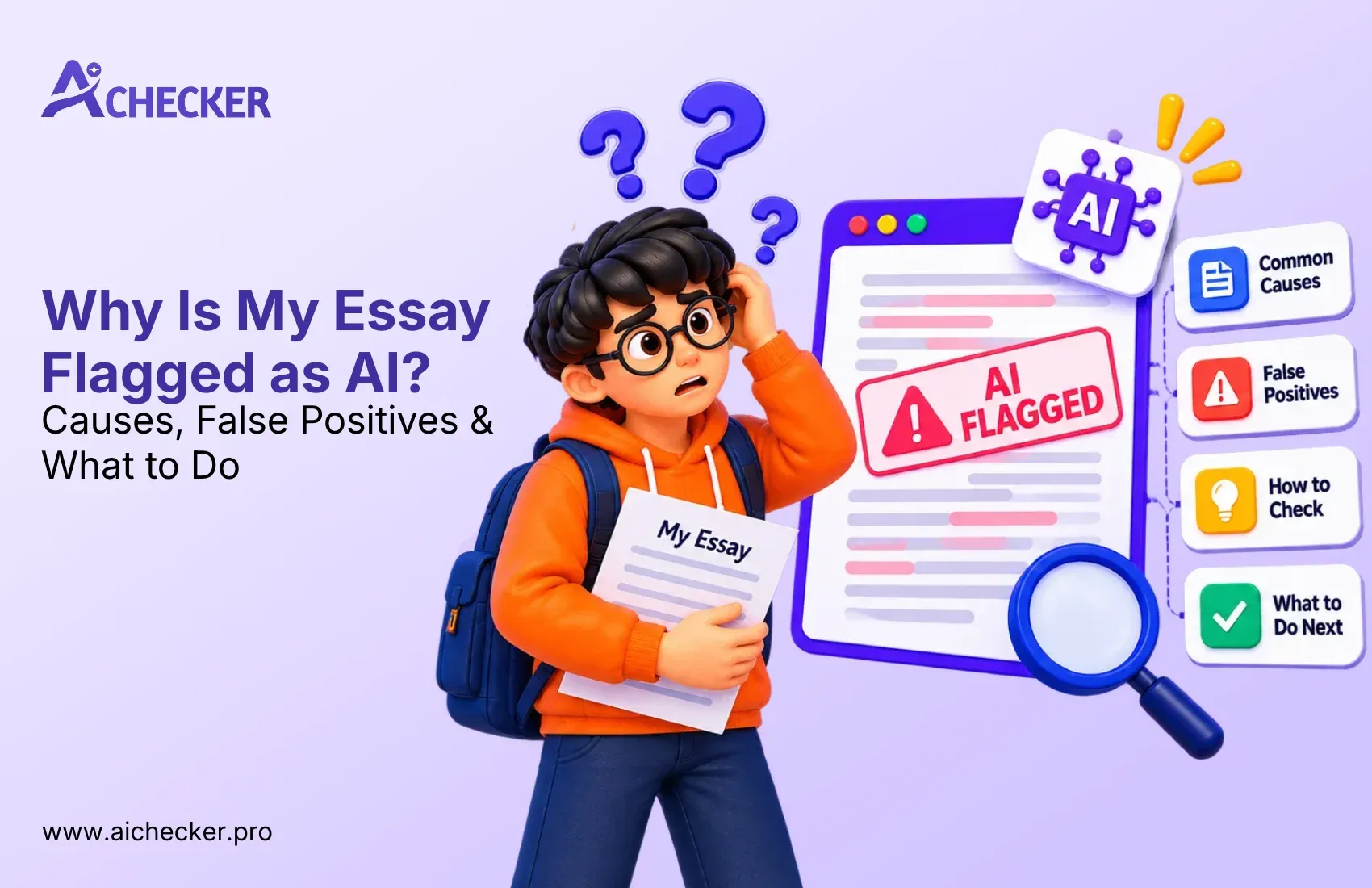
Getting flagged for AI writing does not necessarily mean that you have used some kind of AI to write what you have created. In fact, you could also potentially get flagged even if you had written EVERYTHING yourself! This is why AI detectors use writing patterns, rather than your writing process, for detecting AI-generated content. Thankfully, there are some steps that you can take in order to decrease your chances of getting falsely accused by an AI detector.
Keep Your Drafts
One of the most important things you can do to prove that your work is original is to save your drafts. Whether you're brainstorming, outlining, or writing multiple drafts of your essays, making sure these files are saved can be very helpful. If your professor ever questions whether your original work is your own, you can show them all of the progress you made on your paper. These tips to avoid AI detection issues in your writing can help you build a habit around this early.
Write Gradually Instead of All at Once
Avoid writing or pasting your entire essay in one sitting, as professors will be able to see what changes were made by reading the history in Google Docs or Word. It is normal for an essay to be completed and edited over multiple sessions, so it would look realistic if you wrote it a little bit over the course of several days and then edited it later. Testing your work with an AI detector for essays as you go can also help you catch anything that reads too polished along the way.
Start with an Outline
Before writing your first paragraph, you should make a simple outline containing all of the points you want to make in your paper. By doing this, you will be able to craft a more organized and original paper. Additionally, an outline can be used as extra evidence that you planned your paper, rather than asking an AI to write it for you. Many students pair this habit with a college essay AI checker to confirm their final draft still sounds like them.
Save Your Revision History
If your instructor permits Google Docs or Microsoft Word, never delete your version history. The version history displays when a writer added, deleted, edited, or rearranged paragraphs that formed parts of the final draft. The version history certifies the integrity of the work as the original work of the writer, and it can help retrace the thought process and time spent on the work. This kind of documentation matters even more for longer projects, which is why an AI detector for academic papers is often used alongside it.
Don't Overuse AI Editing Tools
Using AI to help with coming up with ideas or checking grammar is not a bad thing, if that's what your institution allows. But asking it to rephrase entire paragraphs and polishing your sentences to make it sound like an AI might sound like is an entirely different thing. Keep the usage of AI to a minimum, and make sure what you turn in is truly your own work and thoughts. It's also worth knowing that even everyday grammar tools raise questions, as explained in this piece on whether Grammarly gets flagged as AI.
Check Your Essay Before You Submit
A good final step is to ask a pro, such as the AI Checker before submitting your work. You can run your work through an AI detector to see what parts may seem too robotic or generated to be from a person.
Then you can go back and revise, so it seems more like your voice. That way the AI checker will not flag your essay as fake work made by a computer, and you have a more confident piece of writing to submit.
But at the end of the day, the surest way of preventing false positives is to write your work honestly and document your research and writing process for posterity.
Conclusion
In 2026, professors have a lot more tools than ever to notice if writing is AI-generated. There's software, version history, writing pattern recognition, and even simple conversations with students.
And none of those things are perfect on their own, so that's kind of the whole point: if you understand how colleges detect AI in essays, you can navigate it better, either as a student protecting your grade, or as an educator trying to grade fairly.
FAQs
1. How do professors check for AI writing?
2. How do professors check for AI?
3. How do college professors check for AI?
4. How often do professors check for AI?
5. Can Turnitin really detect AI writing accurately?
6. Can professors see Google Docs edit history?
7. What happens if a professor thinks you used AI?
8. Do AI detectors give false positives?
9. Can professors tell AI writing just by reading it?
10. How can students avoid being falsely flagged for AI writing?

Harshil Barvaliya
SEO Executive & Content Writer at AI Checker Pro
I’m Harshil Barvaliya, an SEO Executive and Content Writer at AI Checker Pro. I focus on improving the website’s search engine visibility through effective SEO strategies, including keyword research, on-page and off-page optimization, and content development.Get Started Free
Create a free account for advanced AI detection and scan history.
Trusted by thousands worldwide.
Recent Blog's
Discover how AI-powered content creation can elevate your website's reach and engage your audience like never before. Explore the real impact of AI on crafting content that connects.