Does Canvas Have an AI Detector? What Students and Teachers Should Know
TABLE OF CONTENTS
The Short Answer: Canvas Itself Doesn't Detect AI
What AI Checker Does Canvas Use?
AI Detector In Turnitin Within Canvas: How It Actually Works
How to Check If Your Assignment Is Being Scanned
Why AI Detectors Get It Wrong Sometimes
Two Things Students Confuse With AI Detection
What This Means for Teachers
What This Means for Students
Conclusion
FAQs
Get an AI summary of this post on:




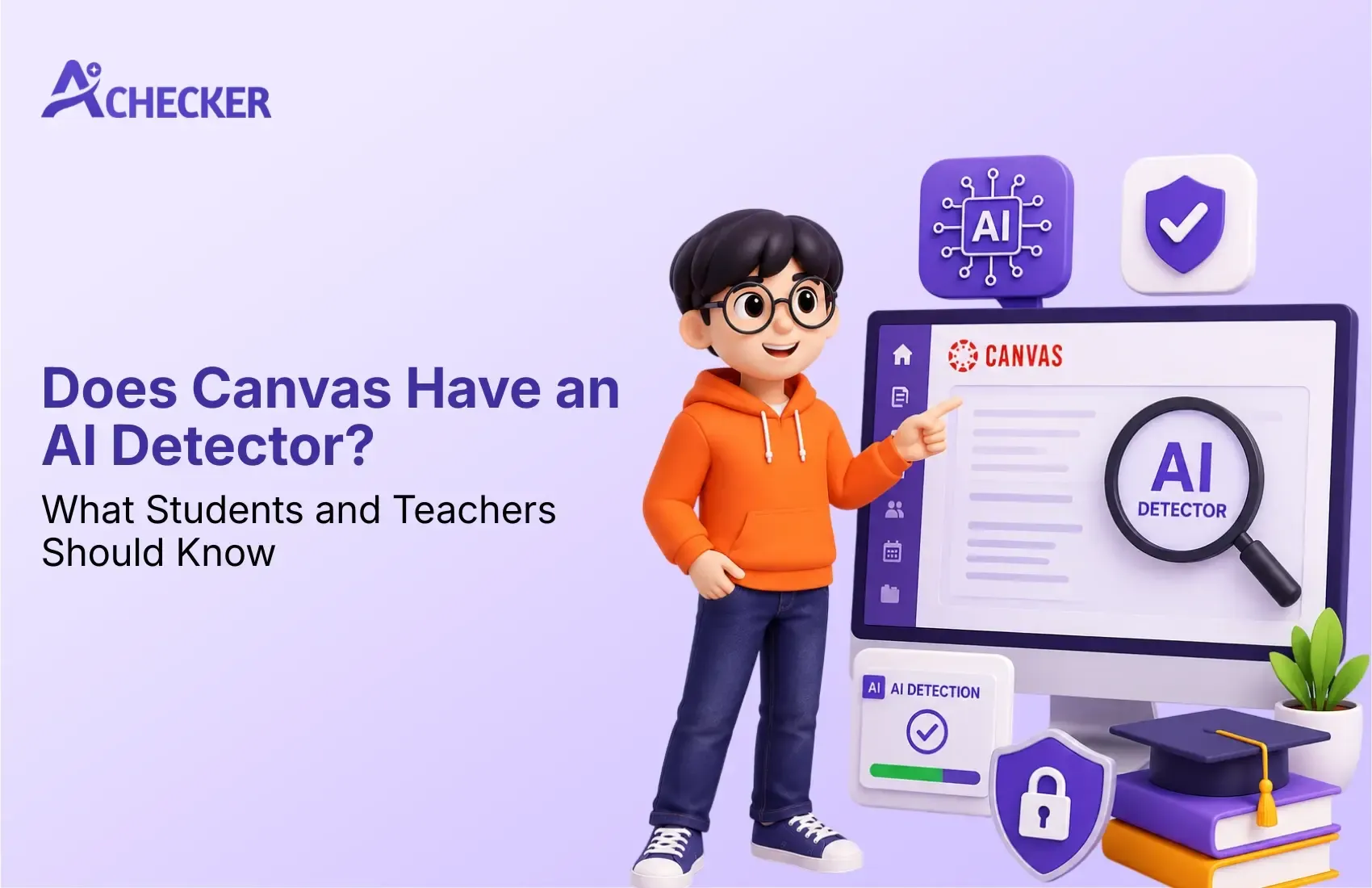
If you recently turned in an assignment on Canvas and you are hoping it does not automatically scan your work for AI writing, this article is for you. The search volume for "canvas ai detector" has greatly increased following the rise of ChatGPT, and the response may surprise you.
Which is a feature that Instructure (the parent company of Canvas) has no intention of adding in the near future.
As explained by the article, an AI writing assignment is most likely detected through a third-party plagiarism detection service, such as Turnitin, which may detect AI-generated text. In other words, it is most likely an anti-plagiarism service that has been linked to Canvas by your specific educational institution, and if you want a broader picture of how these tools work in general, our AI content detector overview breaks down the mechanics behind most platforms.
Therefore, understanding what plagiarism service your school uses is essential to understanding if and how an AI writing detector works on Canvas. As will be discussed next, this has practical implications for students who want to avoid getting penalized for using an AI writing tool.
The Short Answer: Canvas Itself Doesn't Detect AI
Canvas is a Learning Management System (LMS), used to host assignments, collect submissions, take quizzes, and manage grades, not to evaluate writing or detect authorship.
Any so-called "AI Detection in Canvas" is taking place in a third-party plugin connected to Canvas via an industry standard called Learning Tools Interoperability (LTI). These tools must be manually turned on by instructors or administrators for any given course or assignment. This is actually very similar to how other learning platforms operate, and if you're curious how a comparable system handles it, our breakdown of what AI detector Blackboard uses covers a nearly identical setup.
Therefore, the most accurate answer to "does Canvas have an AI detector?" is "it depends, some schools have them, some don't, and some only have them for certain courses or instructors."

Unlock Lifetime Access, Save 60% Today
Say goodbye to monthly bills. Check and humanize unlimited AI content for life, with every future update included at no extra cost.
- Pay once, use forever
- No monthly or yearly fees
- Free access to all upcoming features
What AI Checker Does Canvas Use?
There's no single "Canvas AI detector." Instead, a handful of third-party tools plug into Canvas assignments through LTI integrations. The most common ones are:
| Tool | What It Does | How Common |
|---|---|---|
| Turnitin | Runs a Similarity Report (plagiarism) plus a separate AI Writing Indicator | Most widely used AI checker connected to Canvas |
| GPTZero | Flags text patterns associated with ChatGPT, Claude, Gemini, and other models | Common alternative, especially at schools avoiding Turnitin's pricing |
| Copyleaks | Scores AI likelihood separately from plagiarism, with fast turnaround | Popular for K-12 and mid-size institutions |
| SafeAssign | Originally a Blackboard plagiarism tool, now used in some hybrid Canvas setups with added AI-pattern checks | Less common, mostly legacy Blackboard schools |
Turnitin is by far the most widely used plagiarism detection service among schools that use Canvas, although the extent of its adoption is difficult to determine due to varying reports and lack of independent verification. If your school subscribes to Turnitin's Feedback Studio, then it is this service that is most likely to be responsible for any AI-generated content detection, and you can learn more in our dedicated look at what AI detector Turnitin uses. Schools that lean toward Copyleaks instead often ask about its reliability, which we cover in our piece on whether the Copyleaks AI detector is accurate.
AI Detector In Turnitin Within Canvas: How It Actually Works
If your institution has Turnitin enabled, here's the typical flow:
You submit a file (Word doc, PDF, etc.) to a Canvas assignment.
Canvas passes the file to Turnitin automatically through the LTI connection, no extra step on your end.
Turnitin generates two separate reports: a Similarity Report (the traditional plagiarism percentage) and, if enabled, an AI Writing Indicator, usually shown as a blue percentage next to the red similarity score.
Your instructor sees both scores in SpeedGrader, the grading view inside Canvas, along with highlighted sections that triggered the flag. If you want a deeper technical explanation of how this scoring process actually functions behind the scenes, our guide on how AI detectors work walks through the process in plain language.
Students can not see their own scores on the AI. It depends on the teacher's preference whether it is available for students or only for them.
Students can not see their own scores on the AI. It depends on the teacher's preference whether it is available for students or only for them.
How to Check If Your Assignment Is Being Scanned
You don't have to guess. There are a few reliable ways to find out:
Read the assignment page carefully. Instructors often note "Turnitin enabled" or similar language near the submission box.
Look for a similarity/originality report link on your submission confirmation page after you upload.
Check your syllabus. Many instructors disclose their AI and plagiarism policy up front, including which tools they use.
Just ask. Most instructors are transparent about their detection setup, and asking directly shows good faith on your part. If you'd rather check your own writing before submitting, our roundup of the best free AI detectors for students can help you get ahead of any surprises.
Why AI Detectors Get It Wrong Sometimes
This is the part students and teachers both need to understand: no AI detector is 100% accurate, and treating a score as a verdict rather than a signal causes real problems.
Common sources of false positives include:
Non-native English writers, whose consistent grammar and formal sentence patterns can resemble AI-generated text.
Students who outline carefully, producing structured, predictable prose.
Technical or scientific writing, which often uses formulaic language out of necessity.
Heavily edited AI-assisted drafts, which can retain statistical patterns even after significant human revision. These recurring issues are common enough that we put together a full explainer on common AI detection problems worth reading if you've been flagged unexpectedly.
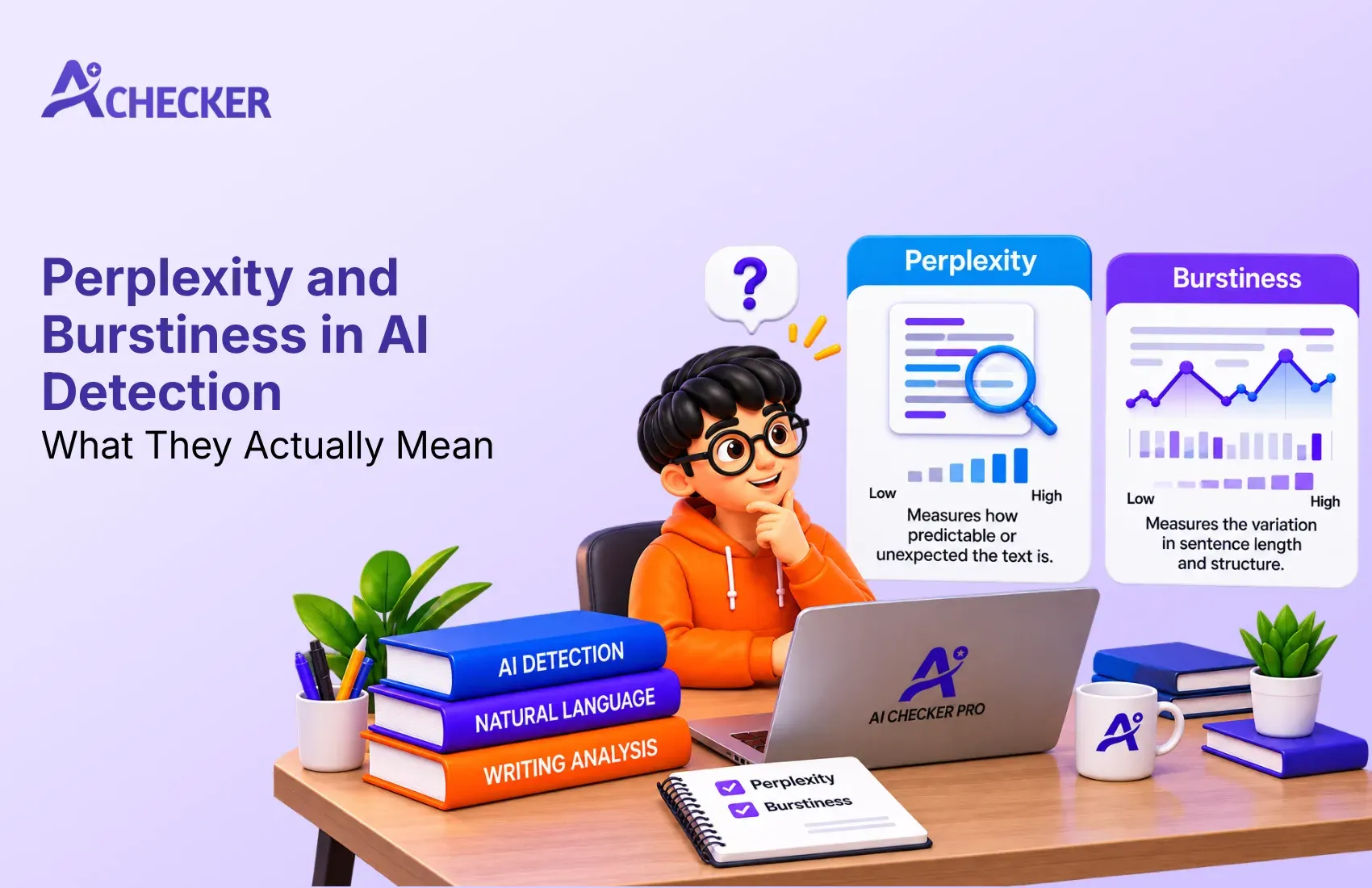
Detection algorithms work by evaluating things such as overall perplexity (how much words seem like they might be out of place) and burstiness (how varied sentence structure can be). Formal writing, which is generally what teachers want to see in student writing anyway, can have patterns like this, especially if the writer is trying too hard.
Even Turnitin, one of the biggest companies doing this kind of detection, recommends against taking an AI score as an absolute indication of plagiarism. It's good to be aware that the people making these algorithms acknowledge that there are other considerations, and if a student is facing a situation where an AI flag could have serious consequences, it's probably a good idea to take that into account when determining what action to take.
Two Things Students Confuse With AI Detection
Canvas has a couple of features that get mistaken for AI monitoring but aren't:
Canvas Studio, a video and media recording tool. It has nothing to do with detecting AI writing.
Quiz proctoring features, these can track tab-switching, time on page, and similar behavior during timed quizzes. That's proctoring, not AI-writing detection, and it's a completely separate system from a Turnitin or GPTZero scan. It's a similar confusion to what many students run into on other platforms, which is why we also wrote about whether Google Classroom has an AI detector.
If an instructor says "Canvas is monitoring your work," they usually mean one of these, not an AI content scan on a written assignment.
What This Means for Teachers
If you're an instructor deciding whether to turn on AI detection in your Canvas courses, a few practical points are worth weighing:
A high AI score is a signal, not proof. Treat it as a starting point for a conversation with the student, not an automatic conduct referral.
False positive rates disproportionately affect ESL students and highly structured writers. Build that into how you interpret scores.
Transparency reduces disputes. Disclosing which tool you use, and how you'll use the score, up front tends to prevent conflict later.
Pair automated detection with process signals, drafts, version history, in-class writing samples, rather than relying on one score in isolation. For a more complete framework on setting policy, our AI detection guide for educators walks through these considerations in more depth.
If your department or institution is currently considering various detection tools to determine which is the most accurate, has the lowest false positive rate, and integrates best with existing systems, then you've made the right decision in vetting these resources, as the accuracy of each is unverified and can differ depending on the style of writing and student body.
What This Means for Students
A few practical takeaways if you're worried about being flagged:
Write your own work and keep evidence of your process. Draft history in Google Docs or Word, or notes from your research, can support you if a score is disputed.
Don't assume discussion boards are exempt. Some schools only run Turnitin on file uploads, but a suspicious instructor can just as easily copy a discussion post into a detector manually.
A flag isn't a conviction. If you're confident in your work, you have the right to ask your instructor how the score is used and what the appeal process looks like.
If you did use AI assistance, check your syllabus policy. Many schools now distinguish between using AI as a research or editing aid versus submitting AI-generated work wholesale, the two are treated very differently. If you're looking to refine AI-assisted drafts so they read more naturally before submission, tools like our AI humanizer can help smooth out awkward phrasing while you focus on your own ideas.
Conclusion
Canvas was never intended to be used as the enforcing body for AI detection, it serves more as the classroom for these tools, and it is the tools themselves that have built-in limitations regarding accuracy and other features that students and instructors should take into account when determining how seriously a score should be taken.
Whether you are a student weighing your options regarding how you feel about being monitored, or an instructor trying to decide a policy for your course, consider these scores to be a tool to help form a general understanding of the threat an AI presents, and not a definitive ruling on whether something should be permitted or not.
If you are an institution or organization that is currently considering investing in one or more AI detection and content integrity tools and would like objective, third-party insight into how different pieces of software perform regarding accuracy, false positives, and other factors, you can rely on AI Checker Pro to test and compare the tools at your disposal to help you make an informed choice.
FAQs
1. Does Canvas have an AI detector?
2. What AI checker does Canvas use?
3. What AI detector does Canvas use for assignments?
4. Can Canvas detect ChatGPT written essays?
5. Is there a free AI detector that works like Canvas tools?
6. Can students see their own AI detection score on Canvas?
7. Are Canvas AI detection scores always accurate?
8. Does Canvas scan discussion posts for AI content?
9. How can I humanize AI text before submitting on Canvas?
10. What should I do if my Canvas assignment gets flagged by an AI detector?

Harshil Barvaliya
SEO Executive & Content Writer at AI Checker Pro
I’m Harshil Barvaliya, an SEO Executive and Content Writer at AI Checker Pro. I focus on improving the website’s search engine visibility through effective SEO strategies, including keyword research, on-page and off-page optimization, and content development.Get Started Free
Create a free account for advanced AI detection and scan history.
Trusted by thousands worldwide.
Recent Blog's
Discover how AI-powered content creation can elevate your website's reach and engage your audience like never before. Explore the real impact of AI on crafting content that connects.