What AI Detector Does Blackboard Use? Explained Clearly
TABLE OF CONTENTS
Does Blackboard Have Its Own AI Detector?
What AI Detection Tools Does Blackboard Actually Use?
SafeAssign vs. Turnitin: Which One Will Your Professor Use?
Can Blackboard Actually Catch ChatGPT Writing?
What Should Students Do Before Submitting to Blackboard?
Conclusion
FAQs
Get an AI summary of this post on:


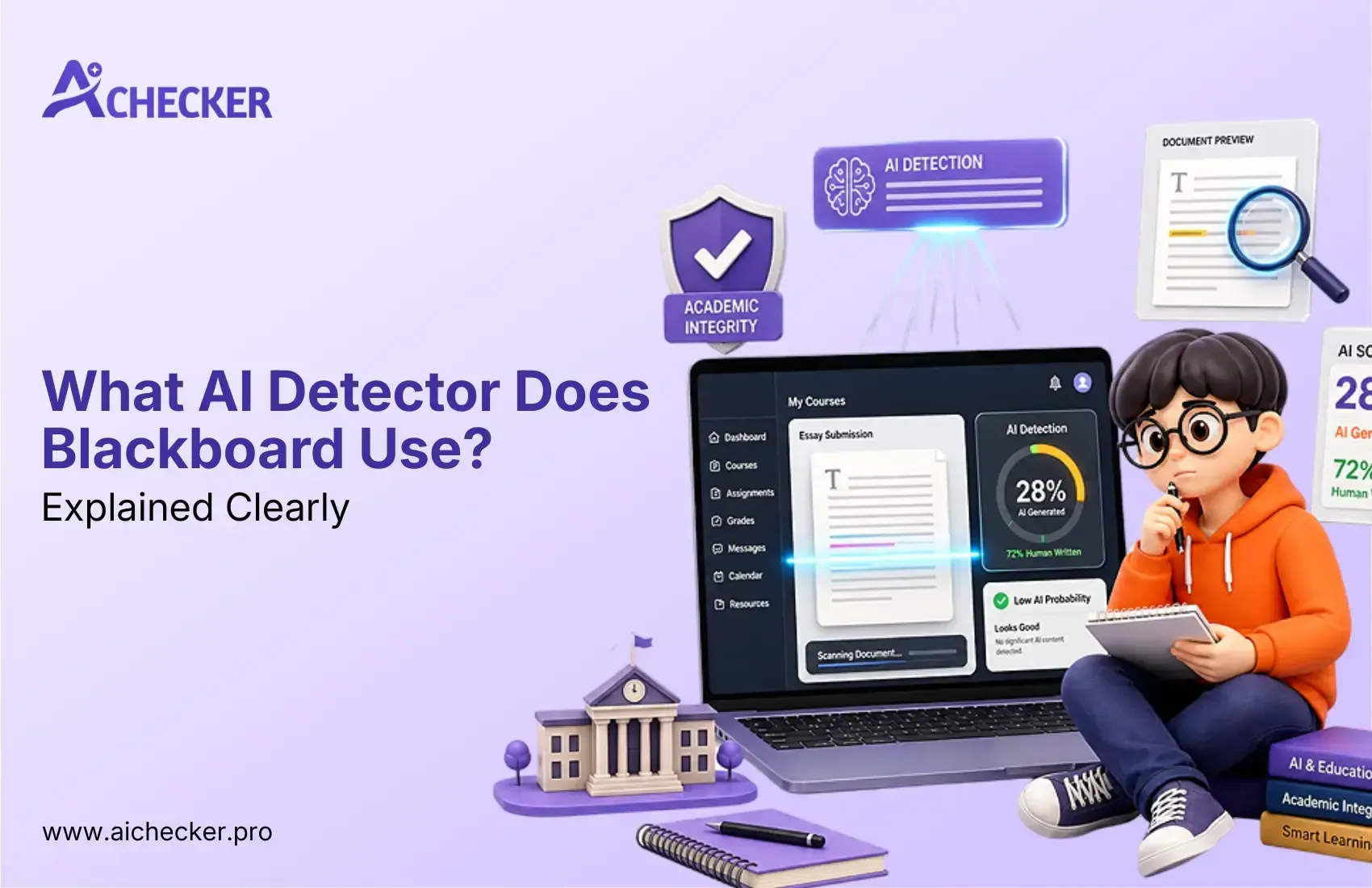
You are done with your assignment. Perhaps you asked ChatGPT to come up with ideas for your essay or help you with your rough draft editing. You now stand confused, looking at the "submit" option in Blackboard. How will it know?
Well, that is the question on the minds of almost all students today. The answer is a little more complex than just yes or no. To be specific, Blackboard does not have its own AI detector feature. However, depending on the university you are attending, your submission may go through sophisticated external AI checkers like Turnitin, SafeAssign, or Copyleaks. If you want to stay ahead, it helps to understand how colleges detect AI in essays before you hit submit.
Here's all you need to know about the AI detectors in Blackboard and what to do next.
Does Blackboard Have Its Own AI Detector?
First things first, let's make one thing clear: Blackboard isn't an AI detector. It is a Learning Management System (LMS).
Imagine that Blackboard is just a virtual classroom where your instructor can upload assignments, and you can turn them in.
However, figuring out whether those assignments were created by a person or AI software, such as ChatGPT, is another story.
The Short Answer
There is no universal AI detection system within Blackboard. The process of checking your assignment for plagiarism will depend on the settings configured by your university, which might be different even between courses at the same university.
Students who submit their work using Blackboard may undergo an analysis of their paper in Turnitin. Students who upload through Blackboard can also have their work reviewed via SafeAssign. Other universities may use Copyleaks.
What Anthology Decided About Native AI Detection
Blackboard is operated by a corporation known as Anthology. It should be noted that in 2026, Anthology even conducted an experiment involving native AI detection, meaning that they tested the ability to integrate such a feature into Blackboard, without using any third-party solutions.
However, after conducting their experiment, Anthology concluded that such an integration was impossible and admitted that there were numerous flaws and risks inherent in current AI detection technologies. This is consistent with broader AI detection problems that researchers and institutions continue to discuss today.
Such an experiment remains valid until at least 2026. Thus, if you receive a notification saying "Blackboard detected AI in my paper," then in reality, it means that some third-party service used in conjunction with Blackboard flagged the submitted paper.
What AI Detection Tools Does Blackboard Actually Use?
Since Blackboard doesn't detect AI on its own, it relies on integrations. Here are the three tools you are most likely to encounter.
SafeAssign: Blackboard's Built-In Plagiarism Tool
SafeAssign is the only feature that is automatically available with Blackboard, which is developed and managed by Anthology. Many professors use SafeAssign by default.
However, we must understand what SafeAssign was really created for and what it can't really do.
SafeAssign is simply a plagiarism detection software; it doesn't detect AI content. This is because SafeAssign tokenizes your submitted work and compares it with three different sources:
- The Global Reference Database: academic papers, journals, and web content
- The Institutional Database: papers submitted by students at your own university
- The ProQuest Database: millions of published academic works
It returns the Originality Report, which includes a similarity score that is, in essence, a percentage of your paper that resembles text stored within these databases.
The following is the most crucial drawback of SafeAssign: The content produced with the help of artificial intelligence is original. When ChatGPT produces a paragraph on climate change, it does not copy and paste the sentences from any existing resources.
While sometimes it is possible to detect AI-generated text by coincidence (the program generated something already mentioned in numerous sources), it cannot be stated that SafeAssign detects such text intentionally, as it wasn't made to identify artificial intelligence. You can learn more about exactly how SafeAssign handles AI detection and where it falls short.
Even a low similarity score in the report issued by SafeAssign does not mean that your text is free from AI detection.
Turnitin: The Most Widely Used Third-Party Integration
Among the many tools integrated into Blackboard, Turnitin can be considered the most popular tool for checking the academic integrity of written papers.
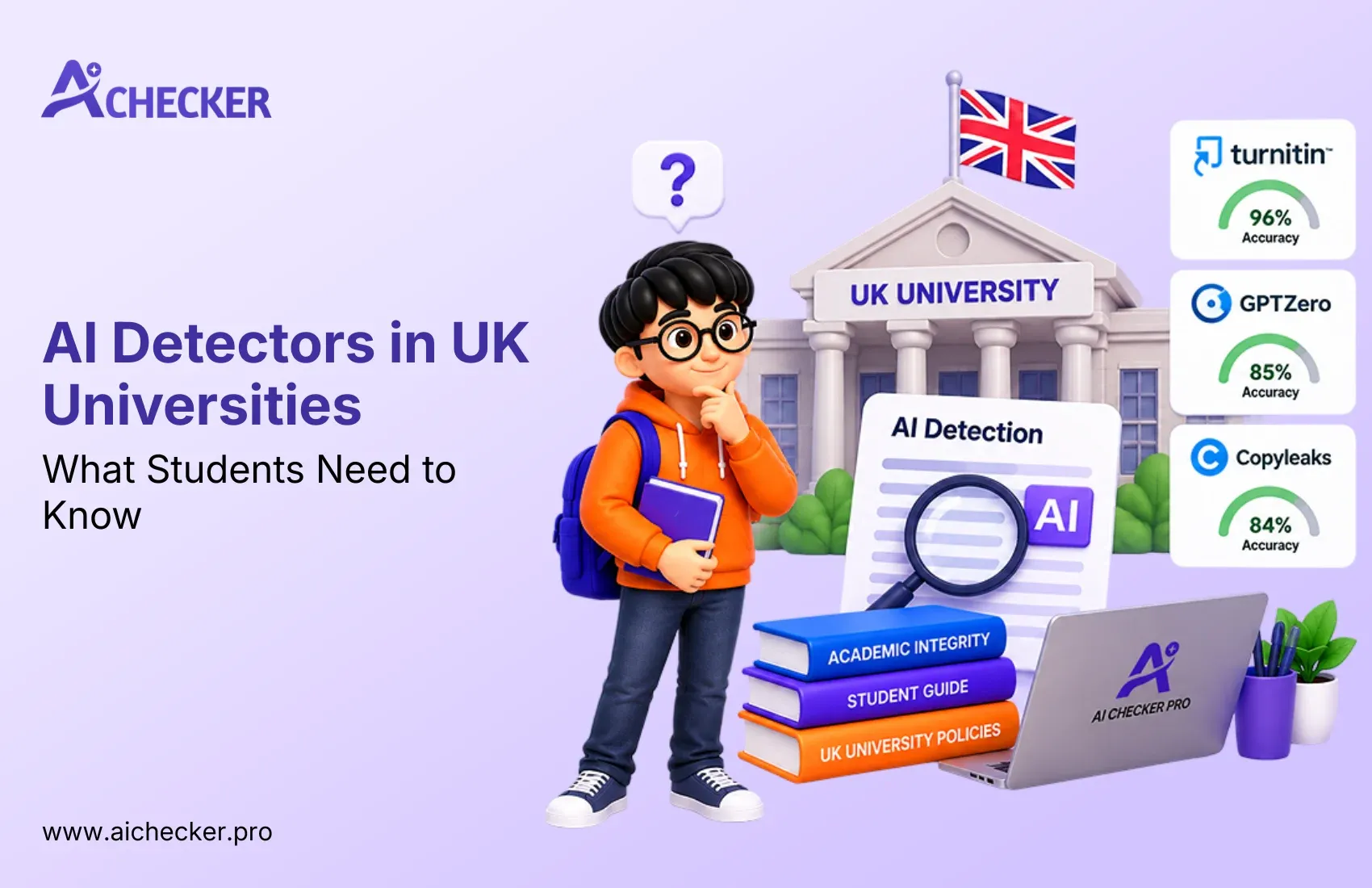
Unlike SafeAssign, Turnitin features a special feature called the AI Writing Detection Module. If your educational institution is utilizing the capabilities of Turnitin (most likely because of an existing license agreement), you will have to go through not only a plagiarism but also an AI authorship verification process.
The difference between AI detection in Turnitin and plagiarism checks lies in their nature. The first approach involves analyzing specific patterns in your writing.
That is, the system is analyzing such elements as sentence predictability, variations in sentence structure, distribution of vocabulary, and other factors differentiating human writing from machine. For a deeper look at what AI detector Turnitin actually uses, it is worth reading up before your next submission.
When an instructor views the Turnitin report inside Blackboard, they see two separate scores:
- A Similarity Score: the percentage matching existing sources (plagiarism indicator)
- An AI Writing Score: the percentage of text that Turnitin believes was AI-generated
Each of these is independent, and thus a paper that scores very low on plagiarism could simultaneously score highly in AI writing. This means students who think to themselves, "Since SafeAssign found nothing, then I must be safe," could be in for quite an unpleasant surprise when they submit to Turnitin.
Copyleaks: The Anthology Partnership Tool
Copyleaks is the third big provider, and it has a partnership with Anthology (Blackboard's parent company). Certain universities use Copyleaks either instead of or along with Turnitin.
What makes Copyleaks unique is its ability to identify inconsistencies typical for AI-written papers: sudden changes of topics, equal length of all sentences, and too formal tone that humans rarely use consistently within the whole paper.
Just like Turnitin, Copyleaks produces a score indicating whether the paper was written by AI. It shows up in the submission interface on Blackboard. If you are wondering how accurate Copyleaks AI detector really is, the answer depends on several factors including writing style and content type.
SafeAssign vs. Turnitin: Which One Will Your Professor Use?
Here is a quick comparison to help you understand what you might be dealing with:
| Feature | SafeAssign | Turnitin |
|---|---|---|
| Built into Blackboard? | Yes, included by default | No, requires institutional license |
| Primary purpose | Plagiarism detection | Plagiarism + AI detection |
| AI detection capability | Very limited/indirect | Dedicated AI writing score |
| Report type | Originality report (similarity %) | Similarity score + AI writing % |
| Accuracy for AI content | Low to moderate | High (claims ~97%) |
| Cost to universities | Included with Blackboard | Separate paid license |
The honest answer to the question "Which one is going to be used by my professor?" would be: There is no way to be sure about that, unless your professor specifies that himself.
Some institutions make Turnitin compulsory across their entire university, some universities make their students use SafeAssign, and others use nothing. The best thing that you can do is find out from either your syllabus, Blackboard, or your professor what tools they require.
Can Blackboard Actually Catch ChatGPT Writing?
The short answer is: it depends on which tools are active, and even then, it is not foolproof.
What the Detection Report Shows Instructors
In case you turn on Turnitin and it creates a report, the professor will get your highlighted report, where the portions that are suspected to be AI-written will be highlighted differently from those that are suspected to be plagiarism.
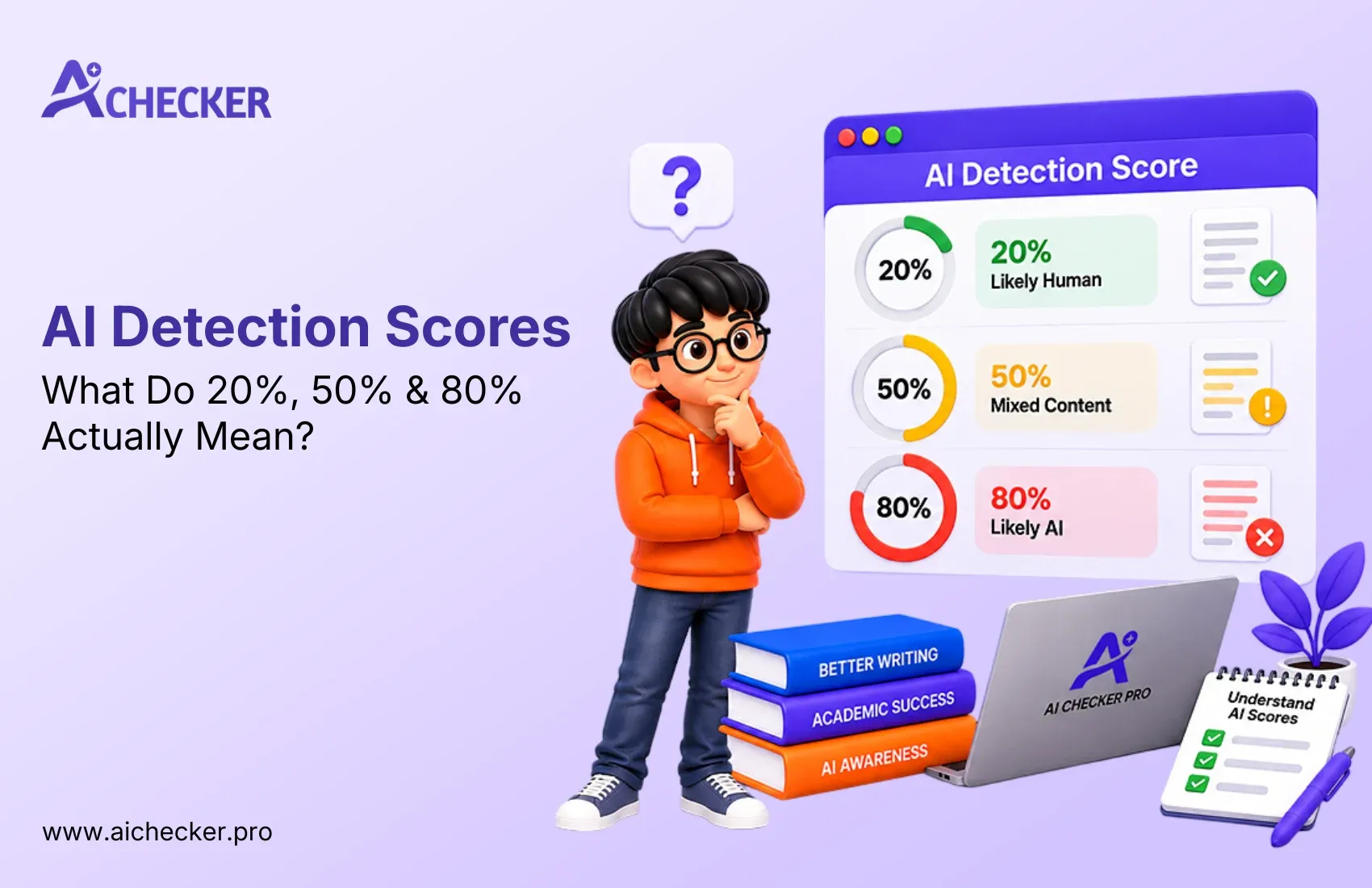
The most important aspect of all is that your professor will get a probability score and not a conclusion. If your portion of writing gets an 85% probability of being AI-written, it doesn't necessarily mean you fail the class. It simply means that the professor has to check your work more closely.
The False Positive Problem: and Why It Matters
It is something that must be taken into consideration by both students and instructors alike. The fact is that tools used for detecting AI, like Turnitin, are far from infallible. Indeed, sometimes, these services make mistakes and identify human-written papers as having been written by an AI.
In particular, those students who prefer to write in a highly formal and structured manner run an increased risk of being accused of using an AI writer. At the same time, non-native speakers who like writing in a structured manner are also at risk. Similarly, those who write technical papers, which have a repetitive nature, may trigger these programs.
Understanding how accurate AI content checkers really are can help you set realistic expectations before submitting any assignment. That is why it is recommended to check your papers independently using other AI detection services.
What Should Students Do Before Submitting to Blackboard?
Whether you used AI tools or not, here are three practical steps that put you in a better position before you submit any assignment through Blackboard.
Step 1: Write in Your Own Voice and Revise Heavily
In case you have used AI software in helping draft your paper or create an outline, ensure that you edit it extensively. This includes coming up with examples on your own, restructuring sentences, and adding your own ideas. The more the content resembles your thoughts, the better. You can also explore tips on how to humanize AI text manually for academic writing to make your edits more effective.
Step 2: Check Your Own Work with a Free AI Detector Before Submitting
There is no need to guess what Turnitin and SafeAssign would think. You can easily check that using a free AI detector tool, which lets you copy and analyze your text for AI before your instructor even gets hold of it. This way, when parts are highlighted as suspicious, you will know where to fix them.
Step 3: Know Your Institution's AI Policy
However, AI detection is not equivalent to AI policy. In some universities, there are outright bans on the use of AI. Other universities allow the use of AI but require its declaration beforehand. It is also worth checking whether colleges really use AI detectors and to what extent, so you fully understand the stakes at your own institution.
Conclusion
Below is a list of facts that every student who will be using Blackboard in 2026 should know:
- There is no built-in AI detector in Blackboard. The built-in plagiarism software, known as SafeAssign, is just that: it checks for plagiarism, not for AI writing.
- Detection of AI writing takes place with third-party plugins like Turnitin (most common), Copyleaks (from Anthology partnership), and others, only if those have been enabled on your platform.
- SafeAssign passing your paper doesn't necessarily mean that it hasn't used AI. Even when using Turnitin, there's always a possibility that what you get is merely a probability score, not detection per se.
The best thing you can do is run the paper through a detection tool yourself. Try using AI Checker Pro, a free online checker that requires no account to get a full picture. A couple of minutes now could save you much heartache down the line.
FAQs
1. What AI detector does Blackboard use?
2. Does Blackboard have a built-in AI detector?
3. Can SafeAssign detect ChatGPT writing?
4. Does Turnitin detect AI writing inside Blackboard?
5. How does Turnitin detect AI-generated text?
6. What is the difference between SafeAssign and Turnitin for AI detection?
7. Will my professor know if I used ChatGPT on Blackboard?
8. Can Blackboard detect AI writing without Turnitin?
9. What is Copyleaks and does Blackboard use it?
10. How can I check my paper for AI detection before submitting to Blackboard?

Harshil Barvaliya
SEO Executive & Content Writer at AI Checker Pro
I’m Harshil Barvaliya, an SEO Executive and Content Writer at AI Checker Pro. I focus on improving the website’s search engine visibility through effective SEO strategies, including keyword research, on-page and off-page optimization, and content development.Get Started Free
Create a free account for advanced AI detection and scan history.
Trusted by thousands worldwide.
Recent Blog's
Discover how AI-powered content creation can elevate your website's reach and engage your audience like never before. Explore the real impact of AI on crafting content that connects.