Evernote AI Detector: Does Evernote Flag AI-Generated Notes? (2026 Guide)
TABLE OF CONTENTS
What Is Evernote's AI Detector?
The Family of Niche Detectors
Is Evernote's AI Detector Free to Use?
How Accurate Is It, Really?
Evernote AI Detector vs. Other AI Checkers
Who Should Use Evernote AI Detector?
Limitations to Know Before You Trust It
Some Evernote AI Detector of Best Alternatives
Conclusion
FAQs
Get an AI summary of this post on:




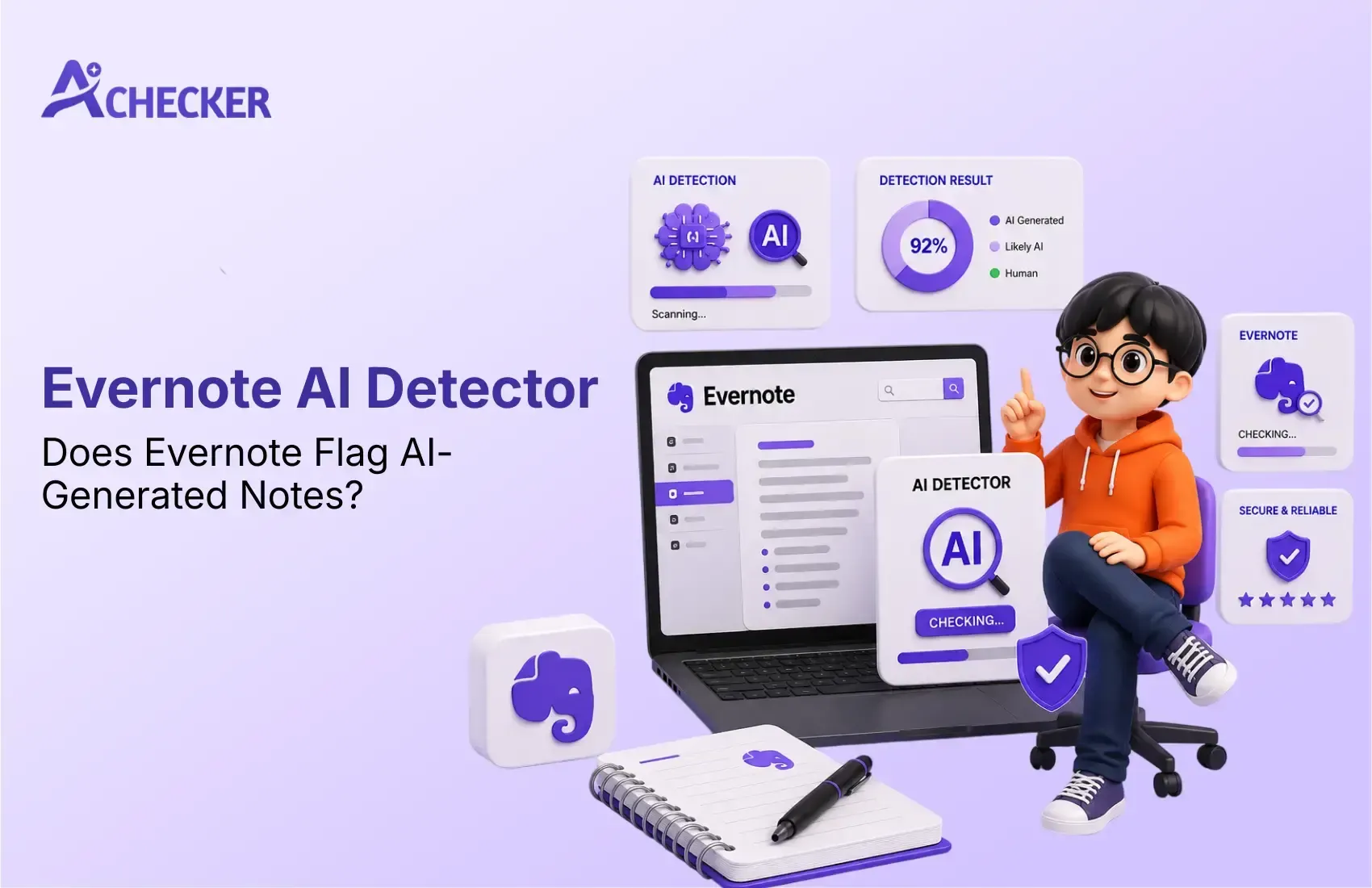
Evernote has been the default software for capturing web clippings, receipts, and half-finished to-do lists for nearly two decades. The company made some waves when it quietly launched a standalone Evernote AI Detector, which promises to detect whether a text was written by ChatGPT, GPT-4, Claude, or even a human.
If you're here, asking yourself, "what is evernote ai detector," you're probably looking to learn more about this new tool. If you're asking, "Is Evernote AI Detector reliable?" we did a test for you.
We ran some trials and research to see what the tool can and can't do. And now we have a comprehensive overview of the capabilities of Evernote's AI Detector.
Get Lifetime Access with 60% OFF
Stop paying monthly subscriptions. Enjoy unlimited AI detection and humanizer access forever with future updates included.
- One-time payment
- Unlimited access forever
- All future updates included
What Is Evernote's AI Detector?
Evernote AI Detector is a free browser-based tool that scans a text query and provides a verdict on whether it was generated by an AI.
Evernote announced the tool was designed to detect output from leading language models, including ChatGPT, GPT-4, and Claude, and that it works across languages (not just English).
It is positioned more as a companion tool than a flagship feature. It appears on its own page at evernote.com, rather than being integrated into the Evernote app.
A user can perform a basic scan without signing in, but they need to be logged in to see the results of the analysis or save the results to a note.
The Family of Niche Detectors
What surprised us most during research is that Evernote didn't stop at one general-purpose checker. It's built out an entire suite of use-case-specific detectors, including:
- AI Essay Detector: aimed at students and educators checking academic work
- AI Resumes Detector: flags whether a job application was AI-written
- AI Reports Detector: designed for corporate and business documents
- AI Scripts Detector: analyzes narrative or screenplay-style writing for AI patterns like predictable structure and repetitive phrasing
- AI Emails, Tweets, Poems, and Stories Detectors: the same underlying engine, repackaged for different content types
Functionally speaking, it all seems to be the same detector behind all of these services, with variations in landing page presentation and copy for each target use case.
If you're logged in, any of these can save the result to an Evernote note directly, which is handy if you're already heavily invested in the Evernote platform, but not particularly compelling if you're not.
Is Evernote's AI Detector Free to Use?
Yes, but sometimes you have to subscribe to it. You can run a quick text analysis for free, but to get the full report, including the reasoning behind the classifications, you'll need to sign in to a free account.
For most casual users, this is unlikely to be a big issue, but more inquisitive types who want to know why a piece of text was classified a certain way will be directed toward Evernote's sign-up page.
It seems there is no premium version for the detector, per se, as the service appears to be positioned as a "bonus" rather than a primary selling point, which is why it seems to be offered for free.
How Accurate Is It, Really?
This is the most important section, and also the one in which Evernote's detector starts to show its shortcomings.
The classification algorithm is disappointingly crude, rather than assigning a probability threshold, it classifies any text it scans as either AI-generated, human-generated, or mixed.
While this approach is understandable from a practical standpoint, it's hard to argue with a 73% confidence level in a piece of text being AI-generated, in reality, it doesn't provide nearly as much information as one might expect.
In this particular test, however, it did correctly classify every sample as either AI- or human-generated, with no false positives. This raises the question of what to do with the information, however, outside of casual use, the ability to distinguish between the two options at a granular level is arguably more useful than a simple binary response.
For example, while being able to tell a piece of text generated by GPT-J from a human-written one is a neat party trick, it's hardly groundbreaking intelligence. On the other hand, distinguishing between a 55% AI-generated and a 95% AI-generated text can be invaluable in certain use cases, such as academic writing or professional proofreading.
The humanizing aspect of the service is underwhelming as well. Evernote offers a humanizer tool which allows users to make AI text more natural and avoid plagiarism checkers. However, according to independent testing of free AI humanizer tools, this tool has proven ineffective at evading detection software.
Evernote AI Detector vs. Other AI Checkers
So, basically, Evernote's tool measures up against those purpose-built AI detection services, you know, like the ones you'd find in dedicated platforms, including tools similar to the one you're using right now on aichecker.pro.
| Feature | Evernote AI Detector | Dedicated AI Checkers (e.g. aichecker.pro) |
|---|---|---|
| Cost | Free | Often free tier + paid for higher volume |
| Scoring detail | Binary-style (approx. 90%/10%) | Granular percentage scores |
| Classification | AI_GENERATED / HUMAN_GENERATED / MIXED | Detailed probability + sentence-level highlighting |
| Model coverage | ChatGPT, GPT-4, Claude (per Evernote) | Typically broader, updated model coverage |
| Account required | Only for full results | Varies by tool |
| Note-taking integration | Yes, saves to Evernote notes | Not applicable |
| Primary purpose | Companion feature | Core product, purpose-built for detection accuracy |
The bottom line is that Evernote's detector is convenient and effective if you're already in the program, want something quick, and don't need a comprehensive analysis. It's not as precise or nuanced as something that exists for detection alone, so if you need to know for real how much of a given text was generated by another AI system, you should probably go with the dedicated AI detector options. The upshot is that all of these tools are extremely useful, but most of them are best suited to specific use cases.
Who Should Use Evernote AI Detector?
This part helps in addressing more targeted questions and long-tail searches, thus assisting potential customers in ascertaining if Evernote AI Detector is the right choice for them. Moreover, it helps meet the demands of different visitors, thus enhancing overall satisfaction and SEO performance.
Best for
- Students checking assignments
- Bloggers reviewing AI-generated articles
- Teachers performing quick checks
- Writers using ChatGPT
- Evernote users who want everything in one place
Not Ideal For
- Universities requiring evidence
- Enterprise compliance
- Publishers
- SEO agencies
- Professional AI content auditing
Limitations to Know Before You Trust It
A few things are worth keeping in mind before you lean on this tool for anything important:
- No AI detector is 100% accurate, and Evernote says so itself. The company's own disclaimer warns that its detector shouldn't be the sole basis for decisions that could affect someone's academic standing or career.
- Binary-style scoring hides nuance. Borderline or heavily edited AI text may not be distinguished clearly from either extreme.
- It only detects; it doesn't explain well. Free users get a quick label; the reasoning behind it is locked behind login.
- The humanizer companion tool isn't reliable. If you're testing content that's been run through Evernote's own humanizer, don't expect it to pass other detectors.
- It's a newer addition to Evernote's toolkit, so track record and long-term accuracy data are still limited compared to detectors that have been refined over several years.
None of this makes the tool useless, it's a legitimate, free option for a quick check. It just isn't a replacement for a dedicated detector if precision is the point.
Some Evernote AI Detector of Best Alternatives
AI Checker Pro
Best for people who want to know exactly what they are dealing with in terms of AI, with percentages and sentence-level breakdowns of what is and is not AI-generated. AI Checker Pro is good for students, educators, SEO writers, and businesses who need an intuitive but powerful tool to detect AI.
GPTZero
Unlike other originality verification tools, GPTZero is primarily aimed at teachers and academic institutions. The service prioritizes detecting essays, assignments, and reports generated by AI, offering a convenient option for instructors to identify potential cases of academic dishonesty in their classes.
Copyleaks
Copyleaks is great for detecting similar content created by artificial intelligence and for plagiarism checking. It is a convenient service for academic institutions of different levels, as it allows scanning multilingual texts and works of students and researchers and organizing the analysis through popular educational platforms.
Winston AI
Winston AI is designed for publishers, agencies, and professional teams that need accurate content analysis. It detects AI, supports OCR for scanned documents, and offers comprehensive reporting, making it a reliable choice for examining lengthy pieces and business files.
Originality.ai
Originality.ai is a popular choice among SEO professionals, publishers, and website owners. It offers AI detection, plagiarism scanning, and team management features, helping ensure content quality before publication.
ZeroGPT
ZeroGPT is a free browser extension that provides a quick scan for ChatGPT and other AI content detectors. The tool is most suitable for occasional users due to its limited depth of analysis compared to the best premium AI detection software.
Conclusion
Evernote's AI Detector is a valuable free addition to the service for anyone who already uses Evernote and wants a convenient way to scan text. It does an excellent job of distinguishing between text generated by AI and human writing, is free of charge, and has a simple interface that fits right into the Evernote experience.
However, for nuanced evaluations that require absolute certainty, it's best to turn to a dedicated AI checking service that offers more extensive guarantees and options for detailed analysis.
The simplified scoring system and the lack of extensive model coverage make Evernote's tool less suitable for critical decisions like grading student essays or approving job applications.
Want a more detailed, nuanced read on your text? Run it through AI Checker Pro's free AI humanizer and get a full probability breakdown instead of a simple label.
FAQs
1. What is the Evernote AI Detector?
2. Is Evernote AI Detector accurate?
3. Is Evernote AI Detector free to use?
4. Does Evernote flag AI-generated notes?
5. What is the best alternative to Evernote?
6. How does Evernote AI Checker compare to other AI detectors?
7. Can Evernote AI Detector detect Claude and ChatGPT text?
8. Is there an Evernote Down Detector?
9. What are the best Evernote alternatives for AI detection?
10. Should I trust Evernote AI Detector for academic work?

Harshil Barvaliya
SEO Executive & Content Writer at AI Checker Pro
I’m Harshil Barvaliya, an SEO Executive and Content Writer at AI Checker Pro. I focus on improving the website’s search engine visibility through effective SEO strategies, including keyword research, on-page and off-page optimization, and content development.Get Started Free
Create a free account for advanced AI detection and scan history.
Trusted by thousands worldwide.
Recent Blog's
Discover how AI-powered content creation can elevate your website's reach and engage your audience like never before. Explore the real impact of AI on crafting content that connects.