Bulk AI Checking for Teachers: How to Check Multiple Student Essays (2026 Guide)
TABLE OF CONTENTS
Key Highlights
What Is a Bulk AI Checker?
Why Teachers Need Bulk AI Detection in 2026
Can Teachers Check Multiple Essays for AI at Once?
How to Check Multiple Student Essays: A Simple Process
Best Bulk AI Checker for Teachers in 2026
Which AI Detectors Support Bulk Document Checking?
How Accurate Is Bulk AI Detection for Student Assignments?
Can Teachers Use AI Detectors to Review an Entire Class?
What Should Teachers Do When an Essay Is Flagged as AI?
Tips to Get Better Results From Any AI Detector
Conclusion
FAQs
Get an AI summary of this post on:


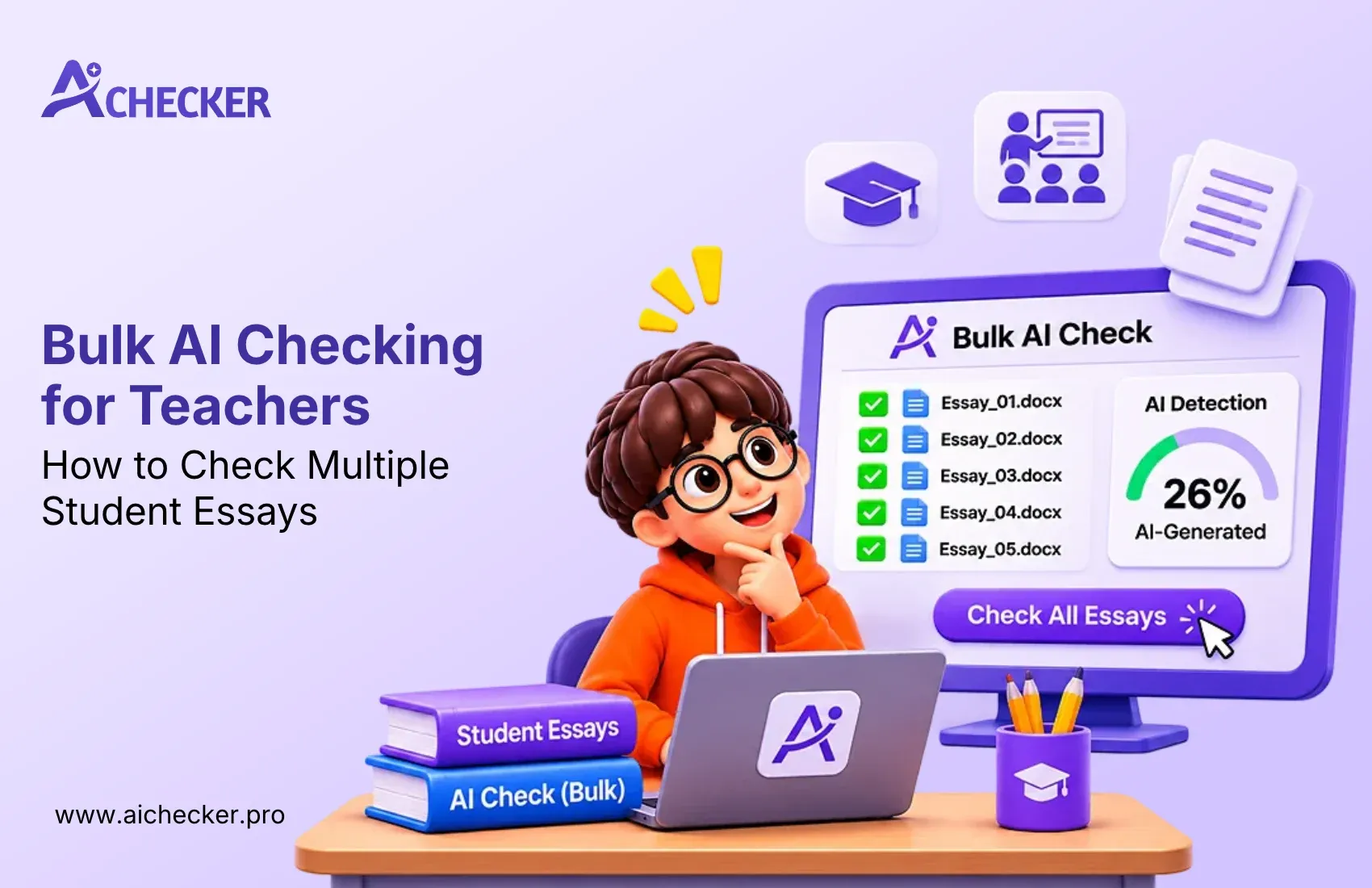
Imagine having 30, 60, or even 150 student essays to review. Checking every submission individually for AI-generated content can take hours. That's where a bulk AI checker for teachers can help. It allows you to scan multiple essays at once, identify submissions that may need a closer look, and save time during the review process.
Instead of checking every essay manually, you can focus on the ones that need your attention. In this guide, we'll explore how bulk AI checking works, how reliable the results are, and how to handle flagged essays fairly without making quick judgments.
Key Highlights
- A bulk AI checker for teachers saves hours by scanning many essays in one session.
- No AI detector is 100% accurate. Treat every score as a clue, not proof.
- False positives happen, mostly with formal writing and non native English writers.
- Sentence level results help more than one overall percentage.
- Detection gets weaker when AI text is paraphrased or humanized.
- Always talk to the student before you take any action.
- Pick a bulk AI checker for teachers that shows sentence level results.
- Tools like AI Checker Pro give you a fast first scan, and you make the final call.
What Is a Bulk AI Checker?
Imagine checking 80 student essays before the next class. Copying and pasting each essay into an AI detector takes a lot of time. A bulk AI content checker makes this work easier by helping you check multiple essays in one session.
Some tools allow you to upload several documents at once, while others let you check essays one after another through a simple process. For teachers, a bulk AI checker saves time and helps identify essays that may need a closer review. Instead of checking every paper manually, you can focus on the ones that need attention.
Why Teachers Need Bulk AI Detection in 2026
Students now have access to ChatGPT, GPT 5, Gemini, Claude, and many other tools. Writing a decent essay with AI takes about two minutes. Reading and grading it takes you much longer.
If you are asking how teachers can detect AI writing in multiple assignments, the answer starts with a tool that can scan fast. Here is what teachers tell me again and again:
- Class sizes are big, and time is short.
- Essays look polished but feel strangely empty.
- Students sound very different in class than they do on paper.
- Checking each essay by hand feels unfair to your own free time.
That is the job of a bulk AI checker for teachers: save your time without taking over your judgment. A good AI checker for teachers does not replace your judgment. Instead, it highlights potentially suspicious content so you can review it using your own experience and understanding.

Get Lifetime Access with 60% OFF
Stop paying monthly subscriptions. Enjoy unlimited AI detection and humanizer access forever with future updates included.
- One-time payment
- Unlimited access forever
- All future updates included
Can Teachers Check Multiple Essays for AI at Once?
Yes, they can. Every bulk AI checker for teachers works a little differently. There are three common ways teachers do it:
- School or university platforms. Tools like Turnitin are usually bought by the institution and connected to your learning system. Essays get checked as students submit them. You can read more in this Turnitin AI detector review.
- Batch upload tools. Some detectors allow you to upload several files together on paid plans. Features change often, so always check the current plan details.
- Fast one-by-one workflow. If a tool has no batch upload, you can still move quickly by pasting essays back-to-back and saving the scores in a simple sheet.
Some teachers also look for an AI detector for checking multiple student submissions that links straight to their learning platform. Teachers can check multiple essays using different workflows. However, the time and effort required depend on whether the tool supports batch uploads or requires individual checks.
How to Check Multiple Student Essays: A Simple Process
Step 1: Collect All Essays in One Folder
Ask students to submit their essays in the same format, such as Word or Google Docs. Keep all files in one folder so you can find and review them easily. Using the same format also makes the checking process smoother.
Step 2: Run the Essays Through an AI Detector
Upload all essays to a bulk AI checker for teachers if it supports multiple file uploads. If your tool does not have a batch option, check each essay one by one. Keep a record of the results for later review.
Step 3: Sort Essays Into Three Groups
After checking, divide the essays into three simple groups based on their AI detection results:
- Low risk: Very little AI-generated content is detected.
- Medium risk: Some sentences are flagged and need review.
- High risk: A large part of the essay is flagged and needs closer attention.
Step 4: Review the Flagged Sentences
Do not make a decision based only on the AI detection score. Read the highlighted sentences and check whether they seem different from the rest of the essay. Tools like AI Checker Pro provide sentence-level results, making it easier to identify which parts need attention. For a closer look at how scoring works, see this explanation of perplexity and burstiness in AI detection.
Step 5: Compare With the Student's Previous Work
Check an older assignment or an in-class writing sample from the same student. Compare their writing style, vocabulary, sentence structure, and level of detail. This can help you understand whether the latest essay is different from their usual work.
Step 6: Keep a Record of Your Findings
Maintain a simple record of each essay, including the checking date, detector name, score, and your observations. These notes can help if you need to discuss the results with a student or parent later.
Best Bulk AI Checker for Teachers in 2026
When I tested different AI detectors last month, I used a mix of essays. Some were written by me, some were generated directly by ChatGPT, and others were AI-written drafts that I edited myself. The results were different across tools. Some detected AI-written content correctly, while others missed a few parts. This shows that every tool has its own strengths and limitations.
When choosing a bulk AI checker for teachers, look at its features, pricing, and ease of use. If you are searching for the best bulk AI checker for teachers in 2026, the comparison below will help you understand what different tools offer.
| Tool | Accuracy | Free Tier | Humanizer Included | Best For |
|---|---|---|---|---|
| AI Checker Pro | Strong on raw AI text, shows sentence level results | Yes, a free option to try | Yes | Teachers, students, and bloggers who want detection and humanizing in one place |
| Turnitin | Widely used, but results can differ by essay type | No, sold to schools and universities | No | Institutions with an existing license |
| GPTZero | Popular with educators, not perfect on edited text | Yes, with limits | No | Teachers who want a simple classroom tool |
| Originality.ai | Strict, tends to flag more text | No, paid credits | No | Publishers and agencies checking lots of content |
A good AI essay checker for teachers should show you which sentences look suspicious, not just a single number. No tool on this list is 100% accurate. Not one. If anyone tells you otherwise, be careful.
AI Checker Pro can fit into a teacher's AI detection workflow. It supports checking text generated by tools such as ChatGPT, GPT-4, GPT-5, Gemini, and Claude. It is easy to use, it is trusted by 100K+ users, and the humanizer is a bonus when teachers or students want to understand how AI text can be rewritten in a more natural way.
Which AI Detectors Support Bulk Document Checking?
Not every bulk AI checker for teachers works in the same way. Some tools let you upload multiple essays at once, while others help you check documents one by one. Popular tools like Turnitin, GPTZero, Originality.ai, and Copyleaks offer different ways to check large amounts of content. Some also provide school or university plans with learning platform integrations.
Before choosing a tool, understand what type of bulk checking it offers:
- Batch upload: Upload multiple essays together and get a separate report for each file.
- One-by-one checking: Check several essays quickly without uploading them all at once.
- School integration: Connect the AI detector with your school's learning platform to manage student submissions.
How Accurate Is Bulk AI Detection for Student Assignments?
If you are looking for bulk AI detection tools for schools and universities, consider these three things before making a decision:
- Does the tool allow you to upload multiple files at once?
- Does it highlight AI-written sentences or only show an overall score?
- Does your school provide a paid plan, or will you need to pay for it yourself?
These questions will help you choose the right tool based on your class size, budget, and checking needs.
AI detectors can help teachers review student assignments, but they do not always give correct results. Even the best bulk AI checker for teachers can sometimes mistake human-written content for AI-generated text. So, it is important to understand their limitations before using them. If you want a broader look at reliability, this guide on which AI detectors are accurate is a helpful starting point.
Most AI detection tools, such as Turnitin, GPTZero, Originality.ai, and Copyleaks, have some common limitations:
- Long AI-written content: Detectors may find AI patterns more easily in longer, unedited text.
- Short essays: Short answers do not provide enough text for reliable detection.
- Edited AI content: Paraphrasing or making manual changes can affect detection results.
- Human-written content: Sometimes, genuine student writing is also flagged as AI-generated.
False positives are a major concern for teachers. For example, students who write in simple English or follow formal sentence structures may receive an AI flag even when they have written the essay themselves. This can be especially concerning for students who speak English as a second language. In fact, a human-written essay flagged as AI is a situation many students face.
During my testing, most detectors identified unedited ChatGPT essays. However, their results varied when I tested manually edited AI-generated drafts.
This shows why teachers should not depend on a single detection score.
The best approach is to use AI detection results as a starting point, not as proof of cheating. Always review the writing, compare it with previous assignments, and give students a chance to explain their work before making a decision.
Can Teachers Use AI Detectors to Review an Entire Class?
Yes. Teachers can use a bulk AI checker for teachers to review assignments from an entire class. However, checking many essays at once works better when you follow a clear process. Here are some simple ways to manage AI detection for large classes:
- Set clear rules: Explain to students at the beginning of the semester when and how they can use AI tools. An AI policy template for schools can make this easier.
- Check all submissions: Follow the same checking process for every student to avoid unfair treatment.
- Group essays by results: Sort essays into low, medium, and high-risk groups to decide which ones need more attention.
- Collect writing samples: Ask students to write a short paragraph in class. You can use it to compare their writing style with submitted essays.
- Ask for essay drafts: Check Google Docs version history to understand how students wrote and edited their assignments.
For example, imagine a college professor has 120 students in a writing course. Reviewing every essay twice can take several hours. A bulk AI checker can help teachers organize submissions and identify essays that require closer attention. The teacher can then spend more time reviewing those essays instead of checking every paper in the same way.
What Should Teachers Do When an Essay Is Flagged as AI?
This is one of the most important steps in the checking process. When a bulk AI checker for teachers flags an essay, it does not mean the student has cheated. The result is only a warning that the essay needs a closer look.
If you are wondering how to review student essays for AI-generated content, follow these simple steps:
- Don't make a quick decision: Treat the AI detection score as a signal, not proof of cheating.
- Read the flagged sentences: Check the highlighted parts and see whether they match the student's usual writing style.
- Compare older assignments: Look at previous essays or in-class writing samples to find any major differences.
- Check the draft history: Review Google Docs or Word version history to see how the student wrote and edited the essay.
- Talk to the student: Ask them to explain their ideas, sources, and writing process. Give them enough time to respond.
- Follow school rules: Check your institution's academic integrity policy before taking any action.
- Keep proper records: Note the detection results, your observations, and the student's explanation.
Remember, AI detectors can make mistakes. Some students may be flagged simply because they use formal language or simple sentence structures. Give every student a fair chance to explain their work before making a final decision. If a student feels wrongly accused, this resource on being falsely accused of using AI may also be useful.
Tips to Get Better Results From Any AI Detector
To get more useful results from an AI detector, follow these simple tips:
- Check the complete essay: Always scan the full essay instead of checking only a few paragraphs.
- Remove references and quotes: Exclude the bibliography and quoted content before scanning, if possible.
- Compare results: Use a second AI detector if the first tool flags an essay.
- Avoid short text: Very short answers may not give reliable detection results.
- Scan after actual changes: Check the essay again only when meaningful edits have This approach saves time and helps make the checking process fairer.
Conclusion
A bulk AI checker for teachers can save time when checking assignments from a large class. You can scan multiple essays, sort the results, and focus on the ones that need a closer review. However, remember that no AI detector is 100% accurate. Always read the flagged sentences, compare previous assignments, and talk to students before making a decision. Your judgment matters more than any detection score.
If you want to try a simple way to check student essays, give AI Checker Pro a try and see how it fits into your review process.
FAQs
Do grad schools check for AI in applications?
Can grad schools detect ChatGPT-written essays?
Is using AI in a statement of purpose allowed?
Do universities check personal statements for AI?
Can AI detection lead to graduate application rejection?
How accurate are AI detectors for admission essays?
What should applicants do if their essay is falsely flagged as AI?
Can I use ChatGPT for my statement of purpose?
Will AI-generated application essays get rejected?
How do graduate schools review AI-written applications?

Harshil Barvaliya
SEO Executive & Content Writer at AI Checker Pro
I’m Harshil Barvaliya, an SEO Executive and Content Writer at AI Checker Pro. I focus on improving the website’s search engine visibility through effective SEO strategies, including keyword research, on-page and off-page optimization, and content development.Get Started Free
Create a free account for advanced AI detection and scan history.
Trusted by thousands worldwide.
Recent Blog's
Discover how AI-powered content creation can elevate your website's reach and engage your audience like never before. Explore the real impact of AI on crafting content that connects.