SimCheck AI Detector Review: Is It Accurate for AI Content Detection?
TABLE OF CONTENTS
What Is SimCheck AI Detector?
SimCheck by Turnitin, Explained
How It Differs From a Standalone AI Checker
How SimCheck's AI Detection Actually Works
Is SimCheck Accurate? (Real Findings)
SimCheck vs. Other AI Detectors
Pros and Cons of SimCheck AI Detector
Who Can Access SimCheck?
How to Get a More Reliable AI Check
Common Reasons for False Positives in SimCheck
Tips to Reduce False AI Flags
Conclusion
FAQs
Get an AI summary of this post on:




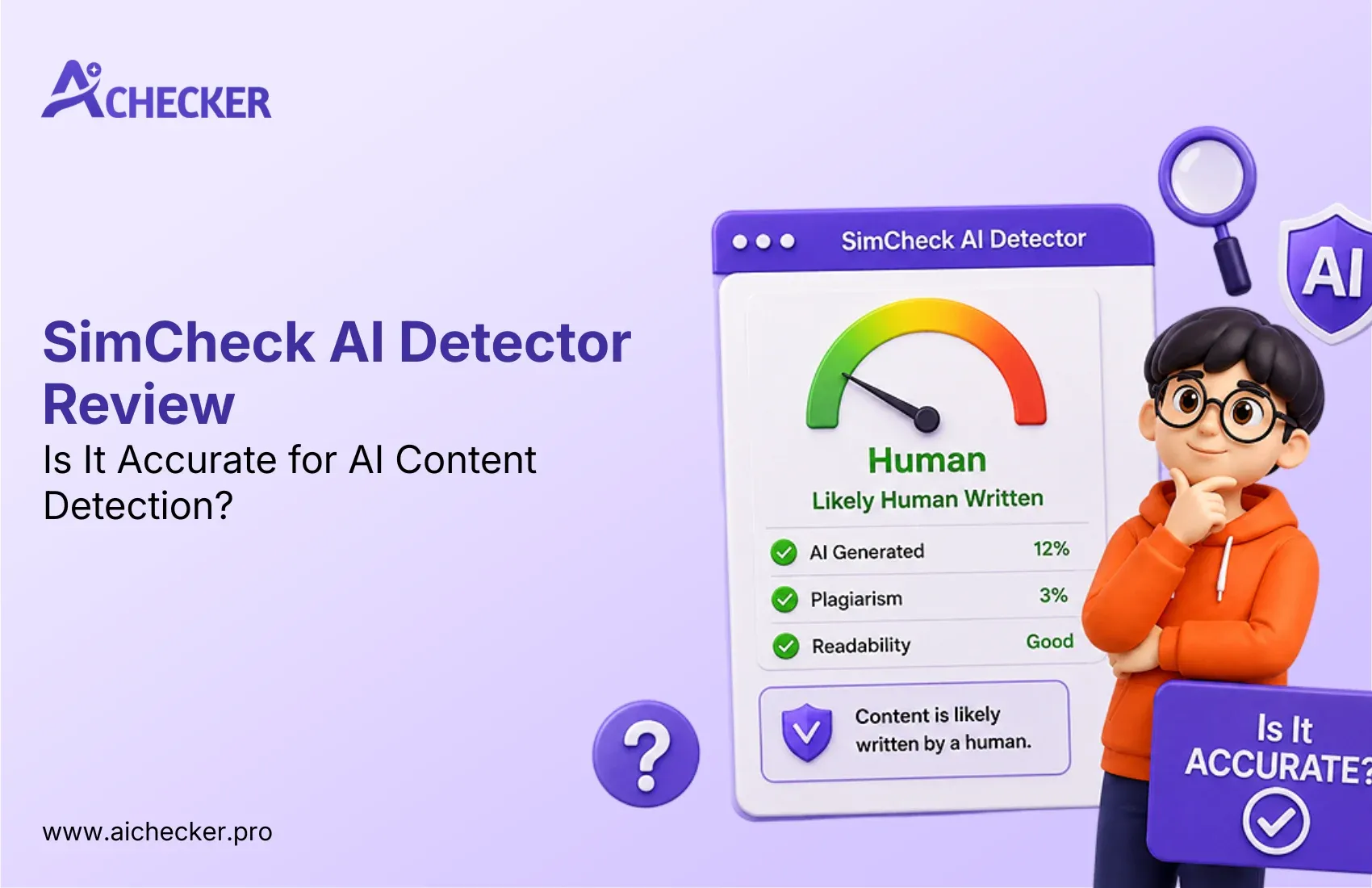
If you did a Google search for something like "SimCheck AI detector," you probably have a few questions about what that actually is. It sounds like it could be some sort of standalone website where you can paste in some text to be checked, but it's not. It's much bigger than that.
SimCheck is part of Turnitin, a plagiarism-detection service used in schools. Many universities have had issues with SimCheck's new AI detection technology, so much so that some have rescinded their use of the program.
In this article, we will discuss exactly what SimCheck is, how it works, why many universities have stopped using it, and what you should use to check your text if you're looking for something safe and reliable, such as a dedicated AI detector for students.
What Is SimCheck AI Detector?
SimCheck is the AI and plagiarism detection software used by Turnitin, which is built directly into learning management systems such as Canvas.
If an instructor turns this on for an assignment, SimCheck will scan the text of the assignment against their database of content on the internet, academic resources, and previously submitted student papers, as well as run an AI-writing detection scan to determine a percentage of similarity to text generated by chatbot programs such as ChatGPT.
SimCheck by Turnitin, Explained
SimCheck is not a new independent entity, competitor, or "other detector". It is the same product as Turnitin's "originality report," rebranded in proprietary fashion for particular partners (admissions/testing platforms such as Kira Talent, and campus software such as Canvas). It serves two purposes:
- Similarity/plagiarism checking: flags text that matches existing sources
- AI-writing detection: estimates the likelihood that text was generated or heavily assisted by AI
If you want to understand how the underlying technology compares to Turnitin's own branding, this breakdown of what AI detector Turnitin actually uses explains the relationship in more depth.
How It Differs From a Standalone AI Checker
This is the section most searchers overlook: currently, public AI detectors are those which are openly available for any individual to access, such as GPTZero, Copyleaks, Winston AI or aichecker.pro.
These are tools where users can simply paste their text and receive an AI detection result. SimCheck, on the other hand, is an institutional detector. This means there is no public access to it, and one cannot "try SimCheck" at will. In order to use SimCheck, your school, university, or place of employment must have it installed, and in most cases you will not be able to test your text against it before submitting.
How SimCheck's AI Detection Actually Works
SimCheck scores submissions by evaluating each sentence for similarity to passages in Turnitin's database or patterns characteristically associated with writing generated by an AI. A percentage score is then assigned to the overall submission for instructor review, a process similar in principle to how most modern AI content detection tools operate.
Similarity Scoring vs. AI-Writing Scoring
It's important to separate the two scores SimCheck produces:
- Similarity Score: measures textual overlap with existing sources (classic plagiarism detection). A high score here doesn't automatically mean plagiarism; it means a human needs to review the matched sections and decide.
- AI-Writing Score: a separate estimate of how much of the submission appears AI-generated, based on writing pattern analysis rather than source-matching.
Both scores are explicitly framed by Turnitin (and by the universities that use SimCheck) as starting points for human review, not automatic verdicts. Several university IT departments explicitly warn instructors not to treat a flagged score as proof of AI use or plagiarism on its own.
What Data It Checks Against
SimCheck's similarity engine utilizes the open web, licensed academic and commercial databases, Microsoft's Bing search index, plus a local knowledge base of previously submitted papers by the institution.
The AI-writing detection layer is different; it doesn't compare against any sources. It analyzes patterns in the writing to detect if, how much, and what type of AI assistance may have been used to compose the text, similarly to how other AI detectors work behind the scenes.
Is SimCheck Accurate? (Real Findings)
This is the question most people are actually asking, and the honest answer is: it's inconsistent, and several universities have said so publicly. For a broader look at this issue across the industry, see this guide on AI detector accuracy.
Documented False-Positive Cases
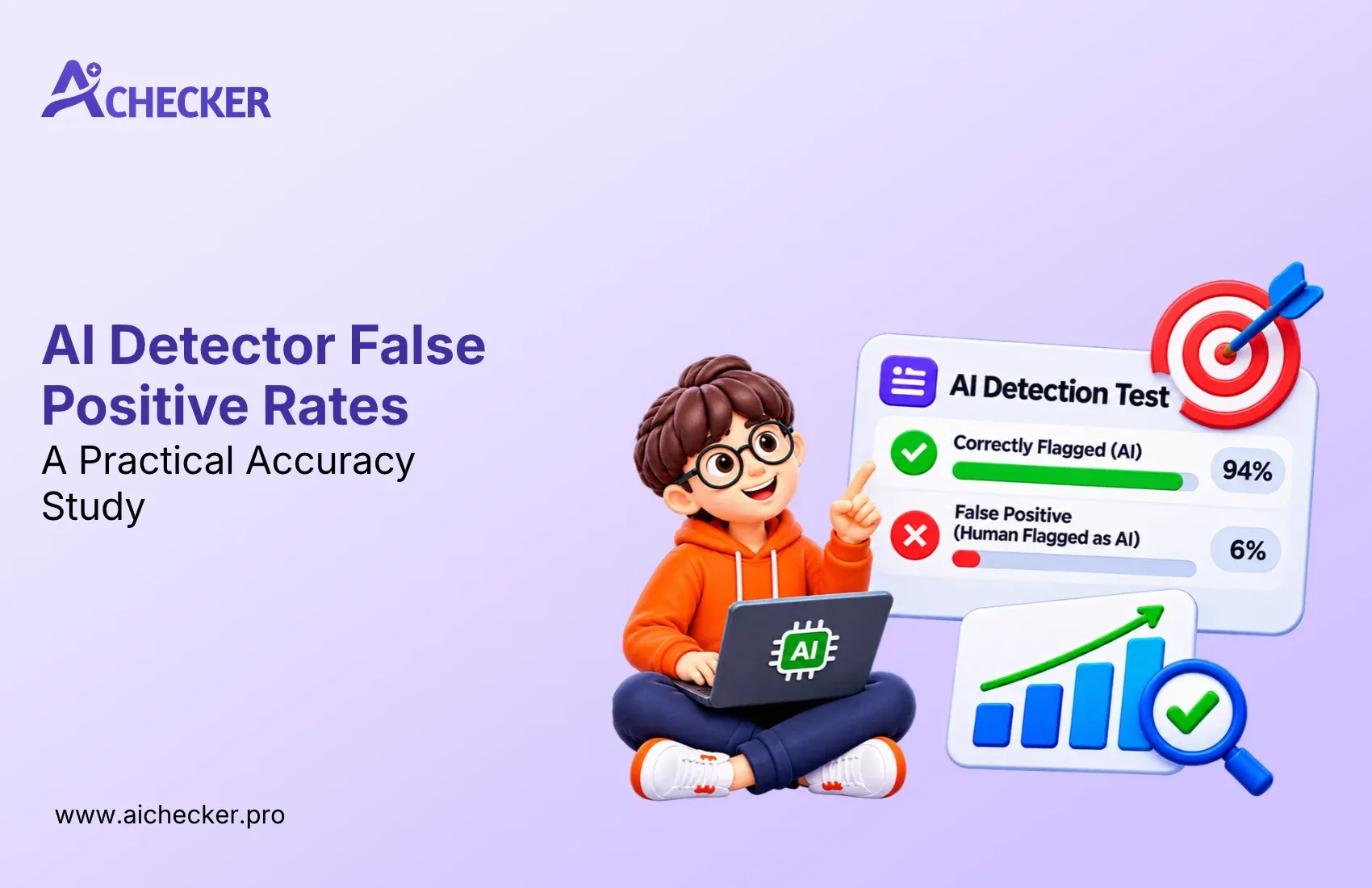
Many university IT and academic technology departments have uncovered instances where SimCheck identified legitimate original student work as being created by AI. This is even stated in the guidance pages for faculty on the websites of some universities that use SimCheck, warning that they should not interpret the results of the program as an absolute indicator of whether or not the text was AI-generated. You can read more on this specific problem in our piece on false positives flagging human writing.
Why Universities Opted Out
The false-positive problem was serious enough that some universities discontinued SimCheck's AI detection feature entirely or declined to enable it in the first place. Institutions cited concerns about:
- Wrongly accusing students of academic dishonesty based on flawed scores
- Lack of transparency in how the AI score is calculated
- Privacy and accessibility concerns tied to enabling the feature campus-wide
- The general immaturity of AI-detection technology compared to plagiarism detection, which has a much longer track record
Some schools that briefly had access to SimCheck's AI detection as a free preview chose not to continue with it once the free period ended, largely because they weren't confident enough in its reliability to justify making disciplinary decisions based on it. This is a pattern we've also covered in our look at whether colleges really use AI detectors.
What Turnitin Says vs. What Institutions Found
Turnitin has positioned SimCheck's AI detection to drive assistance rather than replace instructors' judgment, and has noted that no AI detector can be "perfectly accurate." Nevertheless, the company has found that the tension between its suggested role for the technology and the practical constraints of instructors' time has created "unexpected pushback."
In short, instructors who feel pressured to spend less time on detecting plagiarism have been incentivized to rely more heavily on Turnitin's score, which universities have sought to counter by requiring additional human review or by banning the technology entirely. If you'd like a side-by-side comparison of how these tools stack up, this article on Turnitin vs AI Checker for students is a useful resource.
SimCheck vs. Other AI Detectors
Here's how SimCheck stacks up against detectors people can actually test for themselves:
| Feature | SimCheck (Turnitin) | GPTZero | Copyleaks | AI Checker Pro |
|---|---|---|---|---|
| Public access | Institution-only | Free/paid tiers | Free/paid tiers | Free |
| Combines plagiarism + AI check | Yes | Separate tools | Yes | Yes |
| Transparent scoring for individual users | Limited (instructor-controlled) | Yes | Yes | Yes |
| Documented false-positive concerns | Yes (publicly reported) | Some reported | Some reported | Ongoing testing |
| Best suited for | Academic institutions | Students, educators | Enterprises, agencies | Writers, students, marketers wanting a quick self-check |
The primary distinction appears to be not what is more accurate in a laboratory setting, but rather that standalone plagiarism detectors allow one to check one's own writing prior to submission, whereas SimCheck is utilized within a system that one does not control after submission. For a deeper comparison of tools in this category, see our best AI content detector comparison.
Pros and Cons of SimCheck AI Detector
Like any other AI detecting tool, SimCheck has both pros and cons. Probably, its main advantage is that plagiarism and AI detection are combined in one tool, which is convenient for universities that use Turnitin. In addition, the tool is not available in the public area, and although some say that it can mistakenly identify text as AI-generated, it is not the best option for everyone.
Pros
- Integrates seamlessly with the Turnitin ecosystem and popular learning management systems like Canvas.
- Combines plagiarism detection and AI-writing detection in a single originality report.
- Saves instructors time by reviewing assignments within their existing workflow.
- Uses Turnitin's extensive database of academic papers, web sources, and institutional repositories for similarity checking.
- Designed for educational institutions, making it suitable for large-scale assignment reviews.
Cons
- Not available to the public, so students and individual users cannot test their work before submission.
- Documented false-positive cases have raised concerns among several universities.
- AI detection methodology lacks transparency, making it difficult to understand why specific text is flagged.
- Results should always be reviewed by a human, as AI scores are not definitive proof of AI-generated content.
- Provides limited feedback to students, offering little guidance on which parts of the text triggered AI detection.
Who Can Access SimCheck?
If you are a student, a freelancer, or someone who wants to test texts against SimCheck the way most ordinary users would test a free online plagiarism checker, you cannot do it.
SimCheck is either turned on in institutional subscriptions to Turnitin (e.g., Canvas) or appears in third-party commercial plagiarism-checking services (e.g., used in admissions departments).
In other words, it is institutional subscription-based software. This is why many students specifically search to find out whether Canvas has an AI detector built into it.
That is why most of the traffic to the page "SimCheck AI detector" probably consists of users trying to find out what tool their educational institution uses and whether they should be worried about it.
How to Get a More Reliable AI Check
If you wish to check your own work before submitting your essay, article, or other assignments, you would rather have a detector that you could run at will, re-test as needed, and be able to understand the results simply. A detector that:
- Gives you a clear, sentence-level breakdown instead of a single opaque score
- Lets you test drafts as many times as you want
- Is upfront about its limitations (no detector is perfect, and any tool claiming 100% accuracy should raise a flag)
aichecker.pro is built around exactly this kind of transparency, whether you're checking a single essay or working through an AI detector for research papers; you can run your own content through it, see where it's flagging potential AI patterns, and revise accordingly, instead of waiting to find out after the fact how an institutional tool scored you.
Get Lifetime Access with 60% OFF
Stop paying monthly subscriptions. Enjoy unlimited AI detection and humanizer access forever with future updates included.
- One-time payment
- Unlimited access forever
- All future updates included
Common Reasons for False Positives in SimCheck
One of the main issues with AI detection software is the case of false positives, and SimCheck in particular is not any different. False positives occur when an AI detection tool falsely identifies a student's genuine human writing as being generated by an AI. According to Turnitin, instructors should treat AI scores as one factor among many, not as definitive proof of dishonesty. Users should know what circumstances might lead to such occurrences. Our detailed breakdown of common AI detection problems covers many of these triggers in more depth.
Some of the most common reasons include:
- Highly structured writing: Essays with consistent grammar, predictable sentence patterns, and formal academic language can resemble AI-generated text.
- Extensive proofreading: Heavy editing with grammar or writing assistants may make human writing appear more uniform, increasing the likelihood of an AI flag.
- Repetitive phrasing: Using similar sentence structures or transition words throughout a document can reduce linguistic variation.
- Technical or academic content: Research papers and scientific writing often follow standardized formats, which some AI detectors may interpret as machine-generated.
- Translated or rewritten text: Content translated from another language or extensively paraphrased may display writing patterns that confuse AI detection systems.
- Limited personal context: Writing that lacks personal insights, examples, or unique perspectives can appear less "human" to automated detection models.
Because no AI detector is perfect, I argue that AI detecting results should be interpreted together with human judgment, instead of being taken as an absolute truth. Therefore, if you want to check your own work before submitting it and avoid getting accused of cheating, it would be a good idea to use an AI detecting tool, which shows the suspect parts of the text along with an explanation, like AI Checker Pro's AI detector for essays.
In this way, you could actually edit the suspicious parts of your work, which would have otherwise been classified as AI-generated, before it gets to an official detector.
Tips to Reduce False AI Flags
False positives of AI detection are entirely plausible, even for original content, so it is best to avoid trying to outsmart an algorithm. Focus on writing in a natural and human-like manner, use of your own ideas, and varying sentence structures. Following these tips can help reduce the chances of your writing being incorrectly flagged by AI detectors, as well as ensure that the AI, if it is used, will not flag your content for being generated by an AI. For a more complete checklist, see our guide on tips to avoid AI detection in writing.
If possible, avoid using any paraphrasing or grammar tools for rewriting sentences. Although such tools help make text more understandable, relying on them too much can make your writing seem too polished and robotic, thus raising suspicion. Instead, do a manual edit at the end of rewriting to make sure the sentences sound natural and keep your unique style of writing.
Using original material and avoiding the use of AI rewriting tools whenever possible is the best way to prevent an AI detection. If it becomes necessary to use such tools, make sure that all rewritten sentences sound natural and not mechanical. Taking all of these steps will help you significantly reduce the chances of text being flagged by an AI detection service.
Conclusion
SimCheck is neither a scam nor an ineffective tool, but rather a feature that lacks the polish and precision of an established, reliable AI detector. It is an institutional tool with documented accuracy issues, limited transparency for the end-users it judges, and no public availability for self-testing.
If you want to know how "AI detectable" your own writing is before submitting it to an institutional AI detector, a publicly accessible, honest AI checker is the more trustworthy option, whether that means checking a single paper or comparing options through our list of the best AI detector tools.
Need another opinion on your own writing? Try the free AI checker at aichecker.pro to see what exactly is triggering the "AI-generated" claims before submitting your content anywhere.
FAQs
What is SimCheck AI detector?
Is SimCheck the same as Turnitin?
Can students use SimCheck on their own?
Is sim check AI detector accurate?
Why did some universities stop using SimCheck?
What causes false positives in SimCheck AI detection?
Does a high SimCheck score mean I cheated?
Can I check my essay before submitting it to SimCheck?
What's the difference between SimCheck and free AI detectors?
How can I avoid getting flagged by SimCheck AI detection?

Harshil Barvaliya
SEO Executive & Content Writer at AI Checker Pro
I’m Harshil Barvaliya, an SEO Executive and Content Writer at AI Checker Pro. I focus on improving the website’s search engine visibility through effective SEO strategies, including keyword research, on-page and off-page optimization, and content development.Get Started Free
Create a free account for advanced AI detection and scan history.
Trusted by thousands worldwide.
Recent Blog's
Discover how AI-powered content creation can elevate your website's reach and engage your audience like never before. Explore the real impact of AI on crafting content that connects.