How to Check AI Content After Google's 2026 Spam Update
TABLE OF CONTENTS
What Is an AI Detector and How Does It Work?
What Signals Do AI Checkers Look For?
Why Google's Spam Update Makes AI Detection Essential
Does Google Penalize AI Content?
How to Check Your Content with a Free AI Detector (Step by Step)
Best Free AI Detector Tools in 2026
How to Humanize AI Text After Detection
Common Mistakes to Avoid When Using an AI Checker
Conclusion
FAQs
Get an AI summary of this post on:





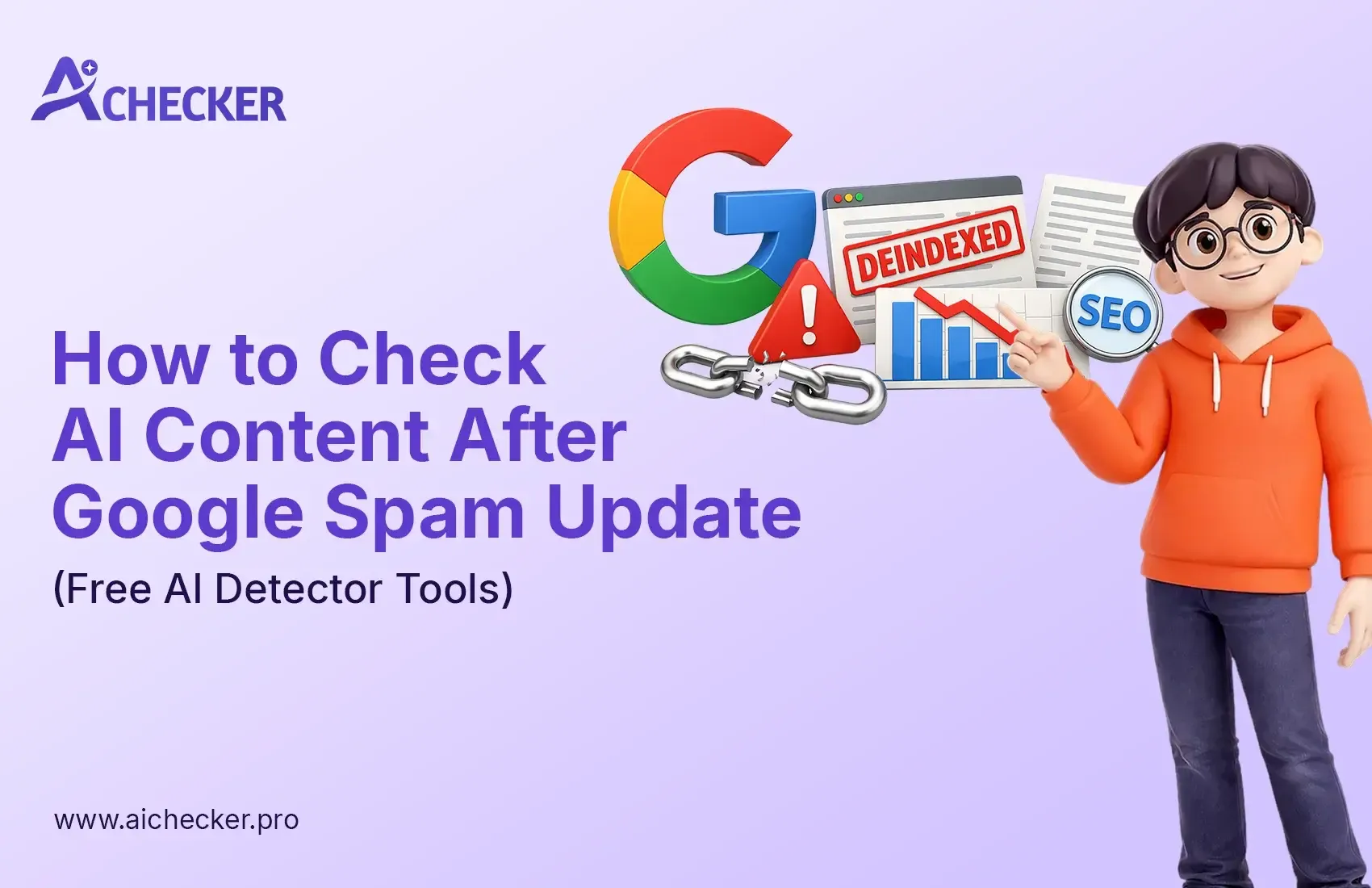
The Google March 2026 spam update surprised most website owners because it worked so quickly. The task reached its conclusion within 24 hours. Google has never released a spam update that operates at this speed, and it affected every website across different languages.
Anyone who has written blog posts, articles, and web pages with AI tools should pause and evaluate their existing content before publishing anything new. If you want a deeper look at how this update intersects with SEO strategy, this guide on Google spam updates and AI content SEO covers the full picture.
The issue does not stem from your choice to use AI for writing assistance. The actual problem arises when people distribute AI-generated content without examining it beforehand. Google's system, called SpamBrain, develops greater intelligence through each update it receives. The system detects AI-generated writing patterns, which can result in your content being classified as low-quality or spam.
The good news? The problem has an easy solution. You can publish your content after checking it with a free AI detector, which allows you to remove any sections that sound mechanical. This article will guide you through the entire process. It requires only a few minutes to complete.
What Is an AI Detector and How Does It Work?
The explanation is simpler than most articles make it out to be. An AI detector functions as a reading tool that determines whether your text originates from human authorship or from AI systems like ChatGPT, Gemini, and Claude. You paste your content into the system, press a button, and receive a score that indicates how much your writing resembles AI-generated text.
The system uses a special method to arrive at that answer, and this is where it gets genuinely interesting.
AI checkers look for patterns that are very common in machine-generated writing. Two of the biggest signals are something called perplexity and burstiness. Perplexity measures how predictable your writing is. An AI system always selects its most common word choice, which makes the output highly predictable.
Burstiness measures how much your sentence lengths differ from one another. People have a natural tendency to write brief, direct statements followed by longer, flowing sentences. AI systems, on the other hand, produce sentences that maintain approximately identical lengths throughout their entire output. If you want to understand how AI detectors work and how accurate they are, that breakdown is worth reading before you start checking your content.
What Signals Do AI Checkers Look For?
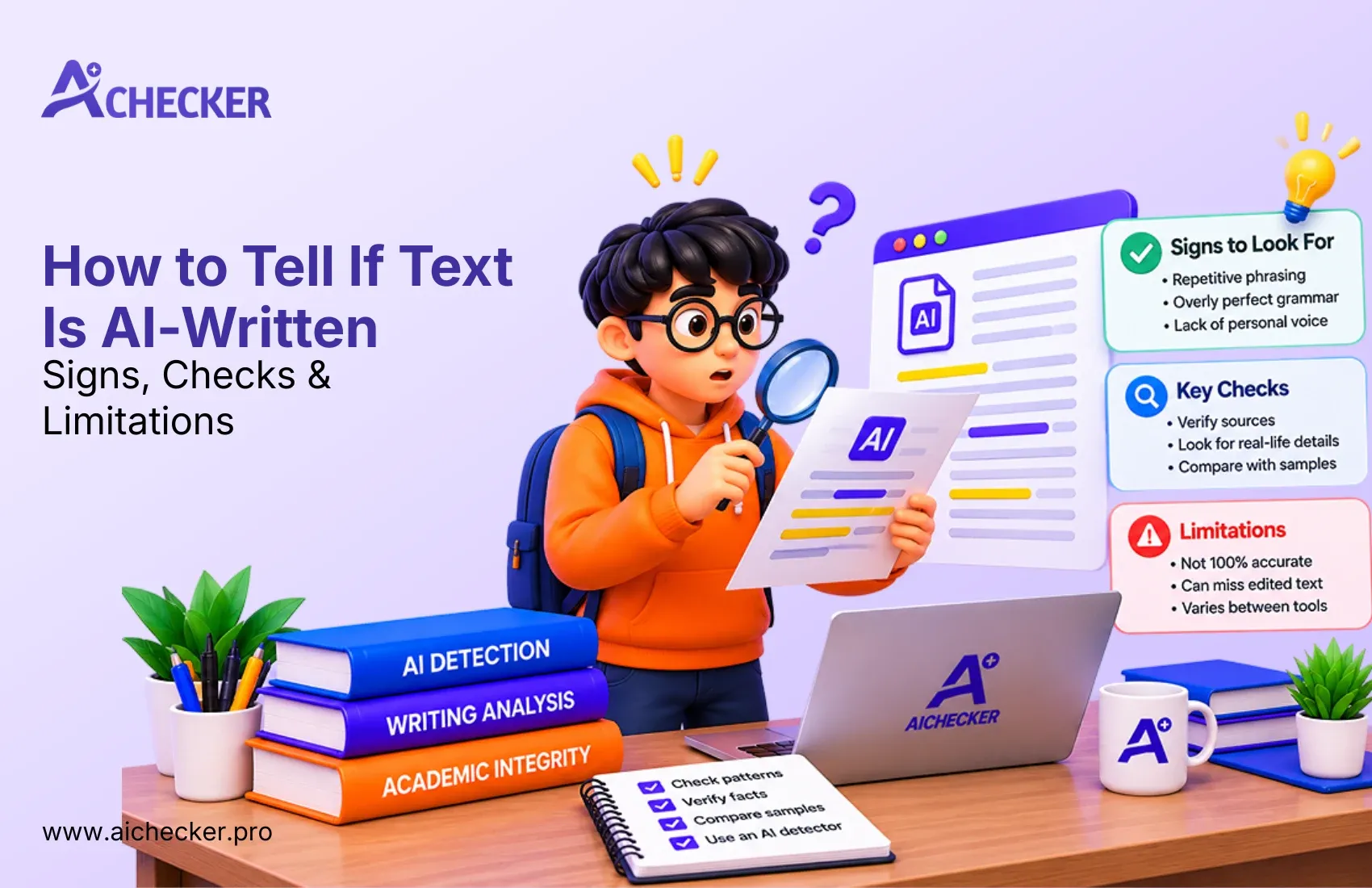
Beyond perplexity and burstiness, AI text detectors also look for repetitive word patterns, the absence of individual speech patterns, the use of common expressions, and a sense of uniformity throughout the document.
Most AI content presents itself as completely accurate, yet it lacks emotional depth. It appears correct but lacks authentic human expression.
The current ChatGPT detector tools have been trained to detect content generated by GPT-4 and GPT-5, Claude, Gemini, DeepSeek, and multiple other models. No matter which AI tool you used, a well-trained AI writing detection system will likely identify the patterns your content carries.
Why Google's Spam Update Makes AI Detection Essential
Google has clearly stated that using AI for content creation purely to manipulate search results violates their spam policies. This comes directly from Google Search Central.
The term "scaled content abuse" describes a situation where someone uses AI to create multiple low-value pages that serve only to increase keyword rankings. Google developed SpamBrain to detect this specific type of abuse, and the system improves its detection capabilities with every update it receives.
Many content creators misunderstand this. They believe Google entirely prohibits AI-generated writing. That is not accurate. Google prohibits content created with unverified AI tools that generates low-quality material distributed in large quantities. The detection system evaluates your intention and content quality rather than your choice of writing tool.
The March 2024 and February 2025 updates caused significant ranking declines for websites that published unedited AI-generated content. The impact of AI detection on SEO content follows the same pattern that has already established itself, and the 2026 update is no different.
Does Google Penalize AI Content?
The answer exists in two parts because the situation varies between scenarios.
Google permits AI-generated content when it contains useful information that displays original work, factual correctness, and demonstrates specialized knowledge. The guidelines state that AI can be used appropriately without violating their rules. The content needs to fulfill their E-E-A-T standards, which assess Experience, Expertise, Authoritativeness, and Trustworthiness, to achieve strong ranking results.
The spam updates focus specifically on content that uses unedited AI-generated text which provides no beneficial information. The danger arises from content that lacks human evaluation and remains unreviewed. For a full breakdown of this topic, the article on whether Google penalizes AI content answers the most common questions content creators are asking right now.
The ChatGPT checker has become an essential tool for content creators to use before they publish their work, and that standard has only grown stronger in 2026.
How to Check Your Content with a Free AI Detector (Step by Step)
This is where the hands-on work begins. The process is easier than most people assume.
The best place to start is aichecker.pro. The free AI detection tool provides immediate results without requiring account creation or payment.
Step-by-Step Guide
Step 1: Visit aichecker.pro and open the detection tool. The main page displays a text entry field right away.
Step 2: Insert your written content into the designated area. The system allows users to upload document files or directly paste content into the box.
Step 3: Select the "Check for AI" button. The free AI checker will scan your text in seconds and return an AI score. The score indicates which portion of your content appears to have AI authorship.
Step 4: Examine the sentences that have been flagged with special attention. A quality AI detection tool does not just give you a number. The system highlights particular sentences and paragraphs that activate AI detection mechanisms. This is where you need to make your changes.
Step 5: Choose your next action. You can either rewrite those flagged sentences manually in your own voice, or use the built-in humanizer tool to clean them up quickly.
One important clarification: any tool claiming perfect accuracy is not being truthful. These tools function as probabilistic systems that present likelihood scores instead of absolute determinations. Treat the results as a reference point, not a final verdict. For a realistic look at this, the guide on how accurate AI content checkers really are gives you honest context.
Best Free AI Detector Tools in 2026
Here is an honest comparison of the tools available today. Knowing your options helps you make smarter decisions.
aichecker.pro: This is the top recommendation for most content creators, especially those focused on SEO. It provides free access, fast results, accurate detection, and a straightforward setup. The system is built to serve bloggers, freelancers, and digital marketers. The free version has usage limits, which makes it suitable for ongoing content monitoring rather than large-scale document assessments.
GPTZero: One of the most well-known names in AI detection. It is highly accurate and trusted by educators and academic institutions. The GPTZero AI detector has a free plan with limits, but it is a solid choice for checking shorter pieces.
Grammarly's AI Detector: Worth mentioning because it ranks number one on RAID's independent benchmark with 99% detection accuracy. It is free to use and requires no sign-up. If you are a writer who already uses Grammarly, this is a natural addition to your workflow. A detailed look at how accurate Grammarly's AI detector is can help you decide if it fits your process.
Copyleaks: Goes beyond being just a ChatGPT detector. It detects AI content from ChatGPT, Gemini, Claude, and more, while also checking for plagiarism at the same time. The free tier is limited, but it is excellent for enterprise use. You can read a full Copyleaks AI detector review to see if it suits your workflow.
ZeroGPT: A popular free AI detector among bloggers and students. It is simple, quick, and completely free. Great for a fast sanity check before publishing. The ZeroGPT review walks through its strengths and limitations in detail.
How to Humanize AI Text After Detection
The AI checker found sentences it flagged as suspicious. What do you do next?
This is where humanized AI techniques perform their most valuable work. The process of humanizing your AI text requires inserting your voice, your viewpoint, and natural human speech patterns into the text.
There are two primary approaches.
The first method requires you to rewrite the flagged sentences yourself. Analyze every sentence that has been identified as a problem area and rewrite it the way you would explain the idea to a friend. For a practical walkthrough, the guide on 5 simple ways to humanize ChatGPT content gives you techniques you can apply immediately.
The second approach is using an AI humanizer tool. The aichecker.pro humanizer function rewrites flagged content to create more authentic-sounding text. If you want to compare your options before committing, this breakdown of the best AI humanizer tools that actually work is a reliable reference.
A few practical tips that produce real results: avoid phrases that start with "it is important to note" or finish with "in conclusion, it is clear that." These are standard AI-generated openers and closers. Use contractions throughout your writing, add rhetorical questions, and create paragraph breaks that vary in length.
Humanizing AI text is not just about passing a detector. The reading experience for actual readers improves through your work with the text, and that is exactly the quality Google rewards most.
Common Mistakes to Avoid When Using an AI Checker
Most people make at least one of these mistakes. Here is how to avoid them.
Mistake 1: Checking your score but not fixing the flagged content. Many creators panic after running their article through a free AI detector, see a high score, and publish anyway hoping it will be fine. It will not always end well. You need to repair everything the tool identified as an issue.
Mistake 2: Trusting only a single tool. Different AI detection tools operate with their own unique models and training data. The first tool will miss some content that the second tool will catch. For important content, cross-check with at least two tools. The comparison of aichecker vs other leading AI detection tools can help you decide which combination works best.
Mistake 3: Ignoring false positives. Your human-written sentences will sometimes receive flags because they contain phrasing that resembles AI output. Do not let this stop your progress. Review the flagged sentence in context and base your decision on your own judgment.
Mistake 4: Skipping the humanization step entirely. Detection and humanization are two separate tasks. Running the checker without acting on the results leaves the problem unsolved.
Mistake 5: Using AI to rewrite AI content in bulk. This does not deceive Google. Producing AI content at scale through automated systems without proper human review will result in detection, according to Google's latest algorithm changes. The article on how to avoid Google penalties by humanizing AI content explains exactly why this shortcut backfires.
Conclusion
Google's spam updates continue to increase in speed and precision. The March 2026 update was completed in under a single day. That tells you everything you need to know about where things are heading.
The solution is straightforward: evaluate your content before it goes live. It takes five minutes to run your article through a free AI detector. That five minutes protects your rankings, your credibility, and your readers' trust.
Do you want to check your content right now? Visit aichecker.pro. The service provides free instant results in less than one minute. Your AI detection score will be available within seconds after you paste your text.
FAQs
1. What is an AI checker and why do I need one after the Google spam update?
2. Does Google penalize all AI-generated content in 2026?
3. How does a free AI detector actually work?
4. What is the best free AI detector for checking blog content?
5. How do I humanize AI content after it gets flagged?
6. Can Google's SpamBrain detect AI content from ChatGPT or Claude?
7. What are the biggest mistakes people make when using an AI checker?
8. How accurate are free AI detection tools in 2026?
9. Is it safe to use AI writing tools for SEO content in 2026?
10. How long does it take to check and humanize AI content before publishing?

Harshil Barvaliya
SEO Executive & Content Writer at AI Checker Pro
I’m Harshil Barvaliya, an SEO Executive and Content Writer at AI Checker Pro. I focus on improving the website’s search engine visibility through effective SEO strategies, including keyword research, on-page and off-page optimization, and content development.Get Started Free
Create a free account for advanced AI detection and scan history.
Trusted by thousands worldwide.
Recent Blog's
Discover how AI-powered content creation can elevate your website's reach and engage your audience like never before. Explore the real impact of AI on crafting content that connects.