AI Detector & Humanizer Guide for College Students: Avoid AI Detection in Assignments
TABLE OF CONTENTS
Why US Colleges Are Using AI Detectors in 2025
Which AI Detection Tools Do US Universities Use?
What Is an AI Checker and How Does It Work?
AI Detection Score: What Does It Mean?
How to Check Your Essay for AI Detection (Step-by-Step)
How to Read Your AI Detection Report
How to Humanize AI Text Before Submitting Your Assignment
Tips to Make AI Text Sound More Human (Without a Tool)
aichecker.pro vs. Other Free AI Detectors
Is Using AI for College Assignments Cheating?
Conclusion
FAQs
Get an AI summary of this post on:






Picture this. You just spent hours working on your college essay. You used ChatGPT to help you get started, cleaned it up a little, and now it feels ready to submit. But then one thought hits you out of nowhere. Your professor runs everything through Turnitin. What if your essay gets flagged?
I have noticed that this exact situation stresses out thousands of college students every single semester. And honestly, I get it completely. Using AI tools to help with writing has become totally normal. But not knowing whether your assignment will get caught by an AI detector for essays is a whole different kind of anxiety.
The good news is there is a clear, simple two-step solution. First, you check your text using a free AI checker. Then, if anything looks risky, you use an AI humanizer to fix it before you hit submit. In this guide, I am going to walk you through exactly how to do both, step by step, using aichecker.pro, which is completely free.
Why US Colleges Are Using AI Detectors in 2025
Let me be upfront with you. AI detection in college is very real, and it is growing fast. Schools across the US are now actively using tools to check whether student writing was produced by AI generated tools. This is not just happening at big research universities. It is happening at community colleges, liberal arts schools, and online programs too.
In my experience researching this space, I have seen how quickly things have shifted. Just two years ago, most professors were still figuring out what ChatGPT even was. Today, entire academic integrity policies are being rewritten around it. Schools like Brown University and Georgetown have issued clear bans on AI-written submissions. Others, like Cornell and the University of California system, allow limited AI use, but only for specific purposes like grammar checking, not for writing the actual content of an assignment.
The key thing to understand is this: even if you only used AI for one or two paragraphs of your essay, your entire submission can still get flagged. If you want to understand exactly how colleges detect AI in essays, it helps to know what these tools are actually looking for. That is exactly why checking your work before submission is so important.
Which AI Detection Tools Do US Universities Use?
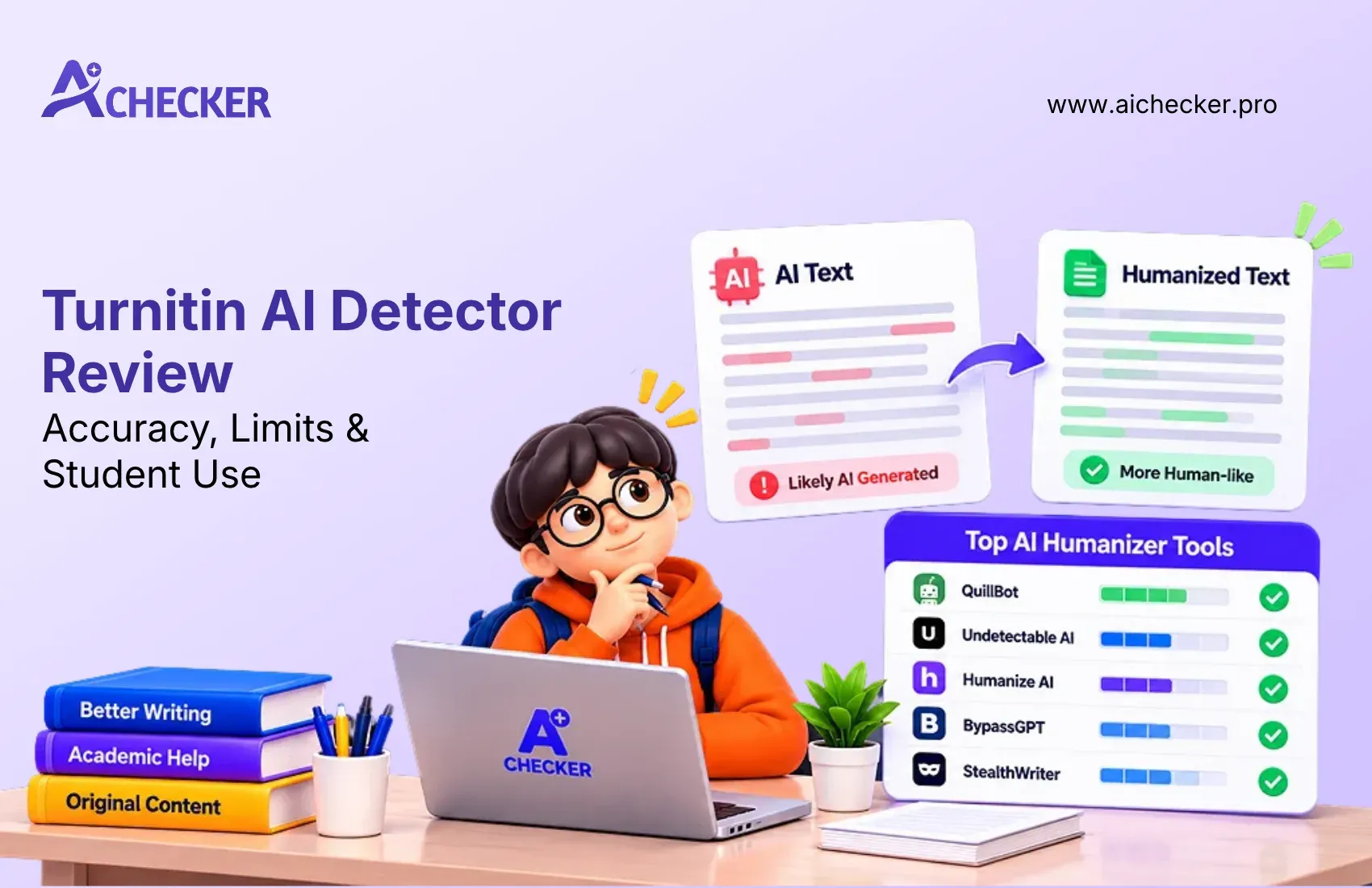
Most people struggle with this question, so let me explain it simply. The four most commonly used tools in higher education right now are Turnitin AI detection, GPTZero, Originality.ai, and Copyleaks. Each of them works a little differently, but they all share one goal: figuring out whether your writing came from a human or a machine.
Here is something most students do not know. These tools are not perfect. Their accuracy typically sits somewhere between 70 and 90 percent. That means false positives are real. Students who write in a very formal, structured way, especially non-native English speakers, sometimes get flagged even when they wrote every single word themselves. Stanford, Harvard, and Carnegie Mellon have all publicly noted that current AI detection tools are not fully reliable. You can read more about what AI detectors universities actually use to get the full picture. But they are still being used, which is why you need to be proactive about this.
What Is an AI Checker and How Does It Work?
Think of an AI checker as a detective for your writing. It reads your text and looks for patterns that are typical of AI generated text. Humans tend to write in a messy, unpredictable way. We mix short sentences with long ones. We go off on small tangents. We use words that just came to us in the moment. AI writing, on the other hand, tends to be smooth, even, and very predictable.
The two main things an AI text detector measures are called perplexity and burstiness. Perplexity is about how surprising or unpredictable the word choices are. Low perplexity means the text is very predictable, which is a strong signal of AI. Burstiness is about how much the sentence length and structure varies throughout the text. Humans are naturally bursty writers. AI stays flat and consistent. If you want a deeper look at the mechanics, this breakdown of how AI content detectors work explains it clearly.
Tools like aichecker.pro use advanced models trained on real writing from tools like ChatGPT, Claude, and Gemini. Because it learns from actual AI writing patterns, it can catch AI generated content with high sentence-level accuracy. This means it does not just give you one overall number. It shows you exactly which sentences look suspicious, so you know precisely what needs to be fixed.
AI Detection Score: What Does It Mean?
When you run your text through an AI content detector, you get back a percentage score. It tells you how much of your text appears to be AI-written versus human-written. A score of 80 percent AI means most of your content is flagged. A score of 10 percent AI is generally considered safe for most schools.
For college submissions, I would personally aim for a score below 20 percent AI. Anything above 30 percent is risky, especially if your university uses aggressive detection settings. The good news is that aichecker.pro gives you both an Easy and an Aggressive detection mode. I always recommend testing in Aggressive Mode before any submission. It is better to catch a problem yourself than to find out about it from your professor.
How to Check Your Essay for AI Detection (Step-by-Step)
This is the step most students skip, and it is one of the biggest mistakes you can make. Running your essay through a free AI detector before submission takes less than a minute. Here is exactly how to do it.
Step 1: Go to aichecker.pro. No account needed, no email address required.
Step 2: Paste your essay directly into the text box, or upload your PDF file if you have it saved that way.
Step 3: Click "Check for AI" and wait just a few seconds.
Step 4: Review your results. You will see an overall AI detection percentage plus a detailed sentence-by-sentence breakdown.
Step 5: Note which sentences are highlighted as high-probability AI. Those are the specific lines you need to revise or humanize.
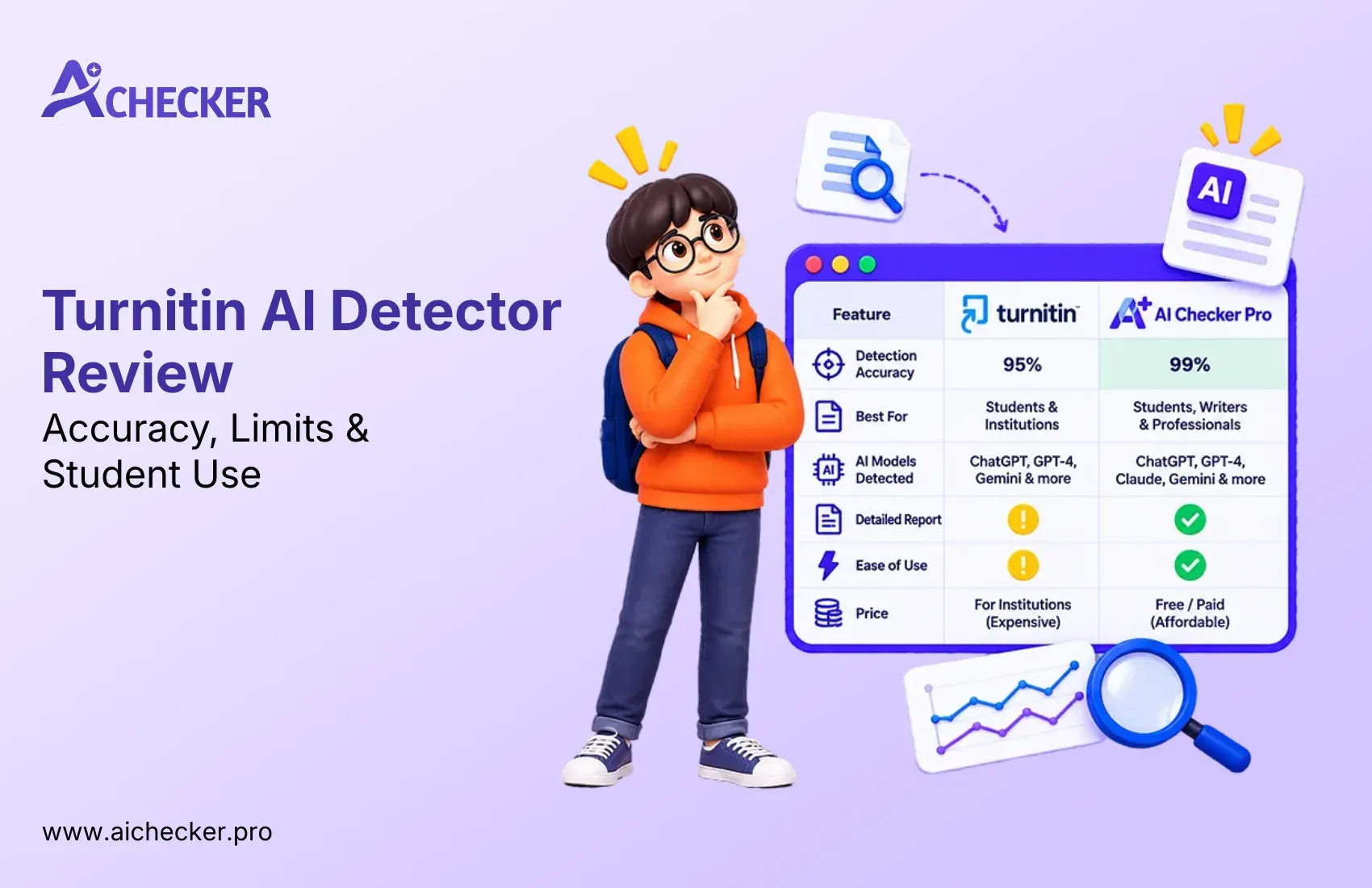
What I really appreciate about this AI detector tool is the sentence-level detail. Most other free AI detectors give you a bulk score and leave you guessing about where the problem actually is. With aichecker.pro, you know exactly which sentences triggered the flag, which makes fixing them so much faster and less frustrating. For a full side-by-side look at how it stacks up, check out this comparison of Turnitin vs AI Checker for students.
How to Read Your AI Detection Report
The report from this AI writing detector shows you two detection modes. Easy Mode is similar to what basic tools use. Aggressive Mode mimics the stricter settings that university platforms like Turnitin apply. I always recommend checking in Aggressive Mode if you are submitting academic work. If your text passes in Aggressive Mode, you can submit with real confidence.
If your overall score is under 20 percent in Aggressive Mode, you are in good shape. If it is above 30 percent, move straight to the next section of this guide. It is also worth understanding how accurate AI content checkers really are so you can set realistic expectations before you submit.
How to Humanize AI Text Before Submitting Your Assignment
This is where the real value of aichecker.pro stands out. After you see your flagged sentences, you do not have to rewrite them all by hand. You can use the built-in AI humanizer to handle it for you. Here is the workflow I personally recommend.
Step 1: After reviewing your detection results, click the "Humanize" button inside aichecker.pro.
Step 2: The AI text humanizer rewrites the flagged sections to sound more natural and human.
Step 3: Once it is done, run the revised text through the AI checker again to confirm your score has improved.
Step 4: Repeat the humanize and re-check process until your score lands in the safe range.
Step 5: Now you can submit with full confidence.
One thing I want to be completely clear about: a good AI to human text converter does not just swap random words or add grammar errors to trick detectors. That approach destroys the quality of your writing and is obvious to any professor who reads carefully. What aichecker.pro does is restructure sentences to match natural human writing patterns while keeping your original meaning fully intact. The quality of your essay stays high or even improves.
And here is the ethical point worth addressing directly. Using an AI humanizer is not the same as cheating. If you used AI to help you brainstorm, outline, or draft a section of your essay, humanizing the text is about making sure the final version genuinely sounds like you. It is taking ownership of the content. That is a responsible way to use these tools, not an irresponsible one.
Tips to Make AI Text Sound More Human (Without a Tool)
Sometimes you may want to manually edit parts of your text in addition to using an AI to human converter. A few small changes can make a significant difference in how human your writing feels.
Vary your sentence length. Mix short, punchy sentences with longer, more detailed ones. This natural variation is one of the strongest signals of human writing and one of the clearest things that AI writing lacks.
Add a personal example or your own opinion somewhere in the paragraph. A line like "in my experience" or "I think this matters because" immediately makes the text feel grounded and real.
Replace generic filler phrases. Expressions like "it is important to note," "in conclusion," and "it goes without saying" are extremely common in AI output. Cut them and rewrite those lines directly and specifically. For more practical advice, this list of tips to avoid AI detection in writing is worth reading through.
Use first-person voice wherever it fits naturally. Writing from your own perspective makes the content personal, and personal writing is much harder for an AI generated checker to flag.
Even making just a few of these adjustments before running the humanize AI text tool can significantly improve both your final score and the overall quality of your essay.
aichecker.pro vs. Other Free AI Detectors
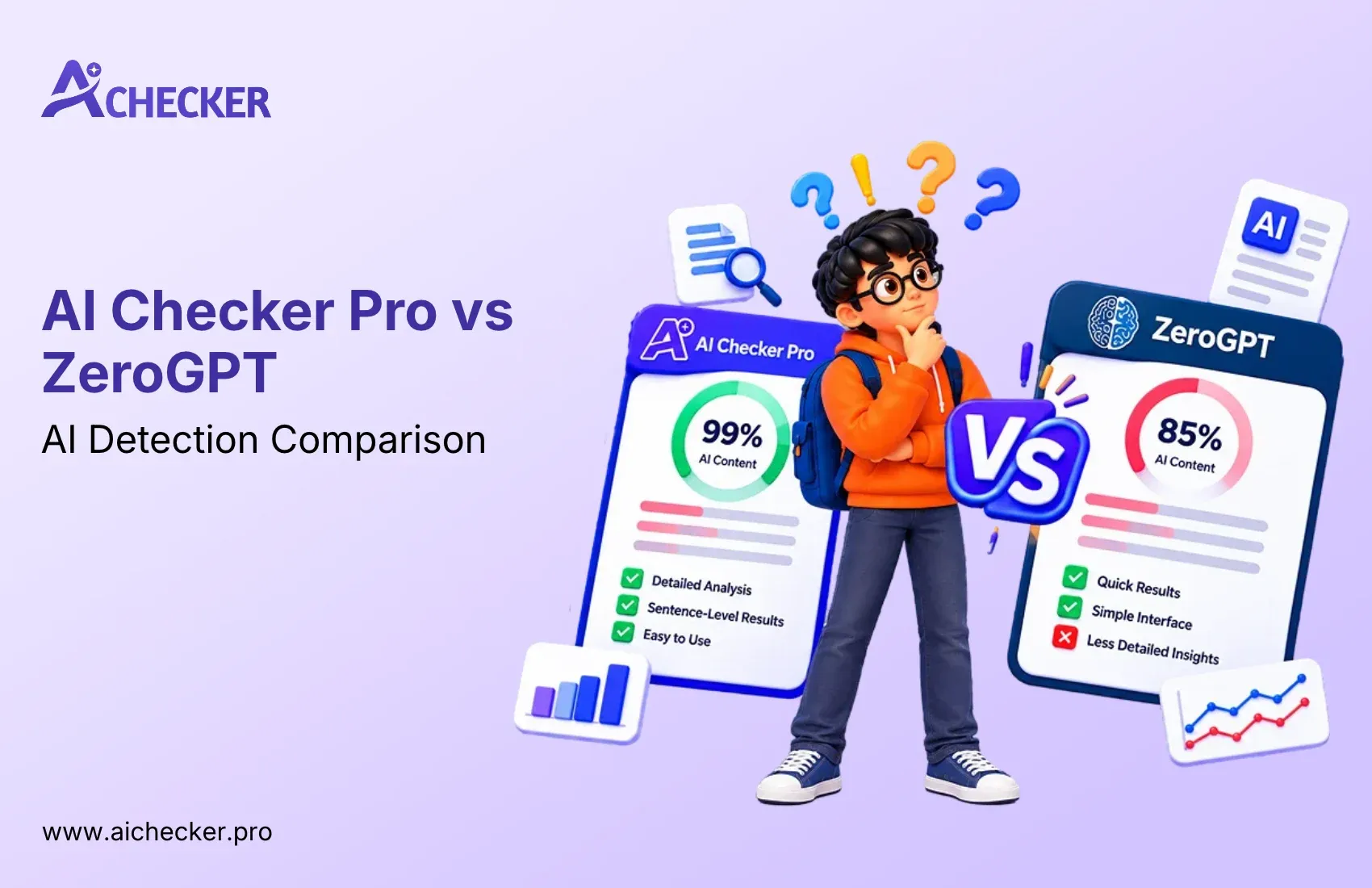
There are a lot of AI checkers out there right now. I have looked at most of them. Here is an honest side-by-side comparison so you can make the right call for your situation.
| Feature | AI Checker Pro | GPTZero | Originality ai |
|---|---|---|---|
| Free to Use | Yes | Limited free tier | Paid only |
| Sentence-Level Detail | Yes | Yes | Yes |
| Built-in Humanizer | Yes | No | No |
| PDF Upload | Yes | No | Yes |
| Detects ChatGPT, Claude, Gemini | Yes | Yes | Yes |
| No Account Required | Yes | No | No |
The biggest difference you will notice is that ai checker pro is the only tool here that combines a free AI detector and a built-in AI humanizer free online in the same place. Every other tool either charges for humanization or makes you use a completely separate platform. That constant back-and-forth between tools wastes time. With ai checker pro, you detect and fix in a single workflow, which is exactly what a busy student needs. You can also check out this detailed comparison of free vs paid AI checkers if you want to weigh your options more carefully.
Is Using AI for College Assignments Cheating?
This is the question everyone is thinking but very few people want to ask out loud. So let me give you a straight, honest answer.
It depends entirely on your school's policy. Some schools have zero-tolerance rules and treat any AI use as an academic integrity violation, full stop. Others treat AI the same way they treat spell checkers or grammar tools and have no issue with it at all. The only way to know where your school stands is to actually read your syllabus and check your institution's official academic honesty policy before you submit anything AI-assisted. It is also worth understanding the broader role of AI in protecting academic integrity and what educators are actually trying to accomplish with these detection tools.
What I can tell you is this: using AI as a starting point and then revising it heavily to reflect your actual thinking and voice is very different from copying and submitting raw AI output. The former is using a writing tool. The latter is academic dishonesty.
That is why I believe ai checker pro is the responsible student's tool. It helps you understand exactly how much of your writing looks AI-generated. Then it helps you make it genuinely yours. It is not a way to cheat the system. It is a way to stay honest with yourself about how much of the work is actually your own voice.
Conclusion
Getting flagged by an AI detector in college is a real risk, but it is completely avoidable once you know what to do. The process is straightforward. Check your essay using a free AI checker. See which sentences are flagged. Use the AI humanizer to rewrite those sections. Re-check your score. Submit when you are in the safe zone.
In my experience, students who build this simple two-step habit, check then humanize, never have to worry about AI detection problems again. And the whole thing takes just a few minutes from start to finish. If you want to go even deeper, this complete guide on how students use AI detectors and humanizers covers even more real-world scenarios worth reading.
The tool is free. It works on every device. There is really no reason not to check before you submit.
FAQs
1. What is a free AI detector and how does it work?
2. Can I use an AI checker free without making an account?
3. Is there an AI detector free tool that also humanizes text?
4. How do I humanize AI text before submitting my college essay?
5. What AI detection tool does Turnitin use to catch AI writing?
6. Is using an AI to human text converter considered cheating in college?
7. What is a good AI detection score for a college essay submission?
8. Can an AI text detector give false positives for human writing?
9. How do I make AI-generated text sound more human without a tool?
10. Which free AI writing detector works best for detecting ChatGPT text?

Harshil Barvaliya
SEO Executive & Content Writer at AI Checker Pro
I’m Harshil Barvaliya, an SEO Executive and Content Writer at AI Checker Pro. I focus on improving the website’s search engine visibility through effective SEO strategies, including keyword research, on-page and off-page optimization, and content development.Get Started Free
Create a free account for advanced AI detection and scan history.
Trusted by thousands worldwide.
Recent Blog's
Discover how AI-powered content creation can elevate your website's reach and engage your audience like never before. Explore the real impact of AI on crafting content that connects.