Does Chegg Have an AI Detector? The Truth Every Student Should Know (2026)
TABLE OF CONTENTS
Why People Search for "Chegg AI Detector"
What Chegg Actually Offers
How Chegg's Checker Works: Step by Step
How Accurate Is It at Detecting AI Content?
My Hands-On Testing
Pros and Cons
Chegg vs. Dedicated AI Detectors
What You Get With a Chegg Subscription
Conclusion
FAQs
Get an AI summary of this post on:




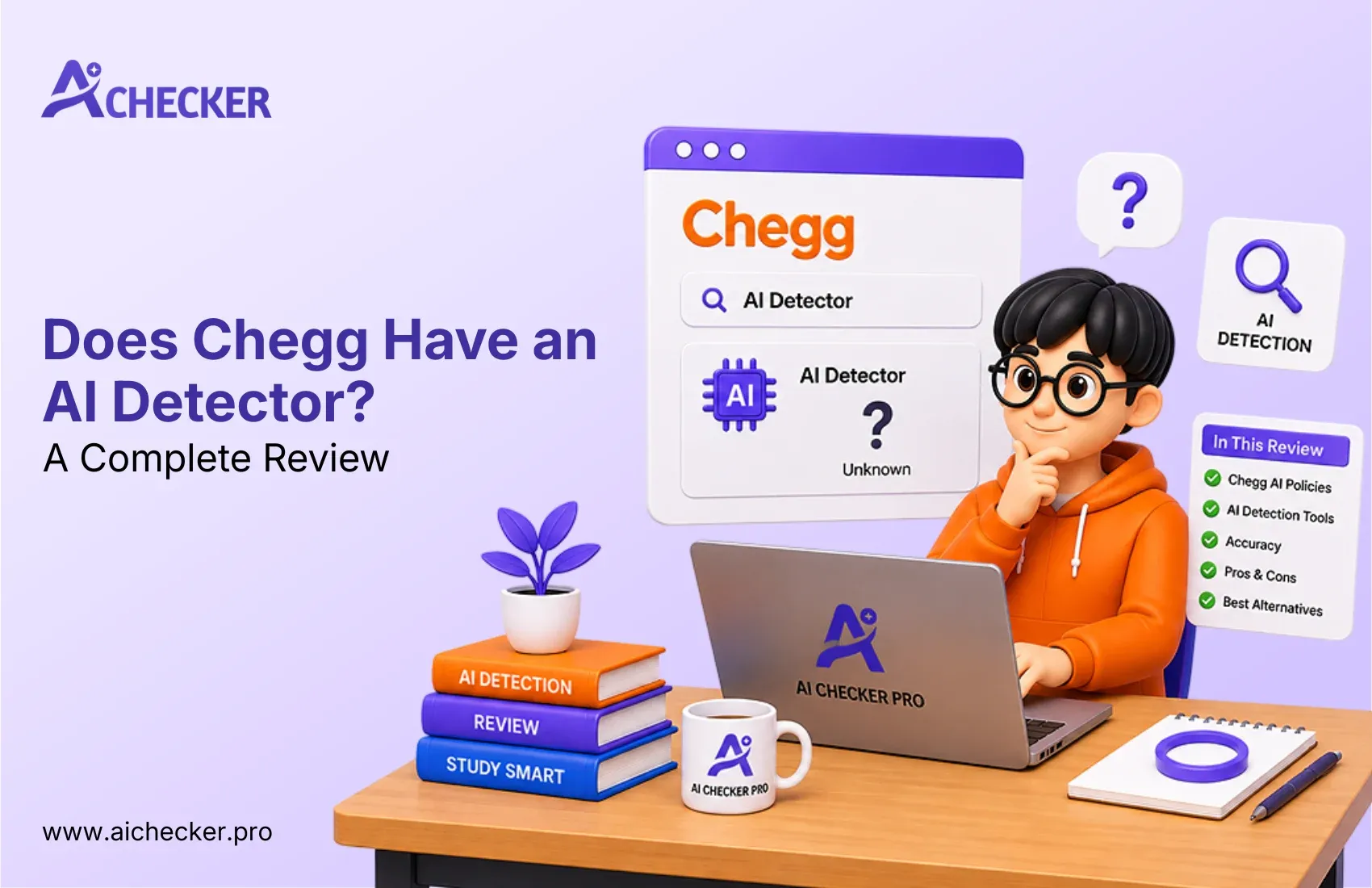
Chegg is a name most students already know for homework help, tutoring, and study support. So when people start typing "chegg ai detector" into Google, they're usually trying to figure out one thing: can Chegg actually tell if a piece of writing was generated by ChatGPT or another AI tool, the way Turnitin or GPTZero claim to?
The short answer is more accurate than a yes or no. Chegg does offer a checker that flags similarity and potential plagiarism, and AI-related flags show up as part of that report.
But that's a different job from a dedicated AI detector built specifically to analyze writing patterns and estimate the likelihood that text was machine-generated. This review walks through what Chegg's checker actually does, how it holds up in practice, and where a purpose-built tool might make more sense.
We'll also bring in AI Checker Pro for comparison throughout, a tool built specifically to analyze text for patterns associated with AI-generated writing, rather than as a secondary feature bolted onto a plagiarism scanner.

Get Lifetime Access with 60% OFF
Stop paying monthly subscriptions. Enjoy unlimited AI detection and humanizer access forever with future updates included.
- One-time payment
- Unlimited access forever
- All future updates included
Why People Search for "Chegg AI Detector"
A lot of students searching for a Chegg AI checker are picturing a standalone product, something built from the ground up to catch AI-written essays. That's not quite what Chegg is.
Chegg is an academic support platform. Its lineup includes tutoring, expert Q&A, textbook solutions, writing help, and a plagiarism/similarity checker. AI-related flags are part of what that checker reports on, but it isn't marketed or built as a dedicated AI detection tool. It's one feature inside a much broader toolkit.
That gap between expectation and reality is exactly why "ai detector chegg" searches tend to turn up confusing or conflicting information. Understanding what Chegg is built for makes the rest of this review much easier to follow.
What Chegg Actually Offers
Chegg's core business was never AI detection. Its main services include:
- Homework help and expert Q&A
- Textbook rentals and digital solutions
- Online tutoring
- Writing support, including grammar checking, citation generation, and a plagiarism/similarity checker
That last point matters more than it might seem. A plagiarism or similarity checker and an AI detector solve two different problems:
AI detection looks at writing patterns, sentence structure, and word choice to estimate whether a piece of text was likely generated by an AI model. Plagiarism or similarity checking compares your text against a database of existing sources to see how much of it overlaps with material that already exists.
Chegg's tool is built primarily around the second job. It can surface AI-related flags as part of its report, but its underlying process of matching text against a database and scoring similarity is fundamentally a plagiarism-checking workflow, not a dedicated AI writing analysis for students. Keeping that distinction in mind is the key to understanding both what Chegg's checker is good at and where its limits are.
How Chegg's Checker Works: Step by Step
Here's what the process looks like when you run a document through Chegg's checker. This is the similarity-checking workflow described above, with AI-related flags layered on top of it rather than existing as a separate detection engine.
Prepare your content: Make sure your document is complete and properly formatted before you start. Checking a full draft gives you a more useful read than checking a small excerpt.
Upload your file: Submit the document you want reviewed. Depending on the options available, you may be able to upload plain text or other supported document formats.
Let the system analyze the content: Once submitted, the checker scans your text and compares it against sources in its searchable database.
Review the similarity score: You'll typically get an overall similarity percentage, a quick read on how much of your content overlaps with existing material.
Examine highlighted sections: The report highlights passages that resemble existing sources, so you can see exactly which parts of your document need a closer look.
Check the matched sources: Review the sources tied to each highlighted section. This helps you figure out whether a match is genuine copying, a properly cited quote, or just common phrasing.
Revise where necessary. If you spot problematic overlap, rewrite those sections in your own words and add citations where they're missing. You can re-run the check after making changes.
This is a solid, straightforward process for catching direct-copy plagiarism. But it's worth repeating: a similarity score measures overlap with existing text, not the likelihood that something was AI-written. Treat it as one data point, not proof either way.
How Accurate Is It at Detecting AI Content?
This is where most of the confusion around the Chegg AI detector comes from, and it's worth being careful about what can and can't be said with confidence.
Chegg doesn't market its checker as a dedicated AI-writing detector, and based on how the tool is built around similarity matching rather than stylistic or linguistic analysis of AI-generated text, it's reasonable to expect it performs more like a plagiarism checker than a specialized, accurate AI detector. A few patterns come up repeatedly in user reports and general reviews of the tool:
- Older or unedited AI output tends to be easier to catch than newer output. As language models have improved, keeping detection accuracy up has gotten harder across the industry, not just for Chegg.
- Humanized or paraphrased AI content is a common blind spot. This matters because most students trying to slip AI writing past a checker aren't submitting raw, unedited output.
- Similarity scores can shift between runs on the same text. This is a known limitation of similarity-based systems in general, and it's part of why any single score shouldn't be treated as a final verdict.
- False positives happen. Formulaic, technical, or non-native-English writing styles can sometimes get flagged even when the work is entirely original. This is a shared limitation across most AI and plagiarism detection tools, not something unique to Chegg.
None of this means Chegg's checker is useless; it just means it's doing a different job than a dedicated AI detector, and its accuracy on that specific question should be judged accordingly.
My Hands-On Testing
To get a practical feel for how Chegg's checker handles AI-related content, I ran three types of writing samples through it: a raw, unedited ChatGPT paragraph, a paraphrased or "humanized" AI paragraph, and a genuinely human-written paragraph. I ran the same samples through AI Checker Pro as a comparison point.
This wasn't a controlled, large-scale study; it's a small, practical check rather than a statistically rigorous benchmark, so I'm not going to present specific scores or percentages as if they were definitive proof of anything. What it did confirm is something worth knowing before you rely on either tool: results can shift noticeably depending on how a piece of AI-generated text has been edited, and comparing results is a useful sanity check, something covered in more depth in this breakdown of false positives in human writing.
The practical takeaway is simple. Treat any single AI or similarity score as a starting point for review, not a verdict. If a result seems off, or if the stakes are high, cross-checking with a second tool like AI Checker Pro adds a useful second opinion.
Pros and Cons
Pros
- Simple, beginner-friendly interface
- Reasonably effective at catching basic, direct-copy plagiarism
- Bundled with grammar checking and citation tools, so you're not juggling multiple apps
- Generally more affordable than paying for several standalone tools separately
- Color-coded reports make it easy to see which sections need a closer look
Cons
- Not built or marketed as a dedicated AI detector, and its similarity-based approach may lag behind newer AI models.
- Humanized or paraphrased AI content appears to be a common weak spot, based on user reports.
- No full free scan; typically a limited trial before you're asked to subscribe
- Similarity scores can vary across repeated checks on the same text
- Limited support for non-English content
- No desktop app or browser extension
- Can be slow processing longer documents, a common frustration also noted among best free AI detector tools
Chegg vs. Dedicated AI Detectors
For a quick, low-stakes check before turning in a personal assignment, Chegg's checker is probably good enough. It's fast, it's bundled with other writing tools you might already be using, and it does a reasonable job flagging obvious, direct-copy plagiarism.
For higher-stakes situations, a thesis, a professional submission, anything where an inaccurate result actually matters, its limitations are worth taking seriously. Because its detection approach is built around similarity matching rather than dedicated AI-writing analysis, it's not designed to be your last line of defense against AI content specifically for dissertations.
This is the gap tools like AI Checker Pro are built to close. Rather than treating AI detection as a secondary feature attached to a plagiarism scanner, AI Checker Pro focuses on it directly, with sentence-level analysis, a clear AI-vs-human percentage score, and detection tuned for current models like ChatGPT, Claude, and Gemini, a comparison explored further in this full AI Checker Pro review.
| Chegg's Checker | AI Checker Pro | |
|---|---|---|
| Primary function | Plagiarism/similarity checking | Dedicated AI-text detection |
| AI detection | Included as a secondary feature | Core, primary feature |
| Bundled tools | Grammar, citations, tutoring, homework help | Focused on AI detection |
| Best for | Quick similarity checks, general academic support | Specifically assessing whether text is AI-generated |
Using both together, Chegg for general similarity and writing support, and a dedicated tool for AI-specific analysis, tends to give a more complete picture than relying on either one alone.
What You Get With a Chegg Subscription
It's worth being upfront here: this isn't a pricing breakdown with specific numbers, since Chegg's plans and costs change and are best confirmed directly on its site. What's more useful is understanding what you're actually paying for.
Limited free checking: Chegg typically offers some free access to its checking features, which is enough to get a feel for the tool. Longer documents or more frequent use will likely require a paid plan, a trade-off worth weighing against this free vs. paid AI checker comparison.
Multiple writing features in one place: A Chegg subscription usually bundles plagiarism/similarity checking with grammar assistance, citation support, and access to its broader academic tools, not just a standalone checker.
Value depends on how much you use: If you're already using Chegg for tutoring or homework help, the checker adds value as part of a bundle. If you only want AI detection and nothing else, paying for the full suite may not be the most efficient option.
If AI detection is your main need: A broader academic subscription isn't optimized specifically for that job. A dedicated tool like AI Checker Pro, built around AI-text analysis specifically, may be a more direct fit if that's the only thing you're trying to solve for.
Conclusion
So, does Chegg have an AI detector? Not as a dedicated, standalone AI detection tool. Chegg's checker is primarily focused on plagiarism and similarity, which is different from analyzing whether writing appears to be AI-generated.
For general academic support and basic plagiarism checking, Chegg can be a useful option. However, if AI detection is your main priority, a dedicated tool built for that purpose, including options that can humanize AI text when needed, may be a better fit.
The key is simple: use Chegg for similarity and academic support, and consider a dedicated AI detector when you specifically need AI-content analysis.
FAQs
Does Chegg have an AI detector?
Is the Chegg AI checker accurate?
What does the Chegg AI checker actually check for?
Can Chegg detect ChatGPT content?
Is Chegg the same as Turnitin or GPTZero?
Does Chegg have a free AI detector option?
Why do Chegg AI detector results change on the same text?
Can Chegg's checker give false positives?
What's a good alternative to Chegg for AI detection?
Should I use Chegg alone for high stakes AI detection?

Harshil Barvaliya
SEO Executive & Content Writer at AI Checker Pro
I’m Harshil Barvaliya, an SEO Executive and Content Writer at AI Checker Pro. I focus on improving the website’s search engine visibility through effective SEO strategies, including keyword research, on-page and off-page optimization, and content development.Get Started Free
Create a free account for advanced AI detection and scan history.
Trusted by thousands worldwide.
Recent Blog's
Discover how AI-powered content creation can elevate your website's reach and engage your audience like never before. Explore the real impact of AI on crafting content that connects.