AI Checker Pro vs Undetectable AI: Which Free AI Detector Best?
TABLE OF CONTENTS
What Is AI Checker Pro and What Does It Actually Do
What Is Undetectable AI and How Does It Work
AI Checker Pro vs Undetectable AI: The Core Difference
Which One Should Students Use
Which One Should Bloggers and SEO Professionals Use
How Accurate Are These AI Detectors Really
When Undetectable AI Makes Sense
The Smarter Workflow: Detect First, Humanize Second
Conclusion
FAQs
Get an AI summary of this post on:





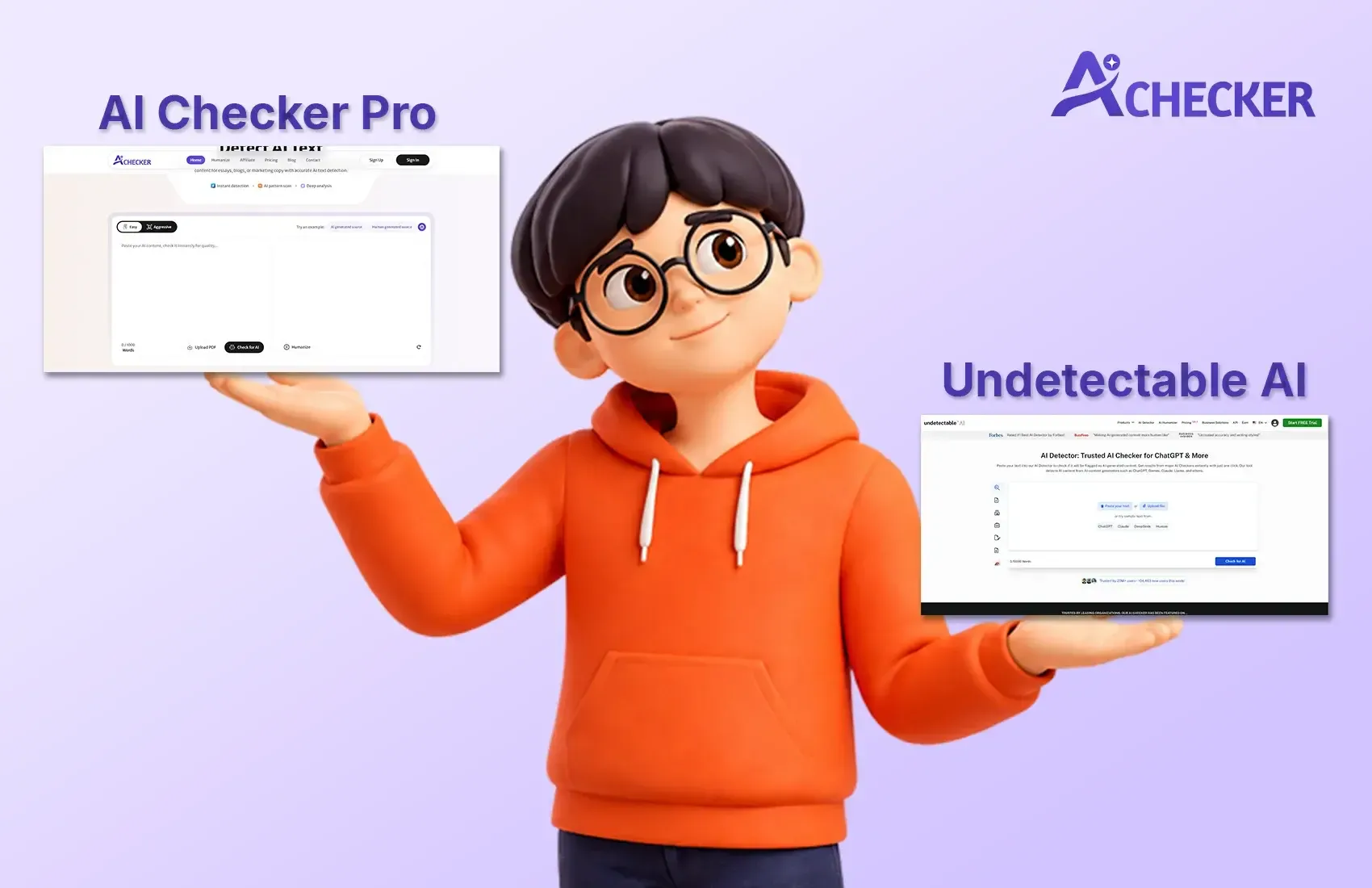
The main question that all users of AI writing tools face emerges from their experience with these tools: will their activities become known to others? The content industry currently focuses on AI detection versus humanization as its most important issue, which affects college students who submit essays and bloggers who want to improve their Google rankings and business owners who create content in large volumes.
I have been testing these tools for a while, and honestly, the difference between a detection tool and a humanization tool matters more than most people realize. If you want a fuller picture before diving in, this AI Checker Pro review covering the best AI detector tool is worth reading first.
I will summarize the differences between AI Checker Pro and Undetectable AI using simple language in this article. The content contains no unnecessary material because it lacks any technical terms.
What Is AI Checker Pro and What Does It Actually Do
AI Checker Pro is a tool built for one primary purpose: figuring out whether a piece of content was written by an AI. The system analyzes each sentence because it requires more than one evaluation to complete its assessment of your written work. The system shows specific sentences that appear to be generated by artificial intelligence technology, which helps users identify the parts of their work that need improvement.
I have personally seen bloggers and students use AI Checker Pro to scan their drafts before submission or publishing, and the sentence-level breakdown is genuinely useful.
Here is what makes AI Checker Pro stand out for detection:
- Works with content from ChatGPT, GPT-4, GPT-5, Gemini, Claude, and other major AI models
- Gives a sentence-by-sentence breakdown instead of just an overall percentage
- Used by over 100,000 users, including students, teachers, and SEO professionals focused on AI detection
- Includes a built-in AI humanizer so you can go from detection to fixing in the same tool
- Simple enough that you do not need any technical background to use it
A tool such as AI Checker Pro allows you to really, really accurately detect AI content, something that very few tools can genuinely promise.
What Is Undetectable AI and How Does It Work
The purpose of Undetectable AI differs from its name. Its primary function as a humanization tool enables it to transform AI-generated text into more authentic human writing. You need to provide your ChatGPT output to the system because it produces results which aim to pass Turnitin and GPTZero detection systems.
Students and content creators who want to use AI assistance without triggering detection have made it popular. Its basic functions, however, provide limited support for users who want deeper control over their content.
Undetectable AI functions as a single-function software that requires users to direct content to its humanization feature. The system produces human-like output, but it cannot identify which parts of your content are flagged. If you want a detailed breakdown of how it compares, check out this Undetectable AI review for more context.
AI Checker Pro vs Undetectable AI: The Core Difference
The two tools work on different problems, which makes them non-competitive with each other.
AI Checker Pro answers the question: "Does this content read like it was written by AI?"
Undetectable AI provides an answer to the question of how to rewrite text so that it no longer appears as though it was generated by artificial intelligence.
Think of it like the medical field, which functions through two major systems that operate as distinct yet interdependent components. The first system identifies existing issues, while the second system provides solutions for those identified issues.
Here is a quick side-by-side breakdown:
| Feature | AI Checker Pro | Undetectable AI |
|---|---|---|
| AI Detection | Yes, sentence-level | No |
| AI Humanization | Yes, built-in | Yes, core feature |
| Works with GPT-4 and GPT-5 | Yes | Yes |
| Works with Gemini and Claude | Yes | Partial |
| Free Plan Available | Yes | Limited |
| Used by 100K+ users | Yes | Yes |
| Sentence-level analysis | Yes | No |
The practical takeaway here is that AI Checker Pro gives you both tools in one location. You start by discovering the problem, and then you proceed to correct it. The Undetectable AI system provides you with a solution, but you must work without any knowledge of the actual situation.
Which One Should Students Use
This is probably the most common question I get. If you are a college student worried about Turnitin or any other AI checker your professor might be running, here is my honest take.
You need a detection tool first. Always. Before you submit anything, you should know what score it is getting. Undetectable AI alone did not make your draft undetectable to Turnitin. Turnitin updates its detection models continuously, which means that methods that succeeded six months ago are now ineffective.
Here are a few things students should keep in mind:
- Always scan your content before submission, not after
- A tool that detects at the sentence level helps you make targeted edits
- Humanization alone is not enough if you do not know which sentences are the problem
- GPTZero and Turnitin use different models, so passing one does not mean passing the other
- Using an all-in-one tool saves time compared to running multiple separate tools
For a deeper look at how this workflow plays out in practice, this guide on how students use an AI detector and humanizer together covers it well.
You can also run your revised draft through the AI Humanizer to clean up flagged sentences before your final submission.
Which One Should Bloggers and SEO Professionals Use
Your content publishing activities for blogs and websites make Google search engine results your main focus instead of the Turnitin plagiarism detection system. The SEO community has engaged in extensive discussions about whether Google imposes penalties on website content created by artificial intelligence systems. The most effective strategies for 2026 have been demonstrated to produce successful outcomes.
Google has established that it does not impose penalties on content generated through artificial intelligence. The system imposes penalties on content that lacks quality, essential information, and useful content. The majority of AI-generated content produces results that sound ordinary because of its repetitive nature, which leads to lower user interaction and decreased website performance. This topic is covered in depth in this guide on whether Google penalizes AI content.
Things to watch out for as a blogger:
- Content that scores high on AI detectors tends to have flat sentence variety
- Passive voice and generic phrasing are common red flags
- Transition words used unnaturally can also trigger detection
- Google rewards content that answers real questions with real specificity
- Using an AI humanization tool on flagged sections can save hours of manual rewriting
How Accurate Are These AI Detectors Really
The question has fairness as its basis, so I will provide you with my complete answer. No AI detector is 100% accurate. The majority of AI detectors that I tested proved to be unreliable when working with brief content or text that had undergone extensive editing. The systems of both GPTZero and Turnitin produce false positive results, which identify human-written content incorrectly.
The importance of sentence-level detection exists because it directly impacts detection results. A tool that provides a single percentage score does not indicate the exact problem location. The system needs to identify which exact sentences cause the detection problem because this will enable you to address specific issues while saving time on correct passages. For a more complete breakdown of this topic, this article on AI detector accuracy is worth a read.
AI Checker Pro was designed with that accuracy in mind. The solution enables you to identify specific problem areas, which streamlines the process of fixing issues for resubmitting work.
When Undetectable AI Makes Sense
The AI system known as Undetectable AI has its own set of useful applications. The tool becomes beneficial when users need to rewrite content that they know contains extensive AI-generated material. The system offers users a simple interface that delivers acceptable output quality for most applications.
The workflow requires you to use AI Checker Pro as a detection tool, which you should use before and after the rewriting process. You need to check the score because it shows how serious the problem is. The assessment lets you verify whether the humanization process succeeded.
Testing results after humanization require verification. Users face two potential outcomes, which depend on how thoroughly the flagged sections were rewritten. You can also compare how different tools handle this step by reading this QuillBot vs Undetectable AI vs AI Checker Pro comparison.
The Smarter Workflow: Detect First, Humanize Second
Here is the process I recommend based on real testing and feedback from users:
- Write your draft using any AI tool you prefer, whether that is ChatGPT, GPT-4, GPT-5, or Gemini
- Run it through AI Checker Pro to get a sentence-level breakdown
- Look at which specific sentences are flagged
- Use the built-in AI humanizer in AI Checker Pro to rewrite those sections
- Run it through the detector one more time to confirm the score improved
- If you are a student, also test it against GPTZero and check your school's specific tool
This workflow is faster than using two separate tools and more reliable than just blindly humanizing. If you want more practical guidance, this article on how to detect and humanize AI content with AI Checker walks through the full process step by step.
Conclusion
The main question in the AI Checker Pro vs Undetectable AI comparison requires you to define which problem needs resolution. You need a detection tool to verify whether your content will receive flags. You need a humanizer when you want to clean your document after detection.
AI Checker Pro provides complete detection capabilities which include sentence-by-sentence accuracy assessment and compatibility with all main AI models including ChatGPT, GPT-4, GPT-5, Gemini, and Claude.
The combined solution of detection and AI humanization capability in a single tool provides a better option for students, bloggers, and content agencies. If you are still weighing your options, this comparison of the best AI detector and humanizer tools for college students can help you make the right call.
FAQs
1. What is the best free AI detector for students and bloggers?
2. What is the difference between an AI checker and an AI humanizer?
3. Can I use a free AI detector to check ChatGPT-written content?
4. How does sentence-level AI detection help more than a simple score?
5. Is Undetectable AI good enough to pass Turnitin and GPTZero?
6. How do I humanize AI text without making it sound unnatural?
7. What does an AI content detector actually look for in text?
8. Can I convert AI text to human text for free online?
9. Does Google penalize AI-generated content in 2026?
10. What is the smartest workflow when using an AI detector and humanizer together?

Harshil Barvaliya
SEO Executive & Content Writer at AI Checker Pro
I’m Harshil Barvaliya, an SEO Executive and Content Writer at AI Checker Pro. I focus on improving the website’s search engine visibility through effective SEO strategies, including keyword research, on-page and off-page optimization, and content development.Get Started Free
Create a free account for advanced AI detection and scan history.
Trusted by thousands worldwide.
Recent Blog's
Discover how AI-powered content creation can elevate your website's reach and engage your audience like never before. Explore the real impact of AI on crafting content that connects.