Canvas AI Detector: What AI Detector Does Canvas Use for College Assignments?
TABLE OF CONTENTS
What Is Canvas and How Does It Work in Colleges?
Canvas AI Detector: Does Canvas Have Its Own AI Detector?
What AI Checker Does Canvas Use?
What AI Detector Does Canvas Use for College Assignments? (The Real Answer)
AI Detector in Turnitin Within Canvas: How It Actually Works
Can Canvas Detect ChatGPT and Other AI Writing Tools?
How Accurate Are AI Detectors Used in Canvas?
What Happens If an Assignment Is Flagged by an AI Detector?
Best Practices for Students Using AI Tools
How to Check Your Work Before Submitting to Canvas
Conclusion
Get an AI summary of this post on:





You did some AI brainstorming, maybe you cleaned up a few sentences or something, and now you're just staring at the submit button thinking, "Does Canvas have an AI detector? Can it really tell?"
You're not alone. Loads of college students in the US, UK, Canada, and Australia submit work through Canvas every single day, and honestly, the whole AI detection question has turned into one of the most searched topics in academic circles in 2025 and 2026. If you want to understand how colleges detect AI in essays before you hit submit, this guide breaks it all down clearly.
So here's the quick version: Canvas itself does not come with a built-in AI detector. But that does NOT mean your work is fully hidden or untraceable. Canvas connects with strong third-party tools, especially Turnitin, and those tools do check for AI-produced text.
In this guide I'll map out how the Canvas AI detection setup works in practice, what your professors typically see, and what you should keep in mind before you hit submit.
What Is Canvas and How Does It Work in Colleges?
Canvas is a Learning Management System (LMS) made by Instructure. It's used by more than 30 million folks across 4,000+ institutions globally. Really think of it as that digital classroom space where professors drop assignments, students send in their work, and the grades get handled in one place.
Canvas itself is basically an organizational platform. It doesn't go and inspect writing for "AI-ish" patterns or anything like that. Instead, it works like a launchpad for outside academic integrity tools. So when an instructor turns on an integration inside Canvas, say Turnitin, iThenticate, or Copyleaks, those services kick in right when you submit your assignment.
Why Universities Use Canvas
Universities tend to pick Canvas because it's flexible, and honestly, there are a lot of reasons for that. It holds together a massive set of plugins, plus LTI (Learning Tools Interoperability) integrations, and it also connects to various third-party services. And that ecosystem, more or less, is exactly why AI detection within Canvas ends up being harder than a simple single yes/no answer.
Canvas AI Detector: Does Canvas Have Its Own AI Detector?
No. Canvas does not have a native, built-in AI detector.
Instructure (Canvas's parent company) has not released a proprietary AI detection feature as of 2026. Canvas tracks metadata like submission timestamps, IP addresses, browser behavior, and time-on-page but none of that constitutes AI detection in the content sense.
What Canvas can monitor:
- When you submitted the assignment
- Where it was submitted from (IP/device)
- How long you spent on the assignment page
- Whether you copied and pasted large text blocks
That last point matters. Some Canvas configurations, especially quiz modes, can detect paste events. But even that doesn't tell a professor whether your text was AI-generated.
The actual AI detection work happens through integrated tools, and the most widely used is Turnitin.
What AI Checker Does Canvas Use?
The most common answer: Turnitin.
Many institutions also use:
- Copyleaks: Has a dedicated AI content detection model
- iThenticate: More common for graduate research and dissertations
- Unicheck: Used in some European institutions
- GPTZero: Increasingly adopted by instructors as a supplemental check
The tool your specific school uses really depends on institutional licensing and instructor preferences, honestly. Some professors will pass student work through multiple tools, including free options like GPTZero or AI Checker, just to cross-check things before they make any academic integrity call.
What AI Detector Does Canvas Use for College Assignments? (The Real Answer)
When a professor sets up a Canvas assignment with academic integrity tools enabled, here's what typically happens:
- You submit your assignment through Canvas.
- Canvas passes the document to the integrated tool (usually Turnitin) via an LTI connection.
- Turnitin generates two separate reports: a Similarity Report (plagiarism) and an AI Writing Report (AI detection).
- The professor receives both reports inside Canvas.
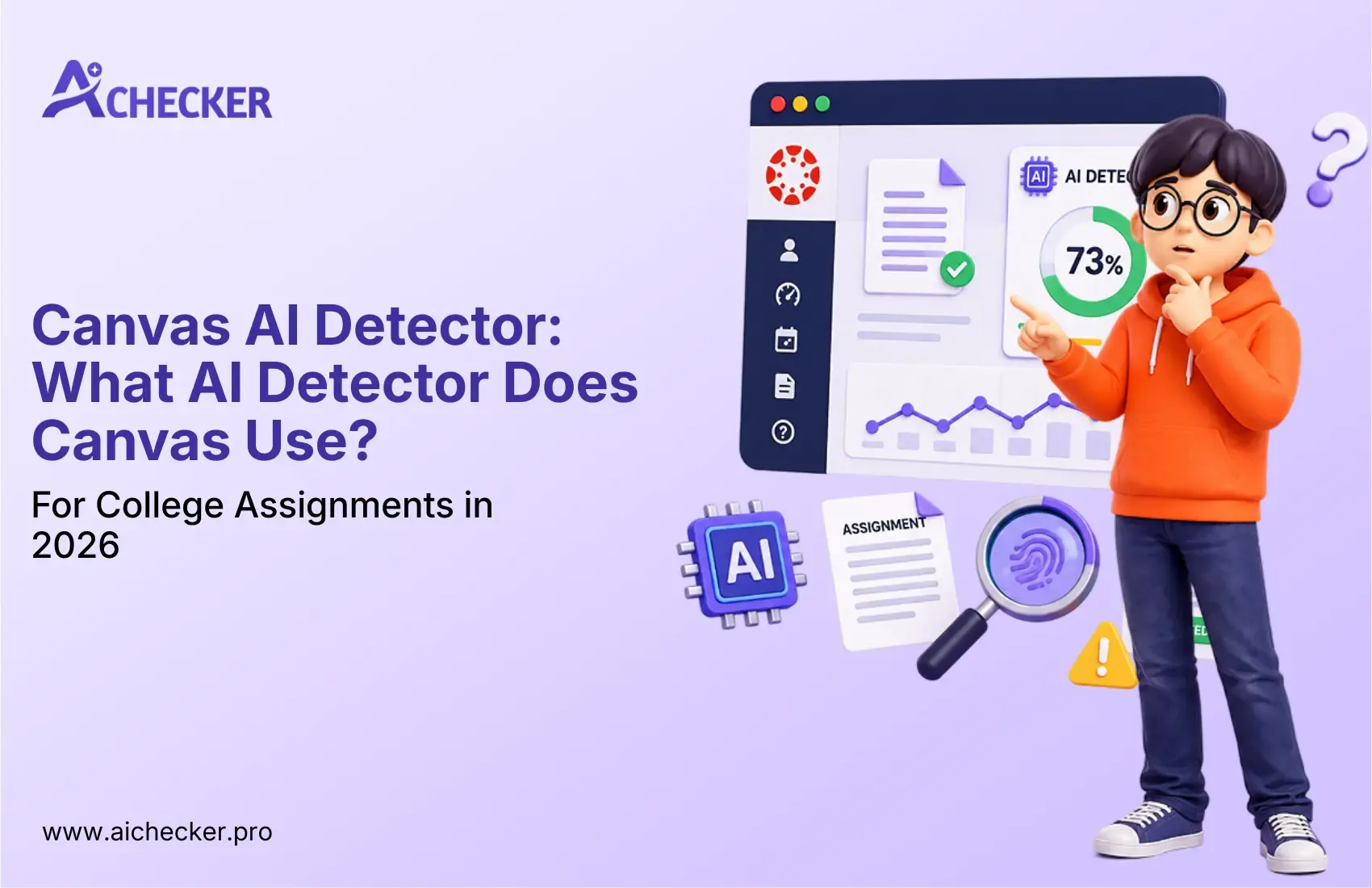
The AI Writing Report from Turnitin comes with a percentage number, which tells you how much of your text seems to be AI-made. It also slices the whole thing sentence by sentence, and then it marks the bits that get flagged in different colors, so you can see what's being questioned right away.
Key point: This score is not a pass/fail verdict. It's a probability indicator. Turnitin itself states clearly that their AI detection should be used as one signal in a broader academic integrity review, not as definitive proof of wrongdoing.
AI Detector in Turnitin Within Canvas: How It Actually Works
Turnitin's AI detection model, launched broadly in 2023 and refined through 2025, was trained on a large corpus of AI-generated and human-written text. To better understand what AI detector Turnitin uses under the hood, it helps to know the three core patterns it analyzes:
- Perplexity: How predictable or uniform the word choices are
- Burstiness: How much variation exists in sentence complexity
- Sentence uniformity: Whether the writing maintains a suspiciously consistent structure throughout
Human writing naturally has more variation. AI writing (especially from tools like ChatGPT, Claude, or Gemini without heavy editing) tends to be smoother, more predictable, and stylistically consistent, and those are exactly the patterns the model is trained to recognize.
What Professors Can See in Canvas
Inside Canvas, a professor with Turnitin enabled sees:
- An AI probability percentage (e.g., "87% of this submission may be AI-generated")
- Highlighted sentences showing which specific parts were flagged
- Comparison to the Similarity Report for any overlapping concerns
Professors can also download the full report and use it in academic integrity hearings. Importantly, most institutional policies require the professor to conduct additional review before taking action. The score alone is not sufficient evidence under most university policies.
Can Canvas Detect ChatGPT and Other AI Writing Tools?
Not directly, but through Turnitin and a couple of integrated checks, it can get flagged. Text from ChatGPT, Claude, Gemini, and similar tools might show up as suspicious.
Detection accuracy varies based on:
- How much the text was edited after AI generation
- Which AI tool was used (newer model outputs are slightly harder to detect)
- Document length (shorter texts tend to produce less reliable scores)
- Writing style (some academic writing styles naturally score higher in AI detection)
A common misconception is that paraphrasing AI content with synonym swaps, or restructuring sentences, will bypass detection. Modern detection models, especially Turnitin's, are trained to look past surface-level word choice. The structural patterns and statistical consistency are usually harder to disguise, even if you do a clever rewording here and there. If you're curious about how AI detectors actually work, the mechanics go much deeper than most students expect.
How Accurate Are AI Detectors Used in Canvas?
This is where things get nuanced. No AI detector is 100% accurate, and that includes Turnitin.
False positives are a known issue. Research has shown that:
- Non-native English writers are disproportionately flagged
- Highly technical or structured academic writing (like literature reviews) can score high
- Students with very clear, concise writing styles have been incorrectly flagged
Turnitin's own documentation acknowledges a less-than-perfect accuracy rate. For this reason, most universities treat AI detection scores as starting points for conversation, not as automatic penalties. You can dig deeper into AI detector accuracy to understand exactly where these tools fall short.
If your work is flagged, you typically have the opportunity to explain your process, drafts, notes, and research history as part of an academic integrity review.
What Happens If an Assignment Is Flagged by an AI Detector?
The process varies by institution, but here's a general framework:
Step 1: Instructor Review The professor reviews the AI report, alongside the assignment itself, and what they know about your previous work.
Step 2: Preliminary Conversation In many cases, professors reach out to discuss the flagged submission before escalating. They may ask you to explain your writing process or provide earlier drafts.
Step 3: Formal Review (if escalated) If the concern continues, the case may go to an academic integrity committee. You'll have the opportunity to provide evidence: outlines, notes, browser history, cited sources, and draft versions.
Potential outcomes range from:
- No action taken (false positive confirmed)
- Resubmission requested
- Grade deduction
- Academic warning
- In severe or repeat cases: course failure or suspension
Being transparent about your use of AI tools as a research aid, as opposed to generating the final text, can significantly affect outcomes. Most universities distinguish between responsible AI use (brainstorming, research, outlining) and academic dishonesty (submitting AI-written work as your own). Understanding AI detection problems students commonly face can help you navigate this process more confidently.
Best Practices for Students Using AI Tools
Using AI responsibly is increasingly a core skill, not a forbidden act. That's basically how you stay on the right side of both academic integrity policies and AI detection systems, without panicking every time you open a chatbot.
Brainstorm with ChatGPT or Claude, then write in your own voice. For research, use AI and make sure you cite real sources, not whatever it spits out. Also, double-check your work before you submit.
If you used an AI draft, edit heavily. A paragraph generated by AI and run through an AI checker will look pretty different from the same paragraph after real human revision. Engagement really matters too. Adding your own insights, reshaping the argument structure, and integrating specific sources tends to change those detectable patterns significantly. Check out these best practices for avoiding AI detection in college papers for a more detailed walkthrough.
How to Check Your Work Before Submitting to Canvas
Before you submit anything to Canvas, run your assignment through an independent AI detection tool. This gives you two advantages:
- You see what Turnitin is likely to see
- You can identify and revise flagged sections in your own time
AI Checker at aichecker.pro provides sentence-level AI detection, the same granularity that Turnitin offers, so you can see exactly which sentences are drawing suspicion. No signup needed for a quick check.
For students who have done legitimate work but are worried their own writing style will trigger false positives, AI Checker also includes an AI Humanizer tool. It rewrites the flagged sentences so they feel more human, without changing your core argument, or whatever you're actually trying to say.
Conclusion
The Canvas AI detector question kind of feels like it has no one simple answer because Canvas isn't actually the one doing the detecting. The LMS is more like the road, and tools like Turnitin are the cameras.
What matters most is pretty straightforward, though. Learn your institution's policies, write in your own voice, and treat AI tools responsibly, like a research and thinking assistant, not a writing replacement.
If you're not sure what your assignment might look like to some detection system, check it before you submit. Just a few minutes with an AI Checker can give you the clarity and confidence you need, sentence by sentence, score by score, before anything reaches Canvas.
Academic integrity isn't only about penalties and limits. It's about owning your thinking. The best use of AI is the kind that helps your ideas get sharper, not the kind that swaps them out for something else.
#FAQs
1. Does Canvas have a built-in AI detector?
2. What AI checker does Canvas use?
3. What AI detector does Canvas use for college assignments?
4. Can Canvas detect ChatGPT or Claude-generated text?
5. How accurate is the AI detector used in Canvas?
6. What does an AI detection report show professors inside Canvas?
7. Can Turnitin detect paraphrased AI content?
8. What happens if Canvas flags my assignment as AI-generated?
9. Is there a free AI checker I can use before submitting to Canvas?
10. How can I reduce the chance of my work being flagged by an AI detector?

Harshil Barvaliya
SEO Executive & Content Writer at AI Checker Pro
I’m Harshil Barvaliya, an SEO Executive and Content Writer at AI Checker Pro. I focus on improving the website’s search engine visibility through effective SEO strategies, including keyword research, on-page and off-page optimization, and content development.Get Started Free
Create a free account for advanced AI detection and scan history.
Trusted by thousands worldwide.
Recent Blog's
Discover how AI-powered content creation can elevate your website's reach and engage your audience like never before. Explore the real impact of AI on crafting content that connects.