Top 12 AI checker tools that teachers can use
TABLE OF CONTENTS
Quick Summary
AI Detection Tools: What are they?
What can they do for Teachers?
Top AI Checker Tools for Teachers
The factors to consider when choosing AI checkers
Conclusion
FAQ's
Get an AI summary of this post on:




Remember how students used to go on Google and search for topics to submit their assignments.
They used to read a lot of content online and then combine it with their own perspective to submit their work.
But now those days are gone.
Because we have generative AI tools. They can easily generate responses and answer student queries. They can even write thesis and assignments for them.
But, it's not really good for students in the long term. Using generative AI tools for research is important and when they copy paste directly from them, it's not good for their career.
So, teachers and professors use AI detector tools to detect AI generated content.
There are a number of AI detector tools available but which one is best for academic settings?
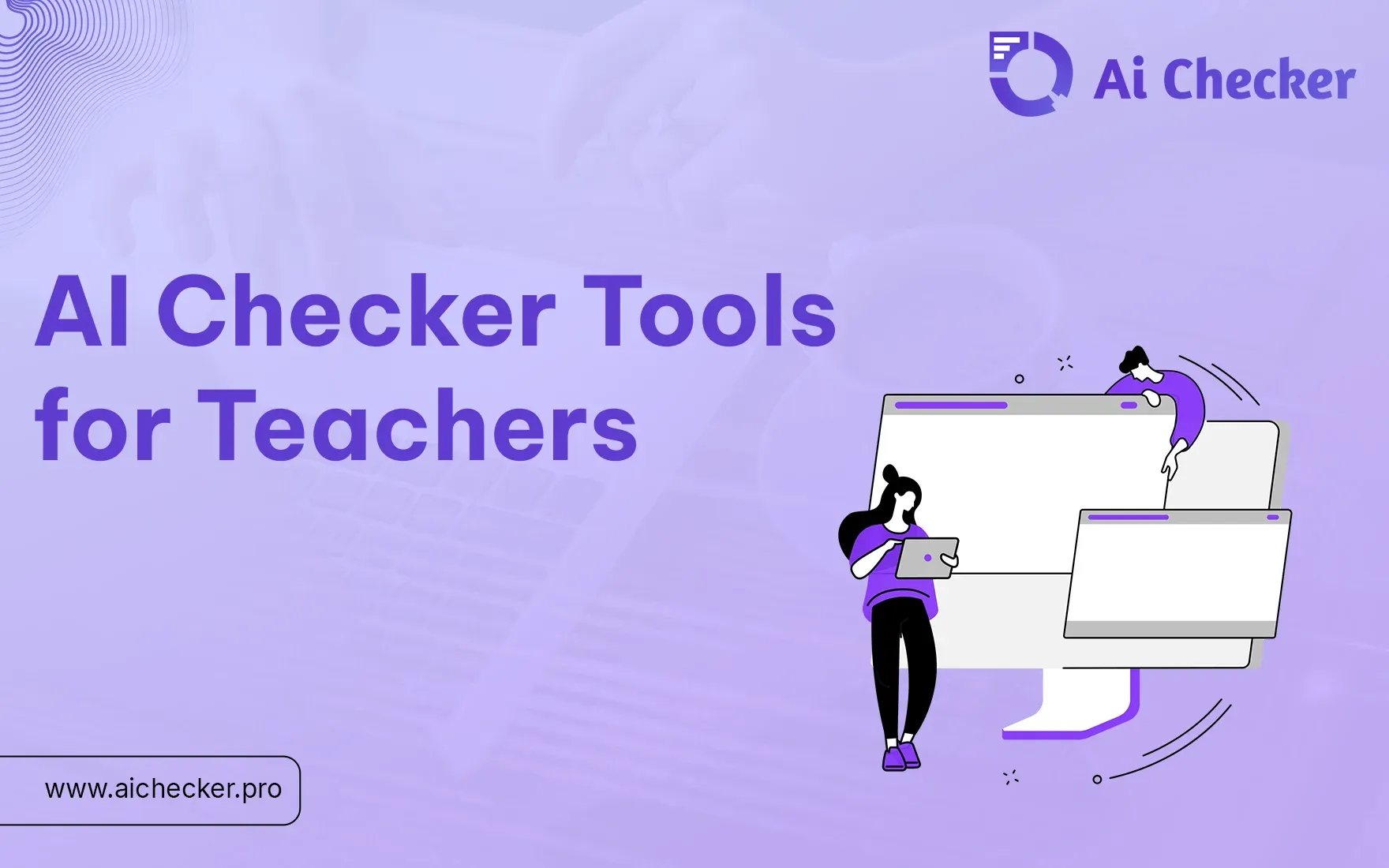
Here, we are listing the top 12 AI checker tools that teachers can use.
Quick Summary
To quickly summarize, you will learn
- What are AI detection tools?
- How do they benefit teachers and professors?
- What are the factors to look for when choosing the best AI detector for teachers?
AI Detection Tools: What are they?
Basically AI detection tools are tools that help teachers check whether the content submitted by the students is AI generated or not. Teachers can use these tools to check assignments, thesis and submitted projects for AI content.
AI detector for teachers are trained on academic data and also on the data available on the internet. It helps them detect any unusual patterns in the writing styles and report it to teachers.
What can they do for Teachers?
It is important to use tools for AI detection for teachers. Its because they offer number of benefits in schools and universities, here are some of them:
1. Maintains Academic Honesty: AI detectors help check the submitted work to make sure it's unique and students have done thorough research before submitting it.
2. Saves Time: AI detectors help check the content quickly, because there are no other ways to detect AI content.
3. Encourages Originality: It helps students to put in some time and effort to collect data and submit work based on their own findings.
4. Detailed Insights: Some of the best AI detectors for teachers provides detailed reports on AI generated content.
Top AI Checker Tools for Teachers
Here’s a list of 12 top AI checker tools for teachers, including their pricing and a brief description of each:
1. AIchecker
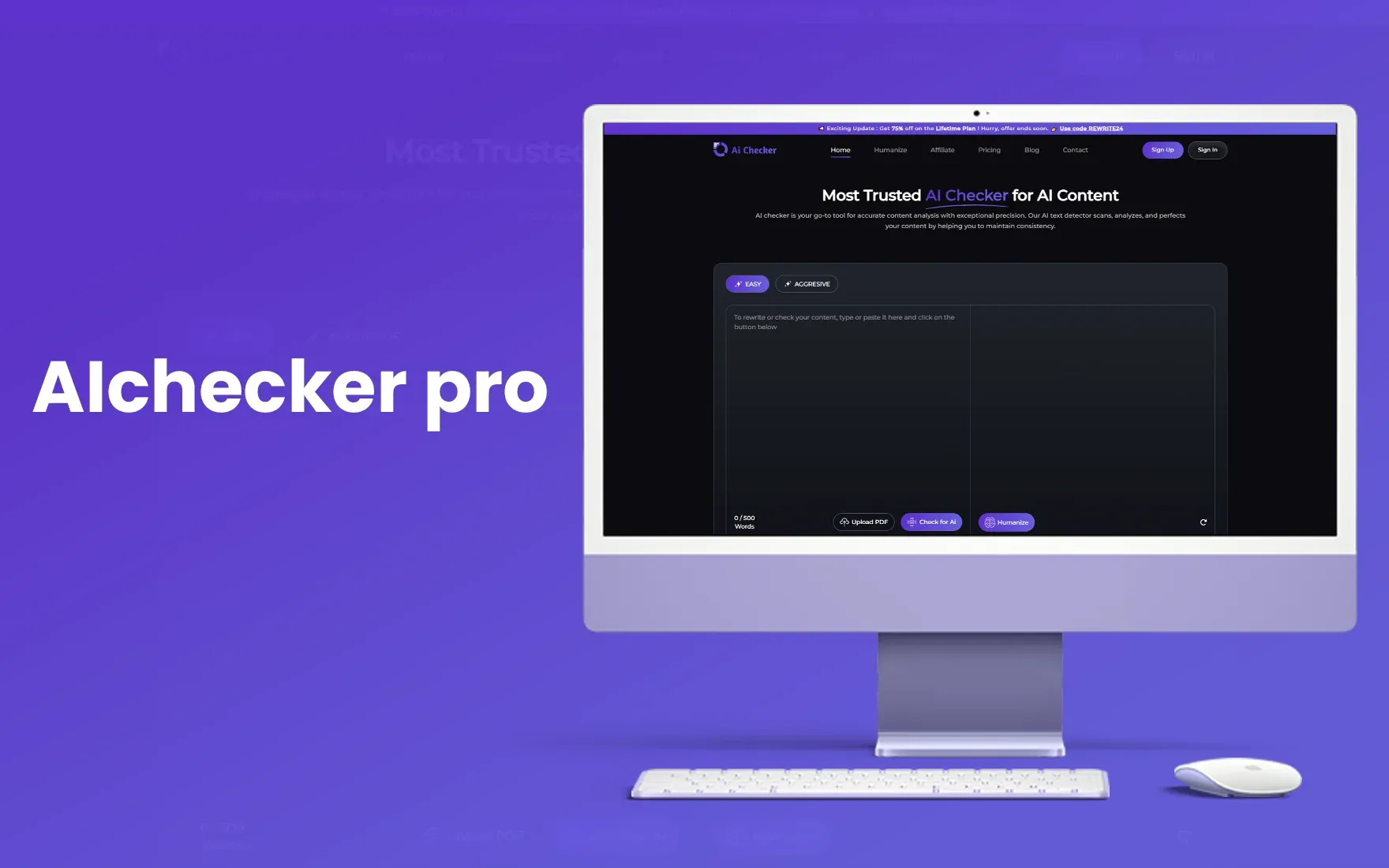
AI checker is among the very few tools that is 100% accurate in detecting AI generated content. It is trained to detect text generated from different generative AI tools like ChatGPT, Gemini, Claude and more.
It makes it unique because most tools are trained on single LLMs which limits their capability to check AI content accurately. And the best thing, it's affordable. You can use the free version if you want, and if you want to go with a paid plan, it starts with $4.99/month.
Why do teachers prefer it?
- Higher accuracy compared to other tools
- Affordable pricing
- Bulk upload option to check multiple submissions
- Detailed PDF reports for AI detection
- Trained on multiple LLMs.
2. AI Detector Pro
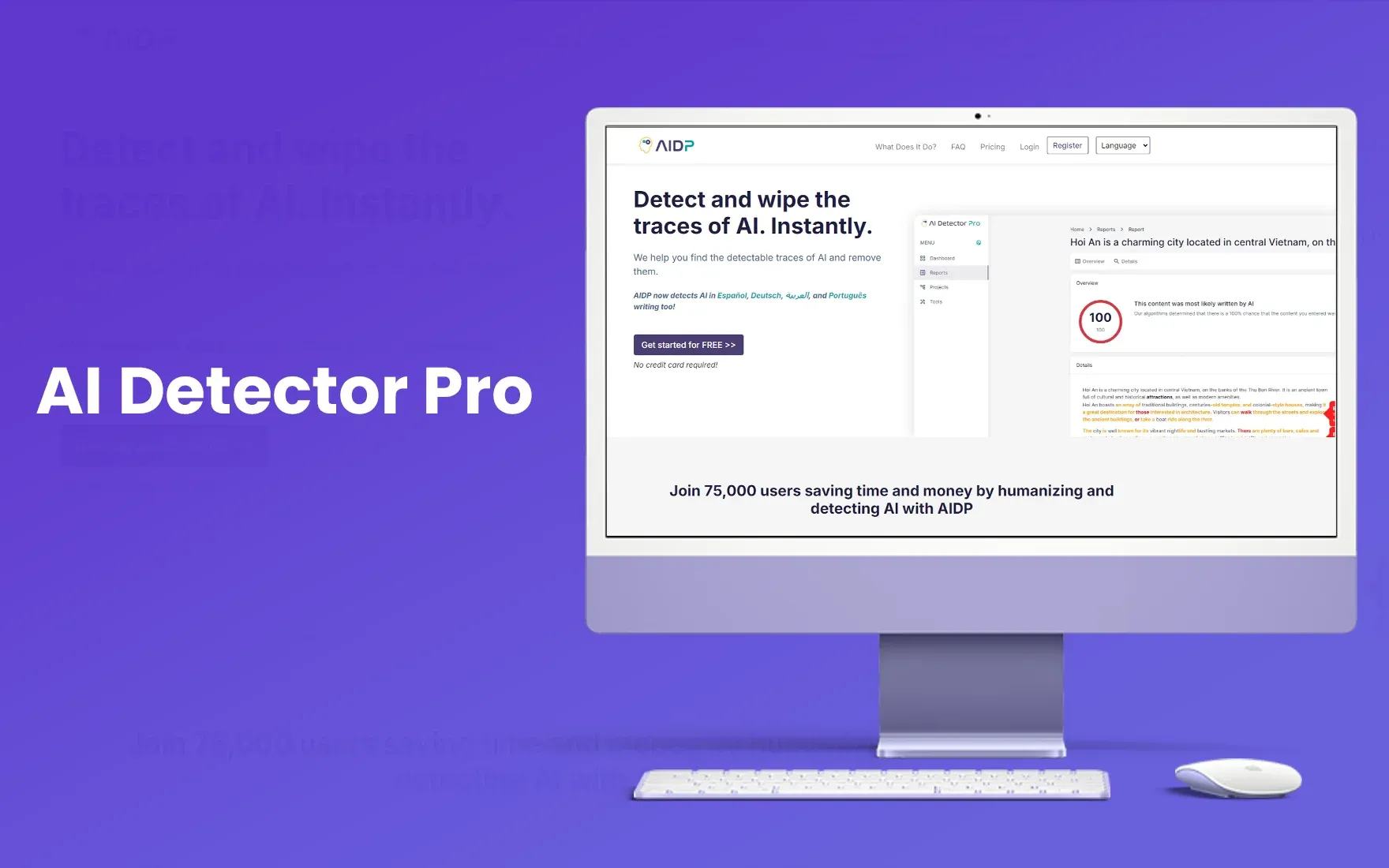
AI detector pro is another tool that claims to detect AI content with 98% accuracy. It can detect content from ChatGPT and Gemini. It provides detailed reports and it has a unique feature- “AI Eraser”.
What it does is, it lets teachers modify these sections and provide feedback to students. However, it is limited to detecting AI text in only English and offers only three free reports in the free version.
After free usage, its plan starts from $28/month.
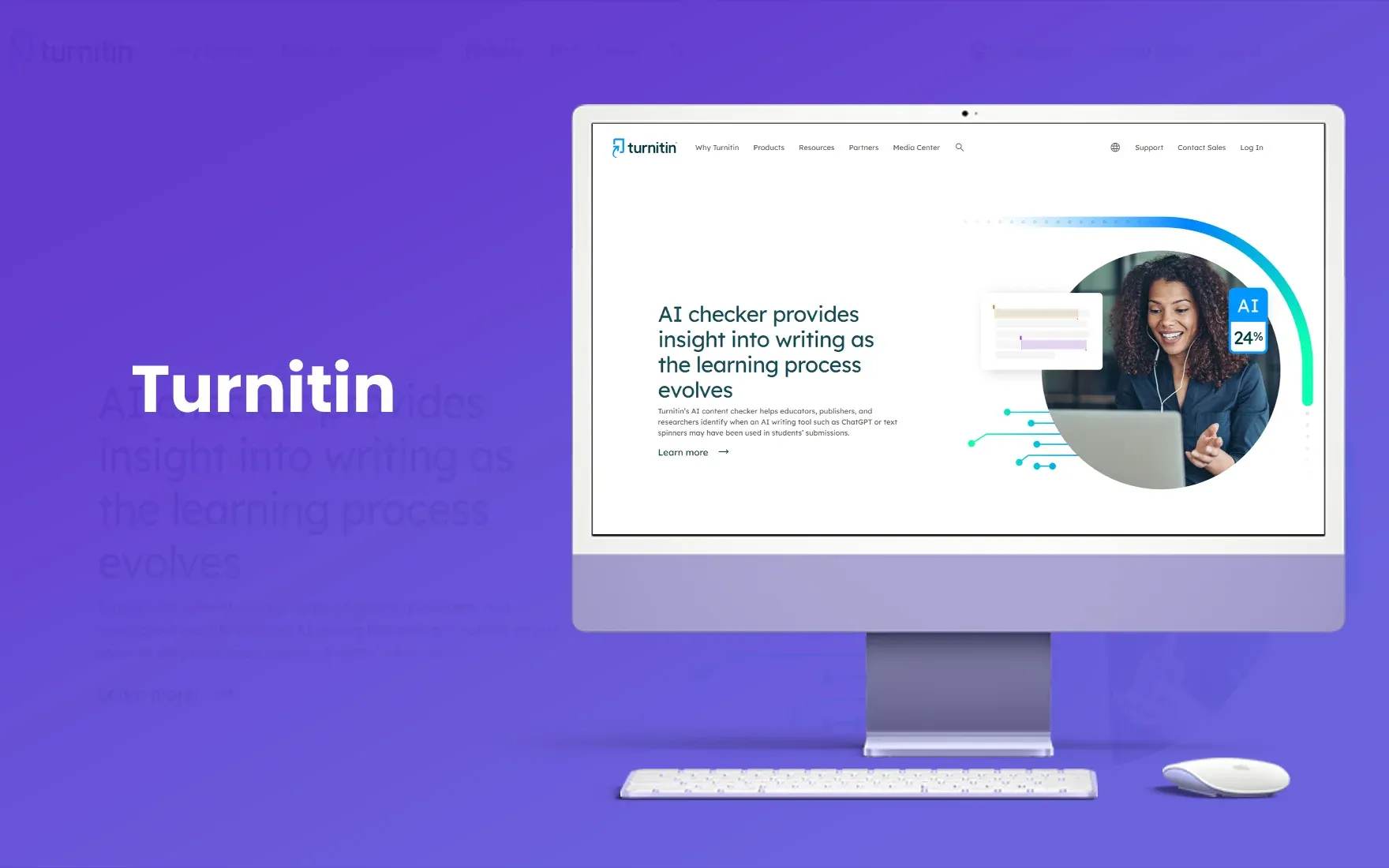
3. Turnitin
If you are a teacher or professor, you probably know about Turnitin. It is mostly used in academic settings to detect work submitted by the students. And it is able to detect AI text with 98% accuracy.
It was a plagiarism detection tool and many universities and schools were already using it, so students are well aware of it. Now they have launched their AI detection feature so teachers and students don’t have to learn using any other tool.
So, if you are a student wondering, “What ai detector do teachers use?”. Your most probable answer is Turnitin. But there is a catch here.
This tool is only available for schools and universities. No student can use it.
4. Winston AI
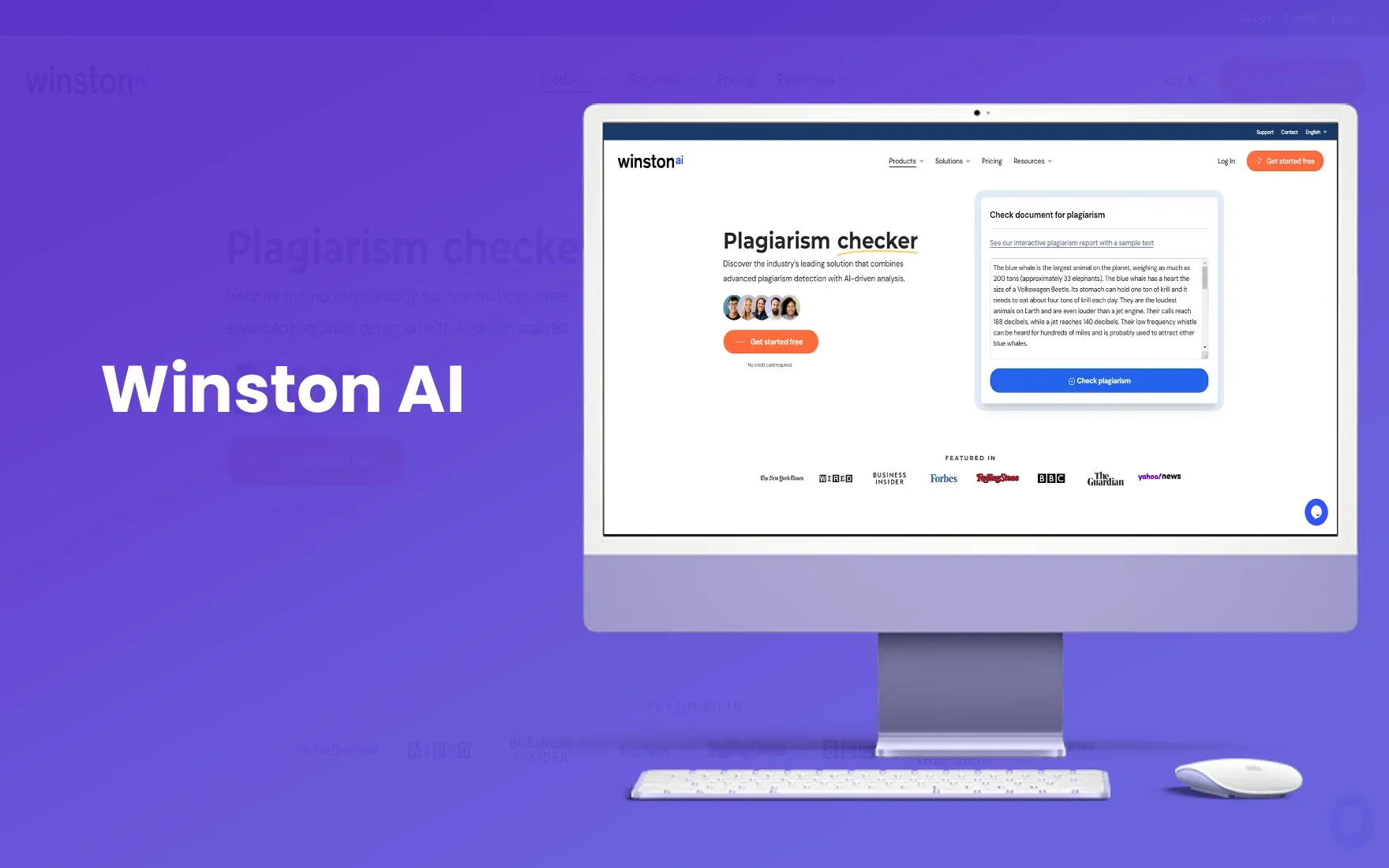
Winston AI is another tool. What's unique about Winston is it can even detect the handwritten work. It uses OCR to check handwritten text for AI content. And it is 99.6% accurate.
It helps teachers generate reports that they can share with students and let them know why the content is flagged for AI.
Also, their paid version starts with $18/month and provides a human score. It shows the probability of content generated by AI. Winston’s paid version comes with additional features like plagiarism detection, readability score and more.
5. Copyleaks
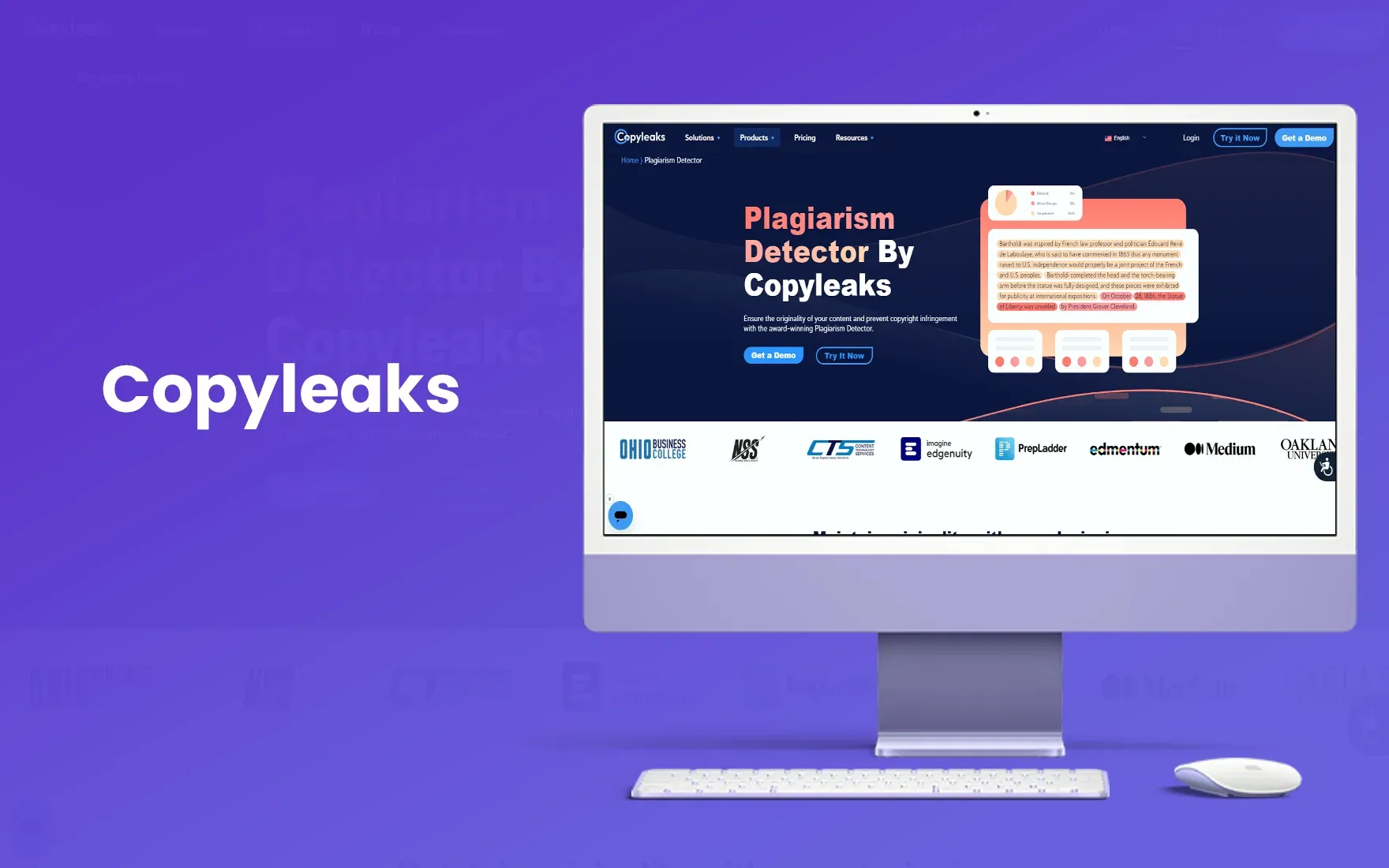
Copyleaks is among the top AI detector tools available out there. Cornell University once did a study on Copyleaks and found it to be 99.1% accurate in detecting AI content.
Copyleaks claims that it can also detect the content that is rephrased after being generated from the AI. It also supports multiple languages, so students and teachers from around the globe can use it.
The only con for Copyleaks is unlike most other AI detection tools, it doesn’t provide a percentage of AI generated content. It will only highlight the AI generated content in red.
You can only use it for limited checks for a day in a free plan and its paid plan starts with $14/month.
Find Out How: Is it possible for teachers to detect chatgpt?
6. GPTZero
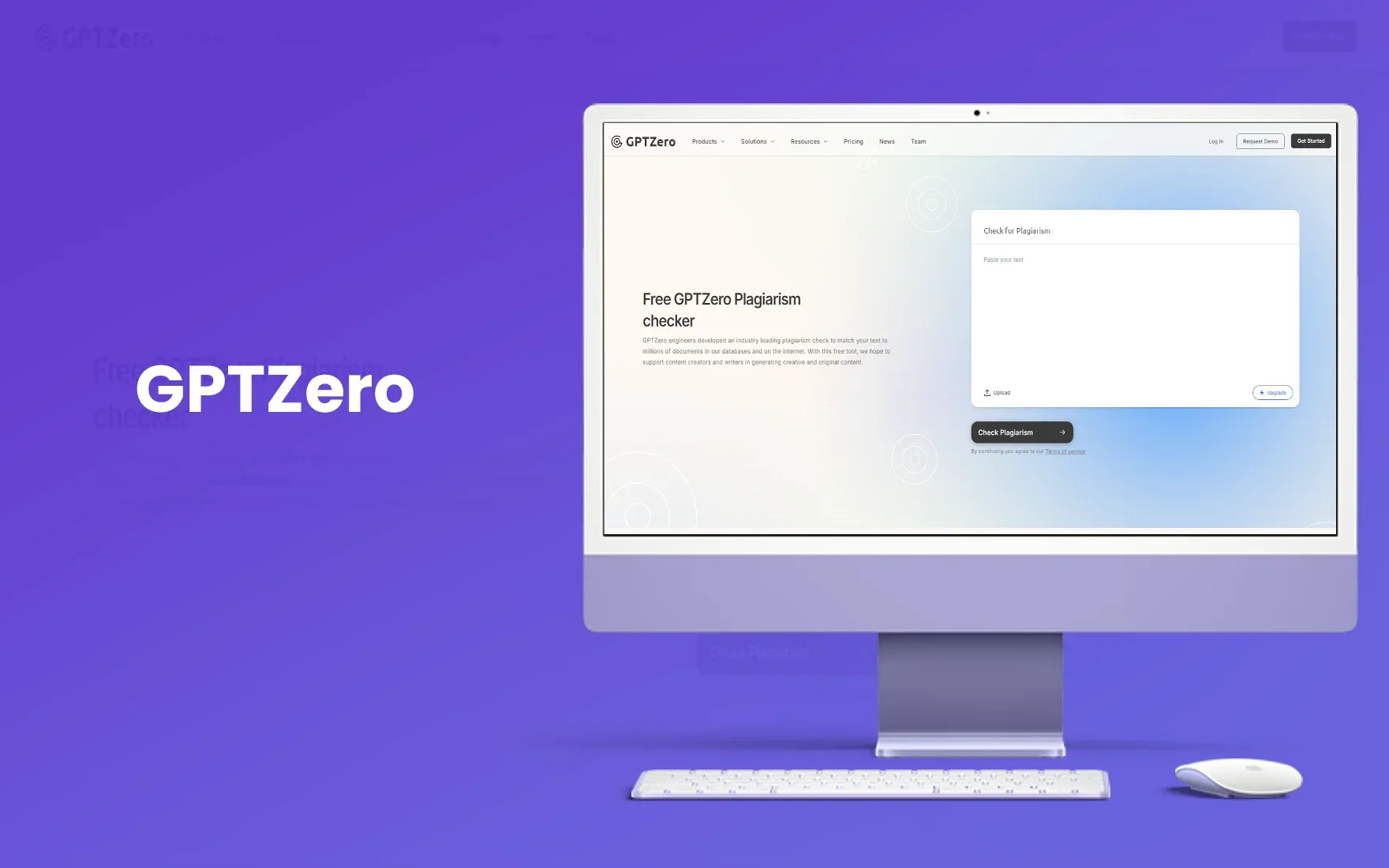
GPTZero is designed to detect only text generated from ChatGPT. It is trained to focus on factors like how complex the sentence is, what is its length and is it repetitive. It claims to be 98% accurate to detect AI generated content.
However, for educators they have launched a paid version of software- GPTZeroX. It lets teachers check content in batches, so teachers can upload all files at once. It is also faster than GPTZero but it doesn’t have a plagiarism detector.
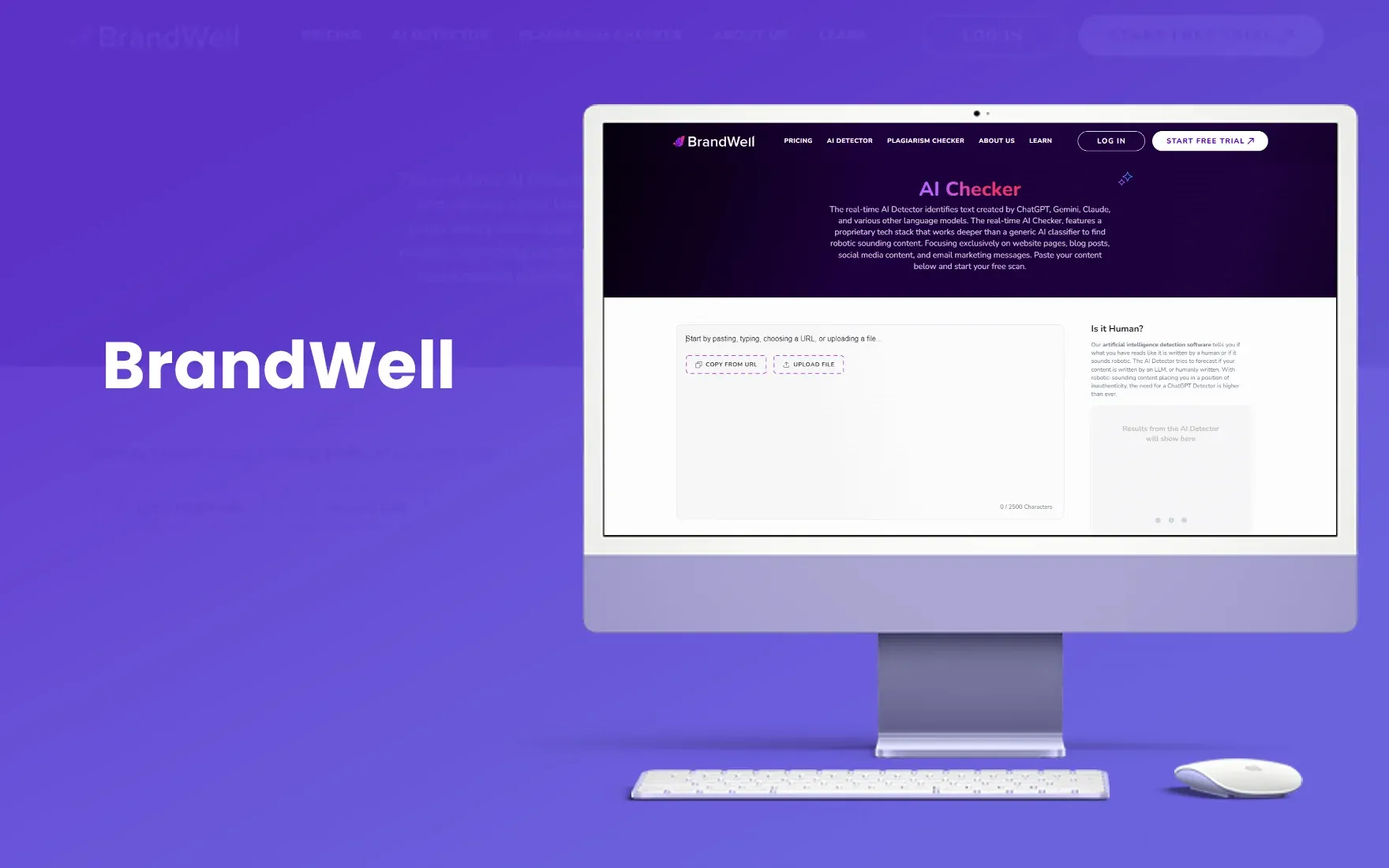
7. Brandwell
Brandwell is not primarily an AI content detector tool. It is an AI blog writer but also offers AI content detection that is 98.3% accurate. It supports content in multiple languages, but there is a limit of 25000 characters for every check.
That is equal to almost 5000 words. It's good for students but for educators, these limitations can be time consuming. They will have to check individual assignments for AI and it will take a lot of time.
8. Originality AI
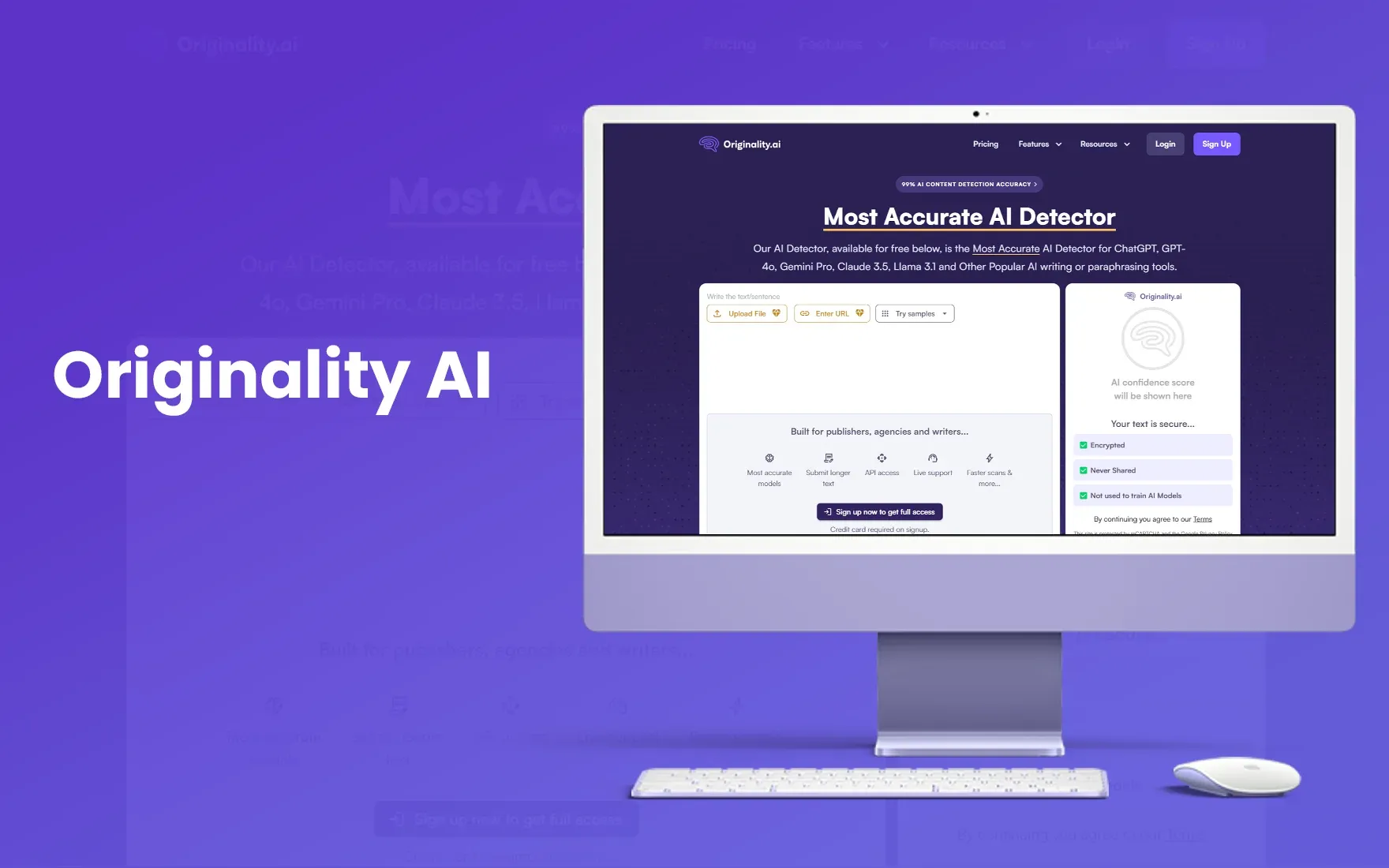
Originality AI detector is among the most reliable AI detectors for teachers. It offers AI detection with features like plagiarism check and fact checking.
It can be really helpful for teachers, and students as well. As sometimes, AI tools can generate information that is incorrect, so Originality AI can check it for them.
It offers 50 credits in a free plan which is equal to 5000 words. And its paid plan starts with $20/month
9. Crossplag
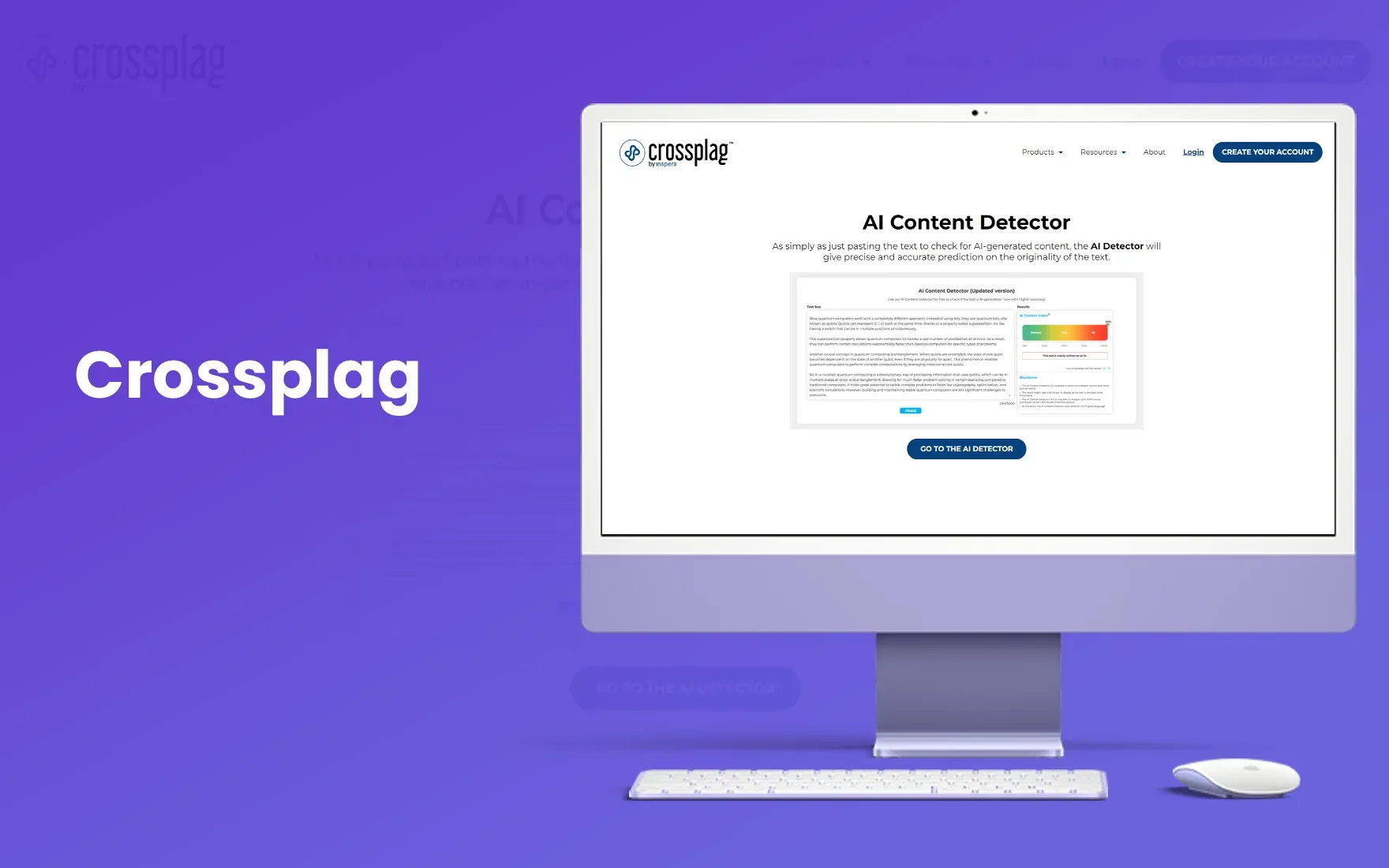
Crossplag was basically a plagiarism detection tool but now they also offer AI detection for educators. It helps teachers detect AI generated content and find similarities between multiple submissions.
They claim that they offer custom AI detection tools based on institutes requirements but there is no pricing available for those customization, so it’s unclear how expensive it can be.
10. QuillBot
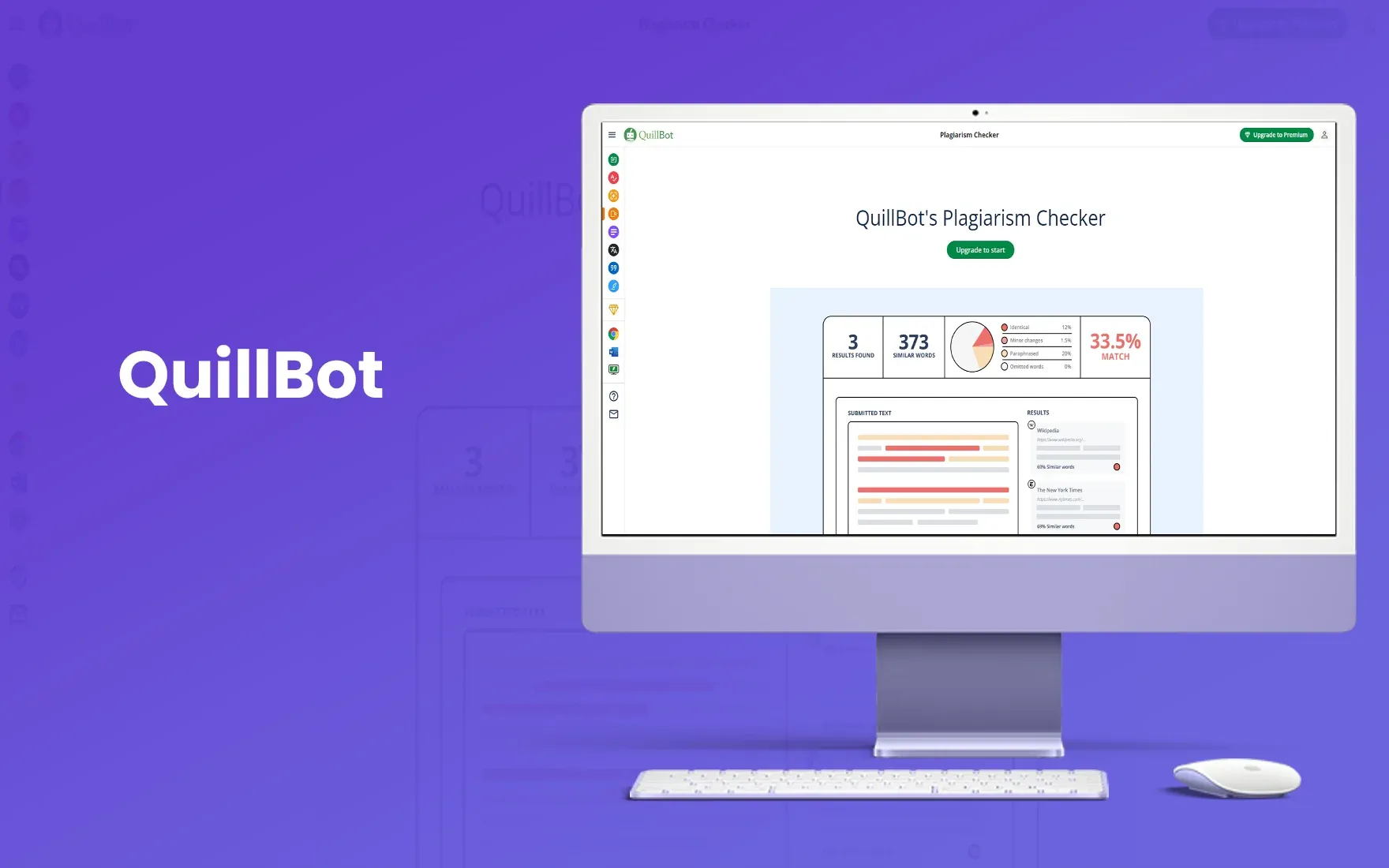
Quillbot used to be a paraphrasing tool, and now it also helps with AI detection. But from personal experience, it is not among the best AI detectors available out there.
There was this one instance, when we checked the content for AI, and it showed 85% AI generated. And then we made a few tweaks, and it showed 0% content.
So, this shows how unreliable it can be, especially for those in educational institutes.
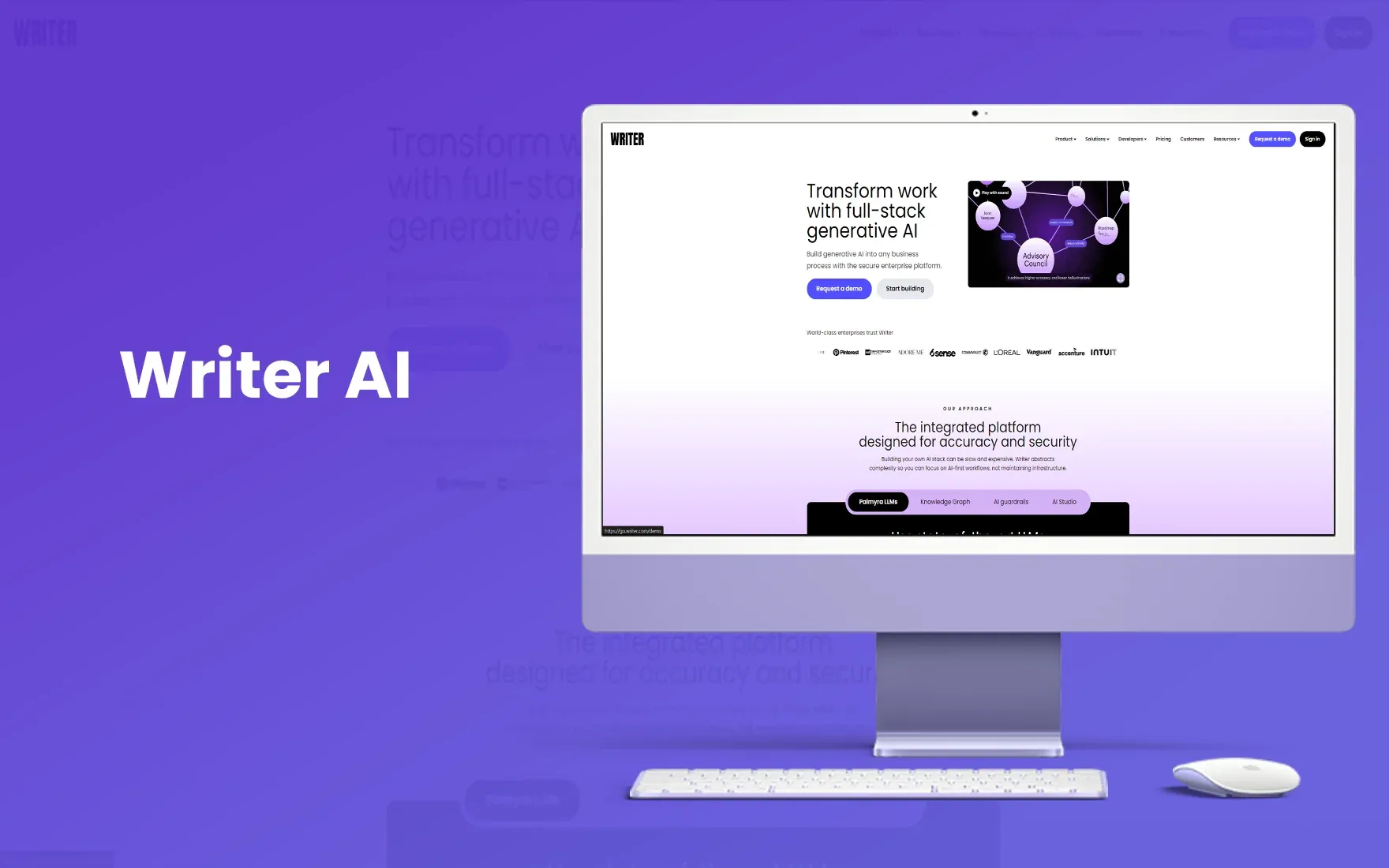
11. Writer AI
Writer AI detector offers features like AI generated writing templates and an AI detection tool. You can check the AI content using the URL or text and it supports upto 5000 words of AI content check in free version.
It is quite impressive, but we did a quick experiment, trying out multiple AI tools for their AI detection accuracy. And we gave a content that was generated by GPT.
And writer AI reported 91% human generated content. So, it is not something educators can rely on.
12. Passed AI
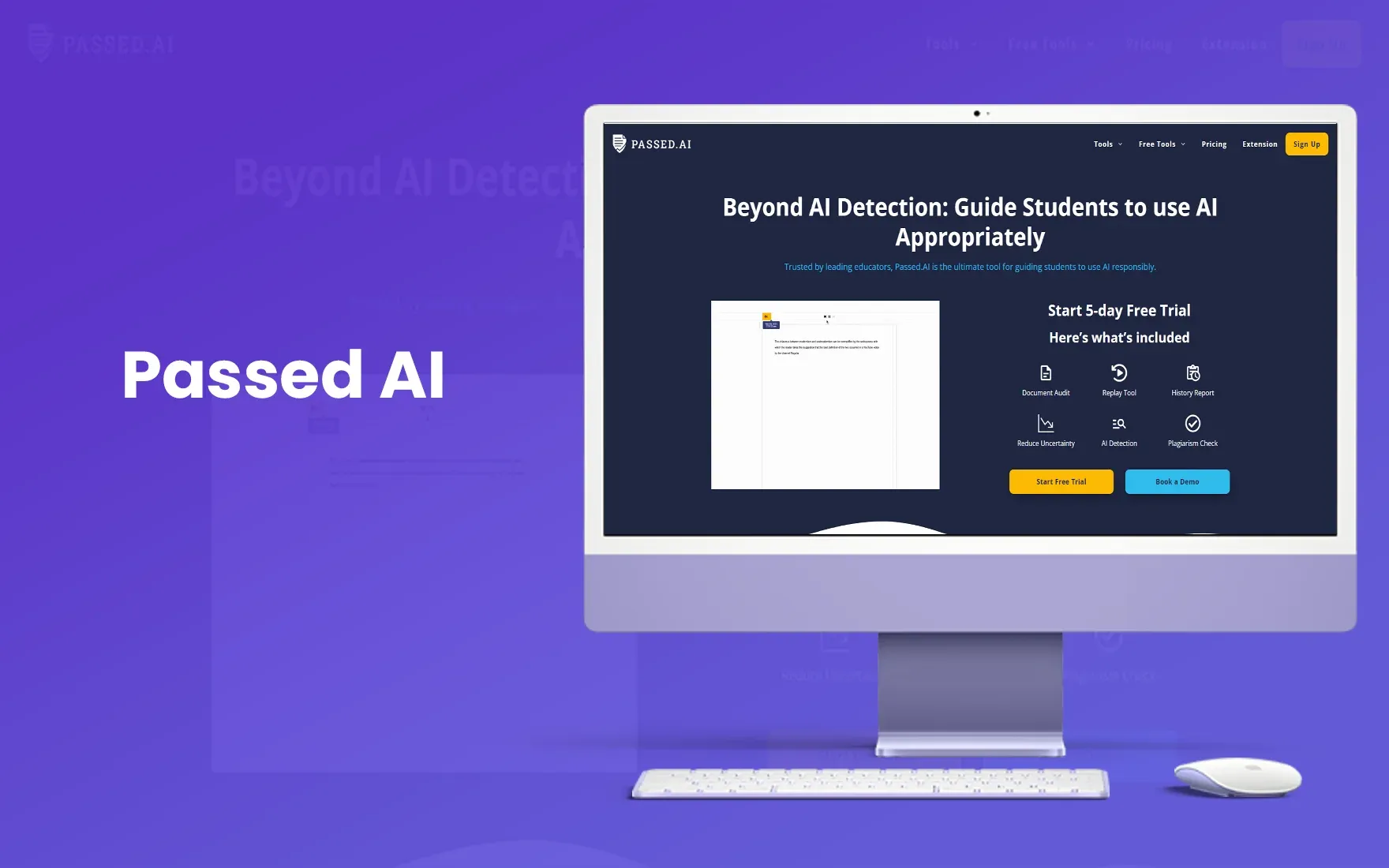
Passed AI is an adaptive version of Originality AI. And it is more focused to be used by teachers. It is trained on multiple LLMs and also has a chrome extension, so teachers can check documents in Google drive without downloading them.
It provides a percentage of content generated by AI and it only has a 5 day free trial. After 5 days, you have to subscribe to their paid plan, which starts from $10/month.
The factors to consider when choosing AI checkers
When choosing AI checkers, consider factors like accuracy, ease of use, integration options, cost, features and customer support.
1. Accuracy
Accuracy is very important when it comes to AI detection. Because students work hard and put in a lot of effort to submit their work. So, if an unreliable tool gives you incorrect results, then it will only increase the burden on students to rework and submit their assignments. You need a best AI for teachers, which is AIcheckerpro!
2. Ease of use
Every AI detection tool is easy to use. You only have to paste the content and check it for AI. But for teachers, the tools had to be built differently. Because as a teacher, you have to check multiple submissions and you can’t spend time checking them one by one.
So, what you can do is, use a tool that lets you check submissions in bulk.
3. Cost
For educational institutes, pricing matters. Because they have 1000s of students and can’t afford to pay 1000s of dollars for AI detection tools. It doesn’t mean you have to look for cheaper options but look for reliable options within your budget.
Conclusion
AI detection is important for teachers to maintain academic integrity. And with so many options available, it is important to choose a tool that is both reliable and affordable.
And AI Checker is the best AI detector tools that offers higher accuracy at an affordable price. It is trained on a series of academic data sets to help teachers check AI content accurately.
FAQ's
1. What is the best AI detector for teachers?
2. Why should teachers use AI detection tools?
3. Can I check multiple documents at once with AI detection tools?

Megan Harris
Content writer at @Aichecker
I am a content writer at AI Checker, where I craft engaging, SEO-optimized content to enhance brand visibility and educate users about our AI-driven solutions. My role involves creating clear, impactful messaging across digital platforms to drive engagement and support company growth.Get Started Free
Create a free account for advanced AI detection and scan history.
Trusted by thousands worldwide.
Recent Blog's
Discover how AI-powered content creation can elevate your website's reach and engage your audience like never before. Explore the real impact of AI on crafting content that connects.