ChatGPT Not Understanding You? Here's How to Write Clearer Prompts
TABLE OF CONTENTS
Why ChatGPT Misunderstands Your Requests
Writing Clear and Specific Prompts
Essential Prompt Engineering Techniques
Common Mistakes and How to Fix Them
When ChatGPT Says No: Understanding Limitations
Conclusion
FAQs
Get an AI summary of this post on:





ChatGPT has transformed the way people work, create, and solve problems since its debut in November 2022. The application has received more than 121 million visits per month and has thus become an indispensable tool for millions of users across the globe. However, the power of the AI has not yet been fully Used by many users.
The silver lining? The majority of the communication issues between users and ChatGPT are not due to the limitations of the AI but rather the nature of the questions we ask. This guide will introduce you to strategies that have been tried and tested to produce clearer prompts and to achieve better results in every instance.
Why ChatGPT Misunderstands Your Requests
But, solutions away , why does miscommunication occur?
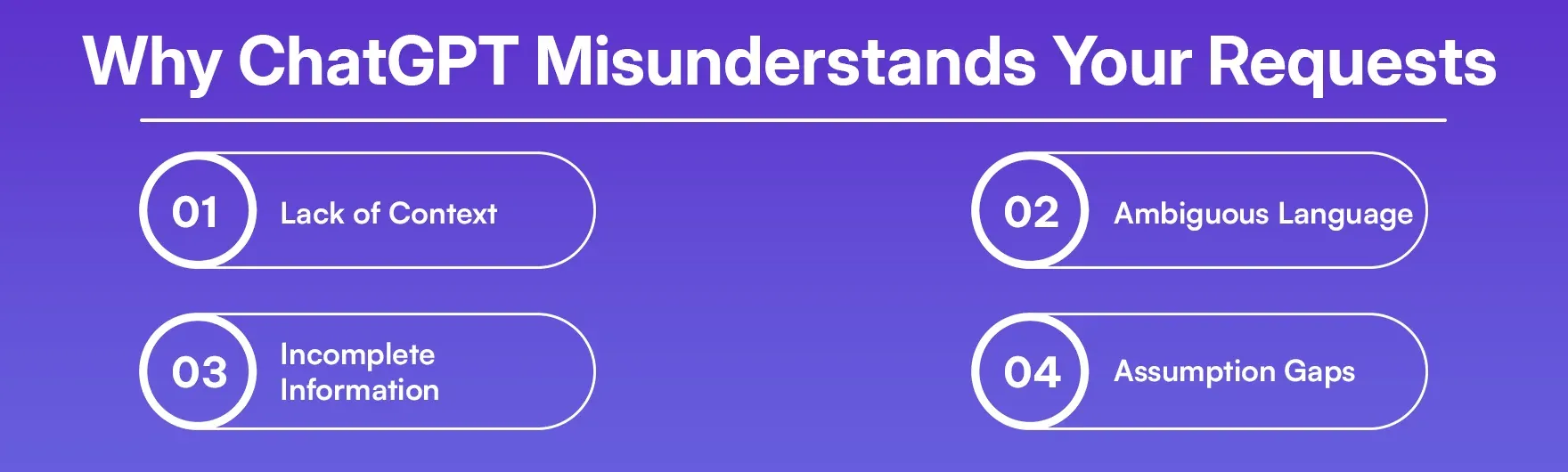
Lack of Context: Until you communicate it, ChatGPT does not know your past, your sector, or what you are trying to accomplish. A non-specific request like "write something about marketing" could cover a wide range, from a blog post to an email to a strategy document.
Ambiguous Language: The meanings of words can be different or overlapping. "Make it more professional," interpreted by a lawyer, is something quite different than what a graphic designer will understand.
Incomplete Information: If you fail to clearly indicate the format, length, tone, or audience, ChatGPT will have to make a guess, and the guess will likely be wrong.
Assumption Gaps: You may think that ChatGPT has some background about your project or industry, but in fact, it can only work with the information you provide.
Understanding these issues is the first step to better communication with AI tools.
Writing Clear and Specific Prompts
If you Aim for ChatGPT to give you a better answer, you have to specify it. Here are a few things to help:
Provide Complete Context
This is the way to go: "Write a 500-word blog post about cold brew coffee's health benefits for a wellness website. The target audience is health-conscious millennials. Use a friendly, informative tone with 3-4 subheadings."
The second prompt gives ChatGPT all the necessary information: it specifies the topic, length, format, audience, tone, and structure.
Specify the Format You Need
Always tell ChatGPT exactly what format you want:
Email, blog post, report, or social media caption?
Bullet points, numbered list, or paragraphs?
How long should it be?
What structure should it follow?
Define Your Audience
Who will be the one to read or utilize this material? It is necessary to switch the language from that of a product description for consumers to a technical manual for engineers. Provide specifics such as:
Age and cultural background
Level of knowledge (starter, intermediate, advanced)
Their concerns or areas they need assistance on
Set the Tone and Style
Be very clear about what kind of sound you want for the content:
What is the tone? Professional, casual, or conversational?
Is it formal or friendly?
Is it serious, humorous, or inspiring?
Should it be technical or simplified?
Essential Prompt Engineering Techniques
The Role-Playing Method
You are a long-time financial advisor. Compare the difference between a Roth and a Traditional IRA to explain to a 25-year-old who has never invested in an IRA before. It can be rather helpful because it provides a clear viewpoint and level of expertise for ChatGPT to be assisted.
The Step-by-Step Approach
In a Offer to clarify the issues, one has to break down or rather simplify the complicated requests into smaller and manageable steps in which one directs ChatGPT on the whole process, but should not require it to process all the requests simultaneously.
As an example, "Your information is only up to October 2023. Introduction: "First, propose 5 potential themes of a YouTube video on sustainable living.
Ok, so, going into more detail on the third idea. Draw out a strategy that will consist of 5 key parts. Write a story about this, then, about the introduction part, about 200 words. This method will give you greater control and better results than having one massive request.
Use Examples and Templates
Being quite specific about what you expect ChatGPT to deliver by providing it with examples or templates. An example is: write a product description (in the style of [paste example]). The product is[ your product details]. Presenting examples will also act as an indicator and immediately will raise the quality of output significantly.
The Constraint Method
With the addition of specific restrictions, more innovative and topical output is obtained. Have word or character restrictions, require special keywords or expressions, specify format (e.g., "3 examples should be given"), and say what should be avoided or omitted. An example is write a tweet of not more than 280 words on the introduction of our new line of products.
Common Mistakes and How to Fix Them
Mistake 1: Being Too Unclear
Issue: I need assistance in my presentation.
Problem: I will be working on a 15-minute sales pitch to enterprise clients about our cybersecurity software. Can you create an outline that has five key components, including introduction, problem statement, our solution, ROI analysis, and call-to-action?
Fault 2: Multiple Questioning.
Issue: What are some good marketing strategies and what are some social media posts you could write, make a budget and what are your suggestions on SEO.
Solution: The solution to this task is to split it into separate prompts, addressing one of the aspects at a time. At the initial stage, consider one task, assess it, and move to the next.
Error 3: The Lack of Enough Background.
Task: Write an email to John concerning the project.
Problem: "Prepare a business correspondence with John, one of our clients, informing him about the project of redesigning the websites. Say that we have finished the design of the home page, we are still waiting his comment on color scheme, and the next is the blog section. Be friendly but professional at the same time.
Error 4: Overlooking the Power of Repeat.
Issue: Believing what one has unrefined.
Solution: Prompts to use include follow-ups such as:
"Make it more concise."
Include more technical information on [particular issue]
Restatement of the second paragraph: Rewrite in a more friendly manner.
Elaborate on point number
When ChatGPT Says No: Understanding Limitations
At times, ChatGPT might refuse to carry out your request, and when this happens, it is normally for a good reason concerning safety, accuracy, or limitations of the system's capabilities. So, here is what you do:
Understanding Content Policies
ChatGPT has set rules that prohibit it from:
Harming or endangering users via content
Spreading falsehoods
Yielding certain kinds of artistic expressions that could violate rights
Determining health, law, or finance matters for you
Such limitations are not random, and importantly, the users as well as the whole community are protected by them.
How to Rephrase When You Hit a Wall
In case of a refusal, but you think your request is valid:
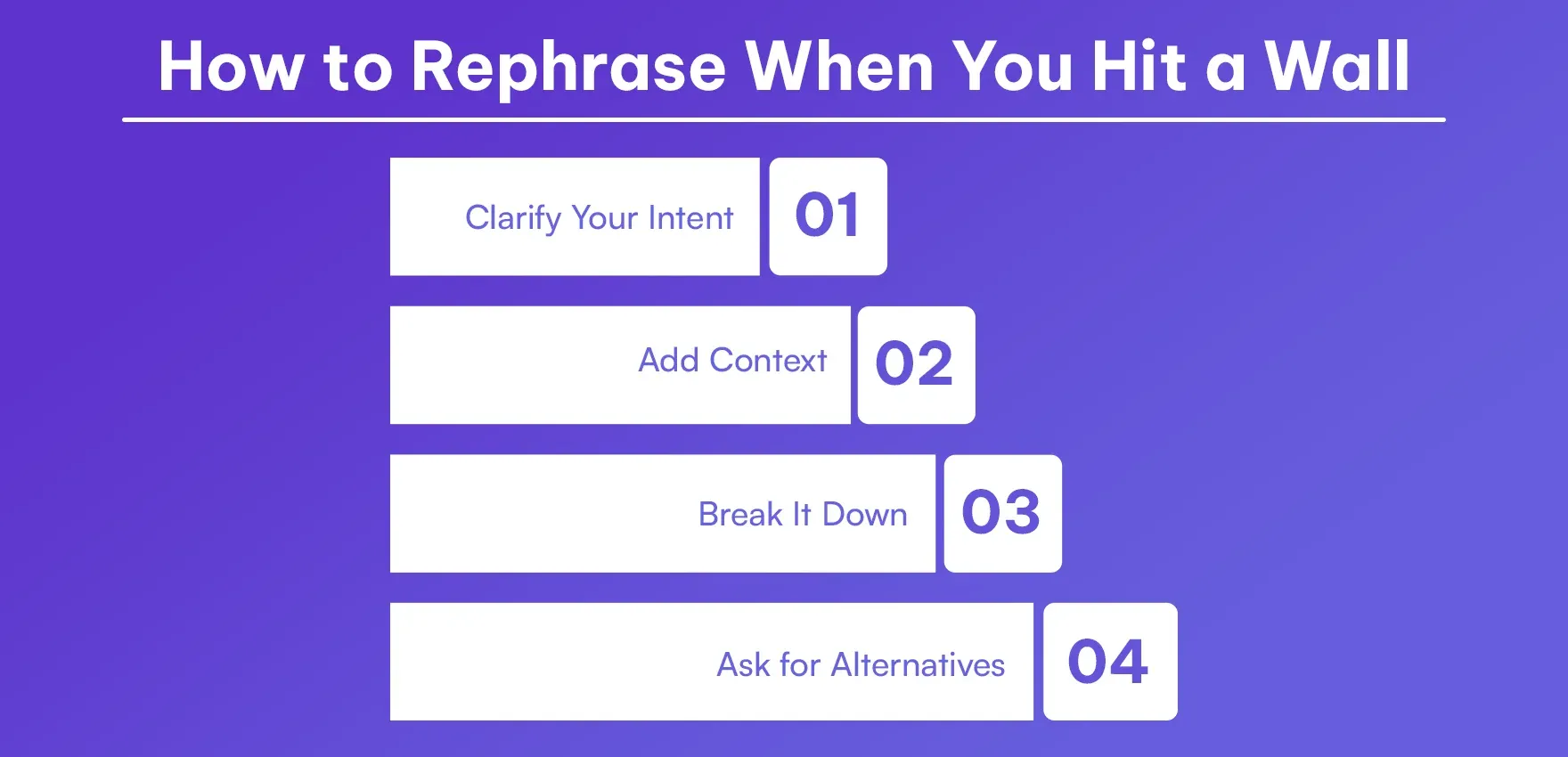
Clarify Your Intent: "I'm not seeking medical advice; I am simply looking for general information on the relational aspect of sleep to productivity for a wellness blog post."
Add Context: "The project is educational, and it deals with historical events. I need information about [topic] that is not biased in order to understand the historical background."
Break It Down: A sometimes complex request leads to incorrect interpretations. Consider making it smaller and clearer.
Ask for Alternatives: "I understand that you cannot assist me in that way. What could you possibly help me with that would still have the same goal as mine?"
When to Use Different Tools
Understand that ChatGPT cannot be utilized for all purposes:
Real-time information: For up-to-the-minute events, stock prices, or news, use a web search instead
Specialized calculations: Dedicated tools are required for complex math and data analysis
Professional advice: Use a qualified professional for legal, medical, or financial consultations
Creative collaboration: If the creative process is going to be lengthy and involve a lot of communication, then tools that are specifically designed for such projects should be used
Conclusion
The better outcomes achieved with ChatGPT are founded on proper and open communication. The more clearly you express your needs, the better the system can give precise answers, as the context and limits are already set. Communicating with AI should be considered a talent practice; try different things, and improve your technique to be able to enjoy this technology's advantages.
First, check the prompt's format, possible audience, tone, context, and clarity before submitting it. Make one request at a time and give examples if possible. These techniques result in less confusion. If it is a professional document, have it reviewed by AI to sound natural and authentic.
FAQs
1. Why does ChatGPT misunderstand my prompts?
2. How do I write a clear prompt for ChatGPT?
3. What is the role-playing method in ChatGPT prompts?
4. Should I break down complex requests into smaller prompts?
5. How do examples improve ChatGPT responses?
6. What should I include in every ChatGPT prompt?
7. Can ChatGPT write SEO-friendly content with the right prompts?
8. Why does ChatGPT refuse some of my requests?
9. How do I fix a prompt when ChatGPT says no?
10. What mistakes should I avoid when prompting ChatGPT?
11. How do I set the right tone in ChatGPT prompts?
12. Can clear prompts help avoid AI detection tools?
13. What's the constraint method for ChatGPT prompts?
14. Should I use ChatGPT for professional advice?
15. How do I get ChatGPT to match my writing style?

Nathan Porter
Content writer at @Aichecker
I am a content writer at AI Checker, where I craft engaging, SEO-optimized content to enhance brand visibility and educate users about our AI-driven solutions. My role involves creating clear, impactful messaging across digital platforms to drive engagement and support company growth.Get Started Free
Create a free account for advanced AI detection and scan history.
Trusted by thousands worldwide.
Recent Blog's
Discover how AI-powered content creation can elevate your website's reach and engage your audience like never before. Explore the real impact of AI on crafting content that connects.